
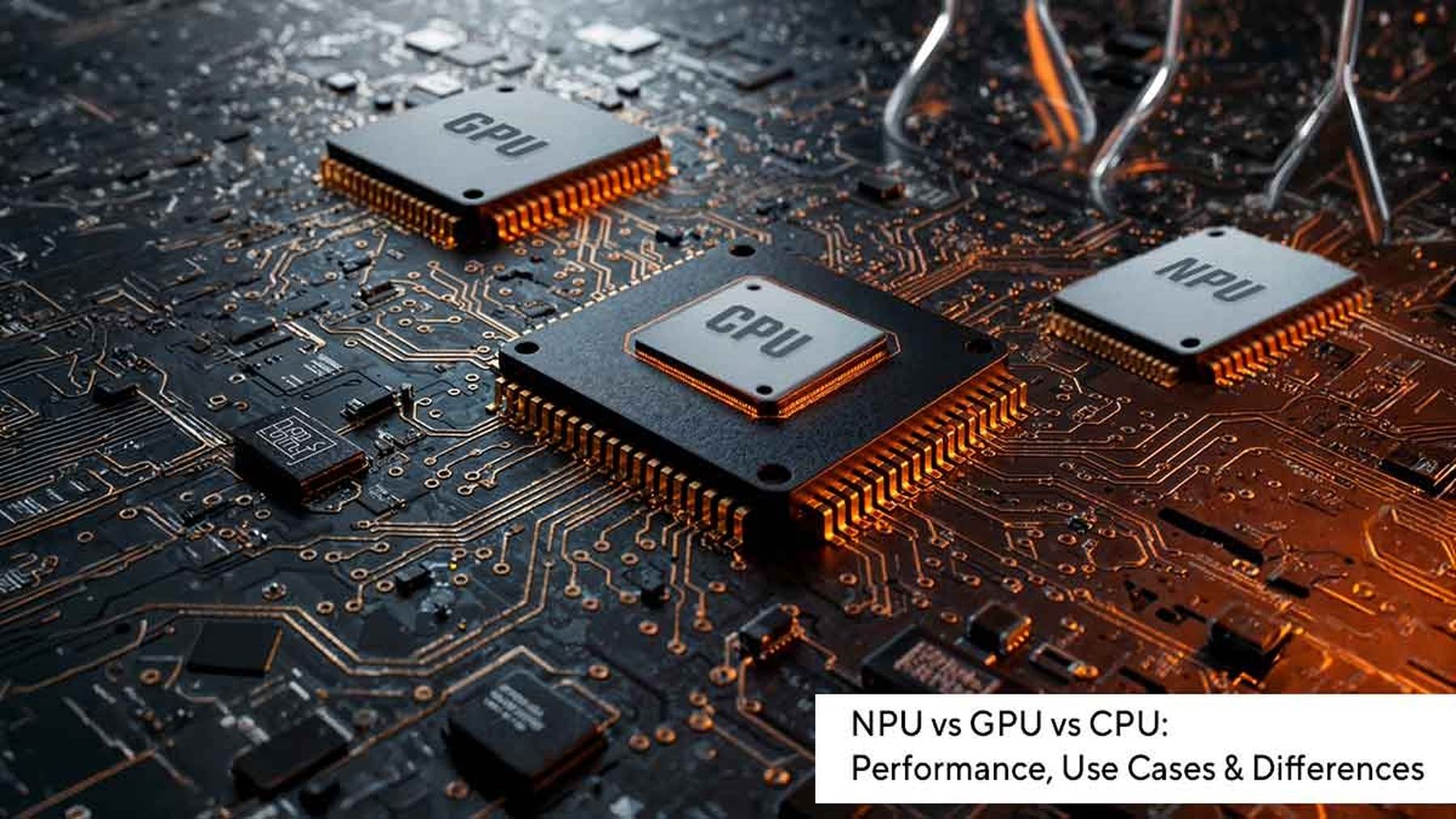

For years, buying a laptop or desktop was simple. You checked the processor, looked at the amount of RAM, maybe considered storage, and made your decision. The CPU was the undisputed king of computing, handling almost everything your computer did.
Then came gaming, 3D graphics, and professional video editing, pushing GPUs into the spotlight. Today, the rise of artificial intelligence has introduced yet another processor into the conversation—the NPU. Suddenly, laptop specifications include terms like “AI PC,” “45 TOPS NPU,” and “dedicated AI engine,” leaving many people wondering what they actually mean.
If you’ve ever been confused about the difference between a CPU, GPU, and NPU, you’re not alone. Despite sounding similar, these processors are designed for completely different purposes. Rather than competing against one another, they work together to deliver faster performance, smarter AI features, longer battery life, and better overall computing experiences.
Here’s everything you need to know about CPU vs GPU vs NPU, why modern computers need all three, and how they shape the future of AI-powered computing.
Credits: Medium
Why Modern Computers Need Multiple Processors
Think of a modern computer as a busy company.
Instead of expecting one employee to handle accounting, marketing, customer support, software development, and management simultaneously, different departments specialize in different jobs.
Computers work the same way.
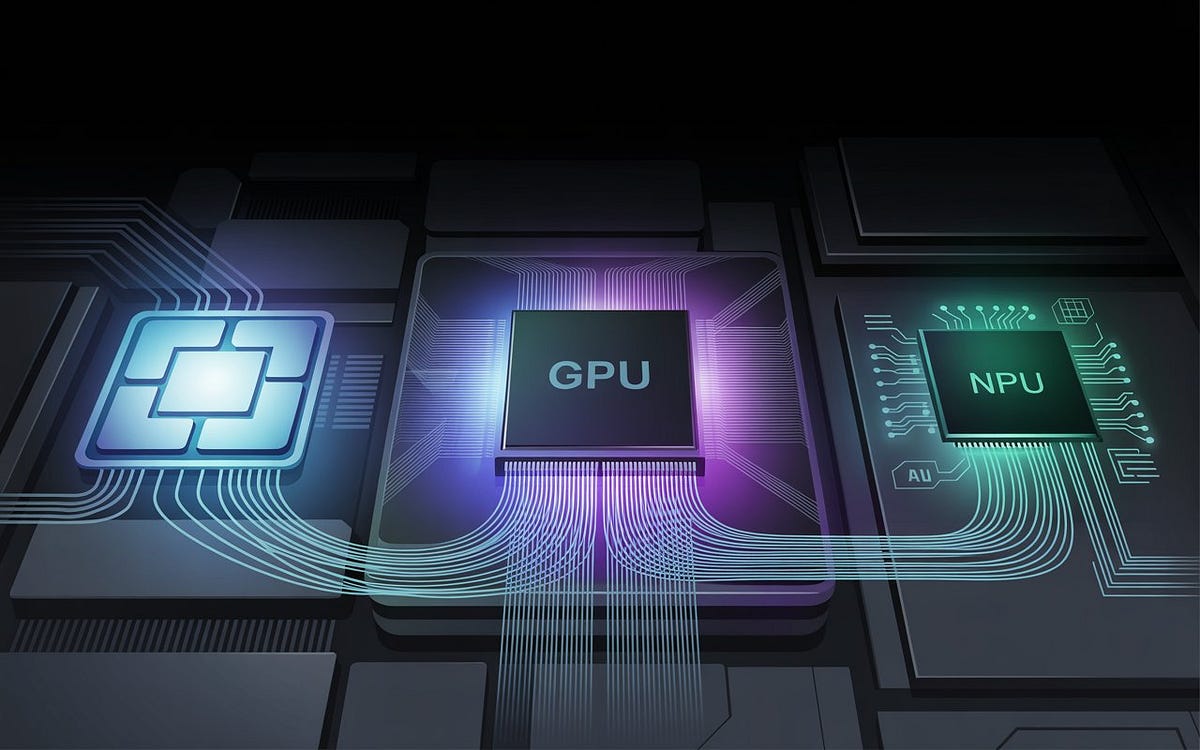
The CPU acts as the manager, coordinating every task. The GPU serves as a team of thousands of specialists working simultaneously on graphics and complex calculations. Meanwhile, the NPU functions like a dedicated AI department, built exclusively to handle artificial intelligence tasks as efficiently as possible.
This division of labor allows modern computers to complete demanding workloads faster while consuming less power.
What Is a CPU?
The CPU, or Central Processing Unit, is often called the brain of the computer—and for good reason.
It is responsible for executing instructions, managing operating systems, running applications, controlling memory, and coordinating communication between every component inside your device.
Whenever you click a button, launch a browser, save a document, or install software, the CPU is at work.
Unlike other processors, CPUs are designed for flexibility rather than specialization. They can perform almost any computing task, making them the most versatile processor inside a computer.
Although today’s CPUs contain multiple cores—typically ranging from four to twenty-four in consumer systems—they primarily excel at handling sequential tasks, where operations must occur in a specific order.
This makes them perfect for everyday computing.
Some common CPU workloads include:
- Browsing the web
- Running Microsoft Office applications
- Managing files
- Operating system tasks
- Programming
- Running business software
- Managing hardware resources
- General multitasking
Modern processors from Intel, AMD, Qualcomm, and Apple continue to improve CPU performance every generation, but CPUs alone are no longer enough for today’s demanding workloads.
What Is a GPU?
GPU stands for Graphics Processing Unit.
Originally, GPUs existed solely to render graphics for games, animations, and visual interfaces.
Over time, engineers realized something remarkable.
The same architecture that makes GPUs excellent at drawing millions of pixels simultaneously also makes them incredibly efficient at solving mathematical problems involving enormous datasets.
Unlike CPUs, which contain relatively few powerful cores, GPUs contain hundreds or even thousands of smaller processing cores capable of performing the same operation simultaneously.
This concept is called parallel processing.
Imagine calculating the brightness of ten million pixels.
A CPU might process them in small batches.
A GPU can process huge portions of those pixels simultaneously.
That’s why GPUs transformed industries far beyond gaming.
Today they power:
- AAA gaming
- 3D rendering
- Video editing
- Visual effects
- Scientific simulations
- Cryptocurrency calculations
- AI model training
- Machine learning
- Large language models
- Data analytics
Companies developing advanced AI—including OpenAI, Google, Meta, Microsoft, and countless research organizations—depend heavily on powerful GPUs to train their models.
Without GPUs, modern generative AI simply wouldn’t exist.
What Is an NPU?
The newest processor entering mainstream laptops is the Neural Processing Unit, or NPU.
Unlike CPUs or GPUs, NPUs aren’t designed to perform every type of computation.
Instead, they focus exclusively on artificial intelligence.
Think of an NPU as a highly specialized AI accelerator.
Rather than handling graphics or general computing, it processes neural networks—the mathematical models that power AI applications.
NPUs excel at running AI models locally on your device with extremely low power consumption.
This enables features like:
- Face recognition
- Voice assistants
- Speech-to-text
- Live captions
- Language translation
- Background blur during video calls
- Eye-contact correction
- Noise suppression
- Image enhancement
- AI-powered photo editing
Perhaps the biggest advantage of NPUs is efficiency.
Running AI workloads on the CPU or GPU consumes considerably more power.
An NPU performs the same AI task using far less energy, helping laptops maintain longer battery life while delivering real-time AI features.

Credits: Corsair
Understanding Sequential vs Parallel Processing
The easiest way to understand these processors is by imagining people solving math problems.
Suppose there’s a stack of one million equations.
A CPU assigns one expert mathematician to solve them carefully, one after another.
A GPU hires thousands of mathematicians, each solving a small portion simultaneously.
An NPU hires specialists trained only for one particular type of equation—AI inference—and they solve those tasks faster while using much less energy.
This difference in architecture explains why each processor excels at different workloads.
How CPUs, GPUs, and NPUs Work Together
Modern operating systems intelligently distribute tasks between processors.
Instead of making one chip perform everything, workloads are automatically assigned to whichever processor is best suited.
For example:
When you start your laptop, the CPU initializes the operating system.
Opening Chrome? The CPU handles it.
Watching a YouTube video? The GPU helps decode video.
Joining a Teams meeting? The NPU removes background noise.
Editing 4K footage? The GPU accelerates rendering.
Running an AI chatbot locally? The NPU processes language models while the CPU manages the application.
This teamwork improves performance across the entire system.
Rather than competing, the three processors complement one another.
CPU vs GPU: What’s the Difference?
Although both processors can perform calculations, their priorities differ dramatically.
A CPU focuses on versatility.
It is optimized for handling many different kinds of instructions quickly and accurately.
A GPU focuses on throughput.
Instead of executing many different tasks, it performs the same operation across thousands of data points simultaneously.
For example:
Opening Microsoft Word primarily relies on the CPU.
Rendering a complex 3D animation relies heavily on the GPU.
Editing RAW photos uses both.
Playing modern games uses both extensively.
This is why gaming PCs prioritize powerful GPUs while office computers often rely more on CPU performance.
Credits: Medium
GPU vs NPU: The AI Confusion Explained
Many people assume NPUs will replace GPUs.
That isn’t happening anytime soon.
Although both processors accelerate AI workloads, they handle completely different stages of artificial intelligence.
GPUs are designed for training AI models.
Training requires enormous computing power, massive datasets, and countless calculations.
This process often takes weeks or even months using clusters containing thousands of GPUs.
NPUs focus on running trained AI models.
Once an AI model has already been trained, it needs to make predictions quickly and efficiently.
This process is called inference.
Inference powers everyday AI features like:
- AI image generation
- Voice recognition
- Language translation
- Smart search
- AI assistants
- Webcam enhancements
An NPU performs inference efficiently without draining battery life.
Think of it this way.
GPUs teach AI.
NPUs use AI.
Credits: HackerNoon
CPU vs NPU: Why AI Doesn’t Belong on the CPU Alone
Before NPUs existed, CPUs handled almost every AI task.
While this worked, it wasn’t particularly efficient.
Running neural networks continuously consumed processing power and reduced battery life.
Introducing NPUs changed that.
Now AI workloads move away from the CPU, allowing it to focus on system performance.
The result is:
- Faster response times
- Lower temperatures
- Longer battery life
- Better multitasking
- Reduced CPU usage
This workload distribution is one of the biggest reasons AI PCs feel more responsive than traditional laptops.
What Does TOPS Mean?
When shopping for AI laptops, you’ll probably encounter a specification called TOPS.
TOPS stands for Trillions of Operations Per Second.
It measures how many AI operations a processor can perform every second.
Higher TOPS generally indicate stronger AI performance.
For example, modern AI laptops may feature NPUs capable of 40–50 TOPS, enabling advanced on-device AI features.
However, comparing GPU TOPS and NPU TOPS directly can be misleading.
Their architectures differ significantly.
A GPU with higher TOPS isn’t automatically “better” than an NPU.
Each processor is optimized for different workloads.
The more important question is whether the processor matches your intended use.
Which Processor Matters Most for Different Users?
Different users benefit from different hardware combinations.
If you mainly browse the web, attend online meetings, write documents, and stream videos, a strong CPU remains the most important component.
Gamers should prioritize a powerful GPU because modern games rely heavily on graphics processing and parallel computation.
Content creators—including photographers, video editors, 3D artists, and animators—benefit enormously from high-performance GPUs that dramatically reduce rendering times.
Developers and AI researchers need both fast CPUs and powerful GPUs for compiling software, running simulations, and training machine-learning models.
Meanwhile, users interested in AI-powered productivity, smarter video conferencing, voice transcription, and on-device assistants should consider laptops equipped with dedicated NPUs.
The best modern AI PCs combine all three processors, ensuring every workload is handled by the most suitable hardware.
Credits: Quartz
Real-World Examples of All Three Working Together
Imagine you’re editing a YouTube video while participating in an online meeting.
The CPU manages your editing software, browser, file system, and operating system.
The GPU renders timeline previews, accelerates video effects, and exports the final video.
At the same time, the NPU removes background noise, applies webcam enhancements, performs eye-contact correction, and generates live captions during the meeting.
Instead of overwhelming one processor, the workload is shared intelligently.
This collaboration creates smoother multitasking, quieter systems, and significantly better battery life.
Are NPUs the Future of Computing?
Artificial intelligence is rapidly becoming part of everyday computing.
Operating systems now include AI assistants, creative applications use generative AI for image editing, productivity software offers intelligent writing suggestions, and video conferencing platforms rely heavily on AI-powered enhancements.
As these features become standard, NPUs are expected to become as common as GPUs are today.
Industry leaders including Intel, AMD, Qualcomm, Apple, and Microsoft are investing heavily in AI PCs that integrate dedicated NPUs alongside powerful CPUs and GPUs.
Future software will increasingly recognize available hardware and automatically distribute AI workloads to whichever processor delivers the best combination of speed and efficiency.
Rather than replacing CPUs or GPUs, NPUs represent the next step in processor specialization.
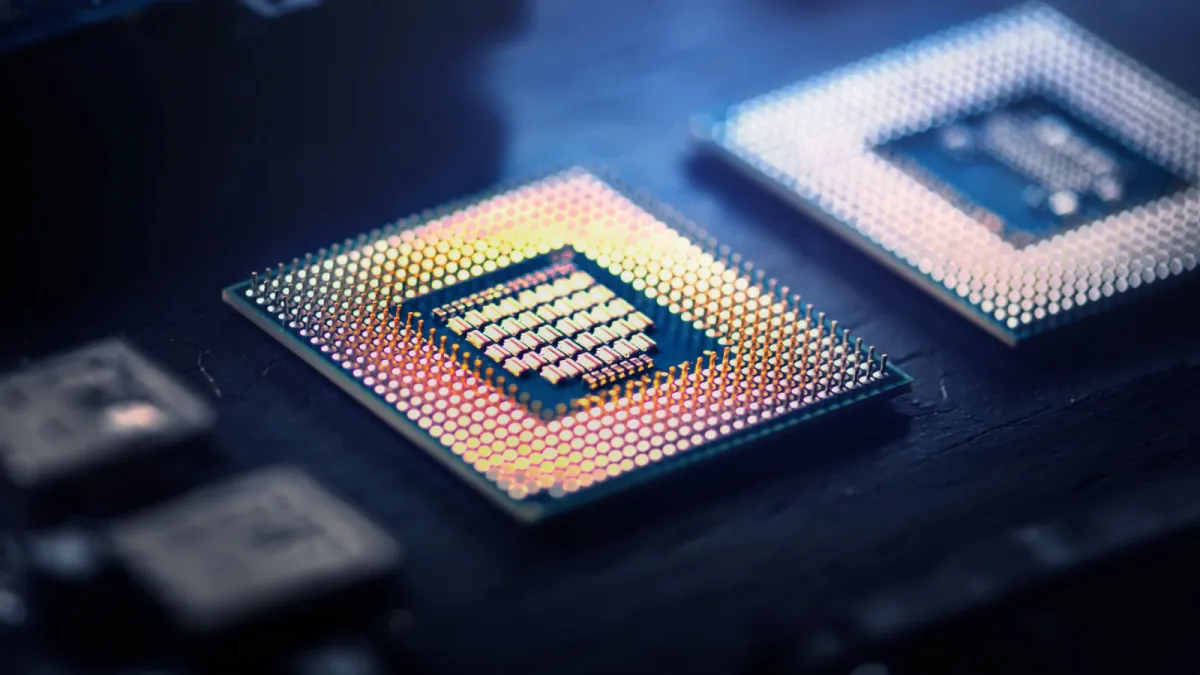
Credits: The Indian Express
The Bottom Line
The debate between NPU vs GPU vs CPU isn’t about choosing a winner, it is about understanding that each processor has a unique role, the fact that a modern computer system requires all three to be efficient in tasks which we perform today from gaming to coding.
The CPU remains the heart of every computer, managing applications, operating systems, and everyday tasks. It is the versatile processor responsible for keeping everything running smoothly.
The GPU delivers massive parallel processing power, making it indispensable for gaming, creative workloads, scientific computing, and training modern AI models. Its thousands of cores allow it to tackle complex calculations far faster than a traditional CPU.
The NPU is the newest member of the trio, purpose-built for artificial intelligence. By accelerating AI inference locally with exceptional power efficiency, it enables smarter features such as real-time translation, voice recognition, background effects, and AI-assisted productivity without heavily impacting battery life.
As AI becomes an integral part of personal computing, laptops and desktops will increasingly rely on all three processors working together. The CPU will coordinate, the GPU will handle demanding parallel workloads, and the NPU will quietly power intelligent features in the background.
Understanding how these processors complement one another not only makes choosing your next computer easier but also offers a glimpse into the future of computing, one where specialized hardware works together seamlessly to deliver faster performance, smarter AI, and a better user experience.

Comments are closed.