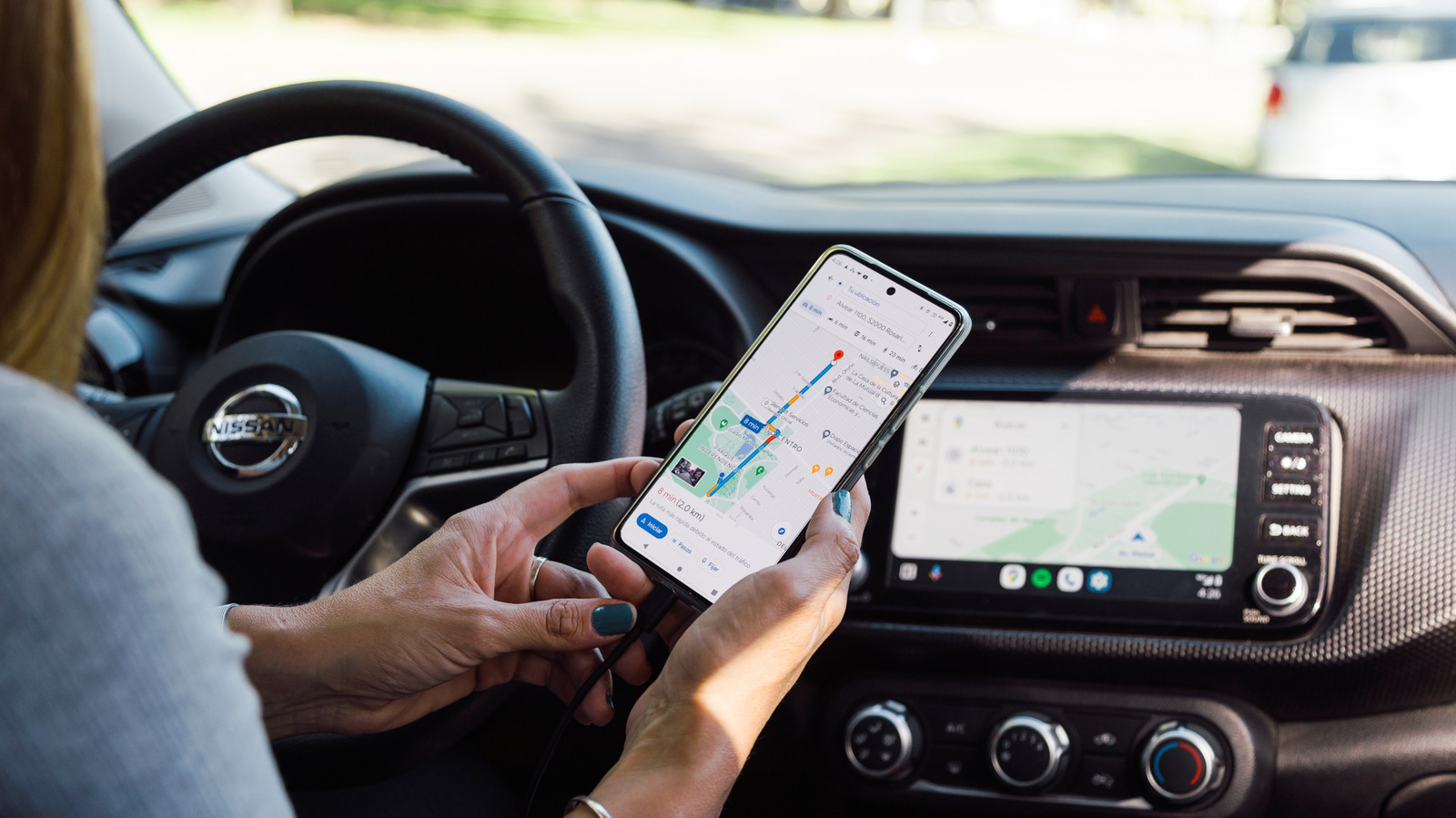
A year after Apple launched CarPlay, Google followed suit with its own platform, Android Auto. If you own a compatible car and an Android smartphone, getting started with Android Auto is probably one of the best things you can do for your everyday commutes. It offers a better view of your navigation on your car’s larger, more accessible infotainment screen and lets you control music playback without squinting at your phone’s smaller screen while driving.
Supported car models take this convenience a step further by enabling you to use Android Auto wirelessly. This way, you don’t even have to take your phone out of your pocket when you get in your vehicle. It’s fair to assume that wireless Android Auto works over Bluetooth — and you’d be right, except that’s only half true. While Android Auto requires you to connect your phone to your car via Bluetooth the very first time, most of the data exchange actually happens over Wi-Fi.
No, there’s no hidden router in your car. Android Auto uses a technology called Wi-Fi Direct, which creates a peer-to-peer connection between your smartphone and your car, where information can be exchanged without a router in between. This is why getting in your car turns on your phone’s Wi-Fi automatically.
The reason Android Auto needs Wi-Fi
If Bluetooth works perfectly fine for the dozens of other devices we use daily, why does Android Auto rely on Wi-Fi Direct to link your phone and car together? The reason is pretty simple — Bluetooth 5.0 typically maxes out at 2 Mbps. While this is enough to stream music and transfer small amounts of data between devices, Android Auto’s operation involves essentially mirroring your phone. This includes high-resolution maps, rich app interfaces, and even videos for when you’re parked.
This is why Google lists 5GHz Wi-Fi support as a requirement for wireless Android Auto to be functional. The initial handshake when you first connect your phone to your car happens over Bluetooth, likely because the technology consumes very little power and has been refined over the years for seamless device discovery and pairing. Any audio calls you receive while driving are still handled by Bluetooth’s Hands-Free Profile.
Wireless Android Auto isn’t perfect, though. Users still have to deal with the occasional connectivity issues, latency, and the inconvenience of having their phone’s battery drained during their commute. Also, since wireless Android Auto relies on Wi-Fi Direct, you cannot connect your smartphone to another network or a hotspot. Switching to a wired connection solves all of these issues, at the cost of a slightly more cumbersome setup.