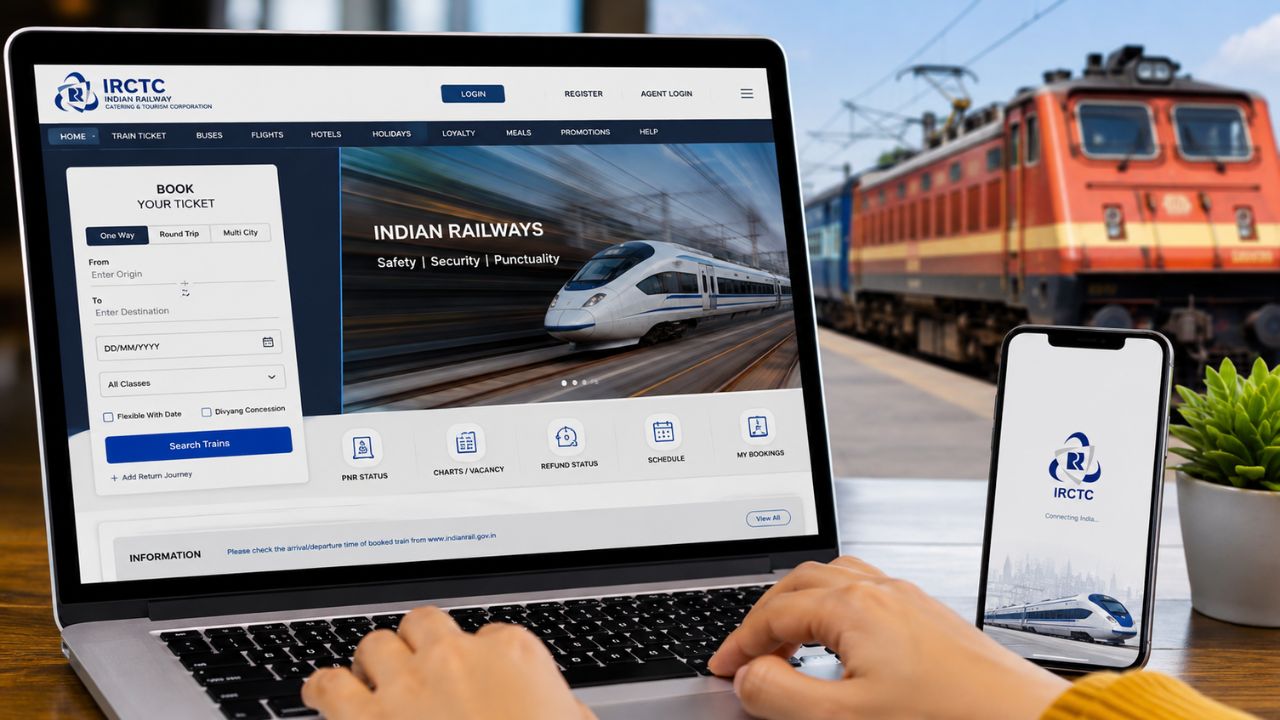
- It is necessary to verify the mobile number and email ID before booking a ticket on the new IRCTC website.
- To book a Tatkal ticket, it is mandatory to authenticate by linking Aadhaar card to IRCTC account.
- After Aadhaar authentication, tickets can be booked instantly from the new website by completing the OTP verification.
IRCTC has recently launched the beta version of its new website. Everything from design to features has been upgraded in this new website. This new website of Indian Railways has been launched for testing at present. With the help of this website, you can book regular as well as Tatkal tickets. If you are logging in to this new website for the first time, then you will have to complete some verification process. After completing this process, you can book tickets very easily.
To make the new IRCTC website user-friendly, several sections have been integrated, so that users can get all the information at one place. Users can navigate the new beta website very easily. Not only this, the security of this website has also been strengthened. You will have to follow some processes to book Tatkal tickets from the beta website. (Photo courtesy – AI Created)
Do this first.
After logging into the IRCTC website for the first time, you will have to verify your email address and mobile number. You will not be able to book any tickets from the new website until the verification process is complete. You will be able to book tickets from this website only after the entire verification process is completed.
- After logging in, click on the User ID option on the right side.
- Now click on the My Profile option and select the Authentic Use option.
- If your Aadhaar card is verified or linked, it will appear here.
- Otherwise, you will have to complete the verification process by entering your Aadhaar details.
Aadhaar authentication required to book Tatkal tickets
As per the new rules issued by Indian Railways, you cannot book Tatkal tickets from your IRCTC account without Aadhaar authentication. If you have linked your Aadhaar card to your account and you have already authenticated it, then you will be able to book Tatkal tickets very easily. But if you have not authenticated Aadhaar with your account, then you will have to follow the steps below.
- After opening a new website, the first thing you will need to do is log in.
- After that, you need to click on ‘User ID’ which appears on the top right.
- Then, after going to ‘My Profile’, you have to click on ‘Authenticate User’.
- After this, you will receive an OTP on the mobile number linked to your Aadhaar card.
- After verifying the OTP, you will have to validate the Aadhaar card.
- After that, you can book Tatkal tickets from the new website.