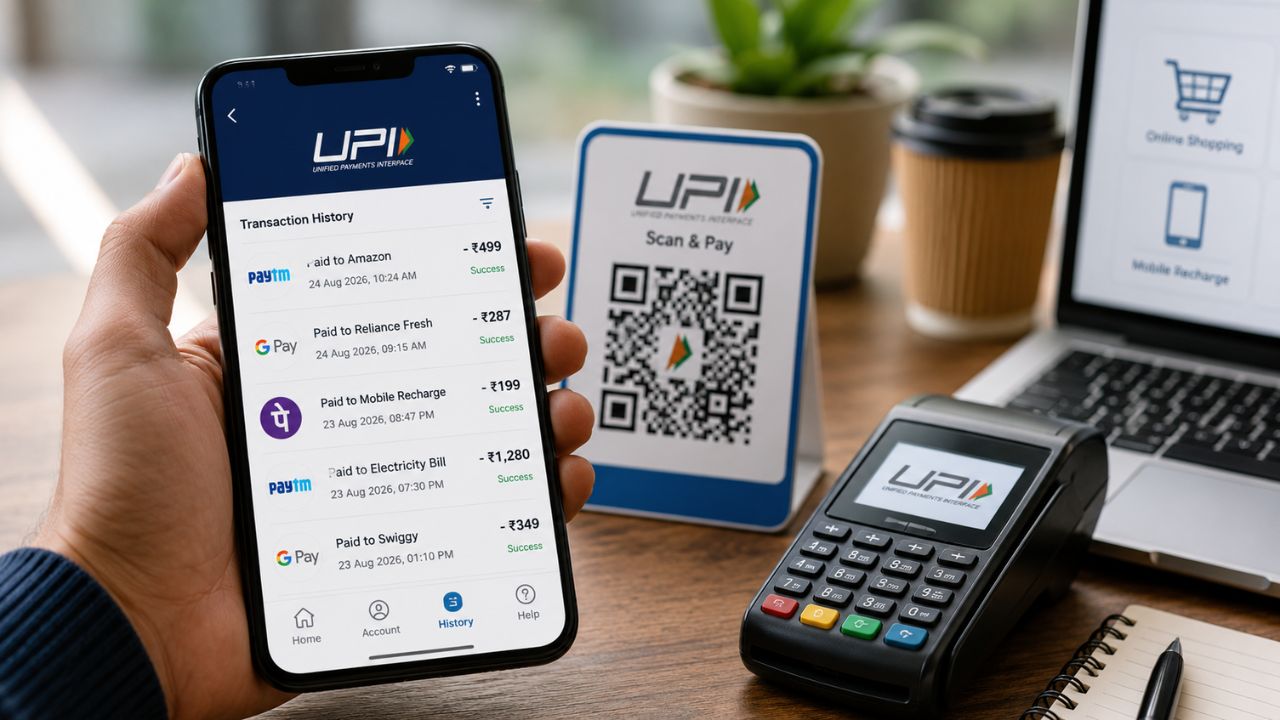
- With the help of NPCI's UPI service, payment history across different UPI apps can be viewed at one place.
- Verification has to be done using UPI ID, registered mobile number, OTP and last four digits of bank account.
- After verification, the transaction information done through various UPI apps can be checked at one place.
In today's digital era Online payment Widely used. From buying vegetables to even buying a smartphone, online payment is available everywhere. Various apps are also available for online payment. So now online payment is not limited to only one UPI app. Sometimes we use Paytm to make online payments, sometimes Google Pay and often Phone Pay is also used. Different UPI apps make it difficult to calculate the expenses at the end of the month. Because every time one has to go to different UPI app and check the payment history.
Can AI Chatbot Change Your Political Opinion? A threat to democracy? Shocking information has come out from the new research
NPCI UPI Service
Do you also face the same problem at the end of the month? So now we are going to tell you a method, with the help of which you can easily see the history of payments made with the help of different UPI apps at one place. For this you have to use NPCI's UPI service. Specially, you can complete this process from your smartphone at home. So you don't need to wait in any queue or even visit any service center. So, now let's know this process step by step. (Photo Courtesy – AI Created)
Payment history of all UPI apps now at one place
- First of all open Paytm app on your smartphone. After that follow the complete process given below step by step.
- First open the Paytm app on your smartphone and tap on your profile photo.
- After that click on UPI & Payment Settings section.
- Now scroll down, here you will see UPI help option.
- Tap on the UPI Help option that appears on the screen.
- Now open the relevant NPCI page through the browser.
- Now enter your UPI ID and registered mobile number and complete the process by filling captcha.
Ready for Nothing OS 5.0 update; Will your phone get the new update or not? See the full list
- After this an OTP will be sent to your mobile. Enter this OTP and complete the verification.
- Now select the Transaction History option.
- Now enter the last four digits of your bank account number.
- After verifying all information click on continue.
- Once the verification is complete, you will be able to view the details of your various UPI app payments at one place.
- With this process, you no longer have to open different UPI apps to check your payment history at the end of the month.