- Check things out in Google Play Store and App Store
- Go to phone settings and view apps information
- There is a different option to find hidden apps in iPhone
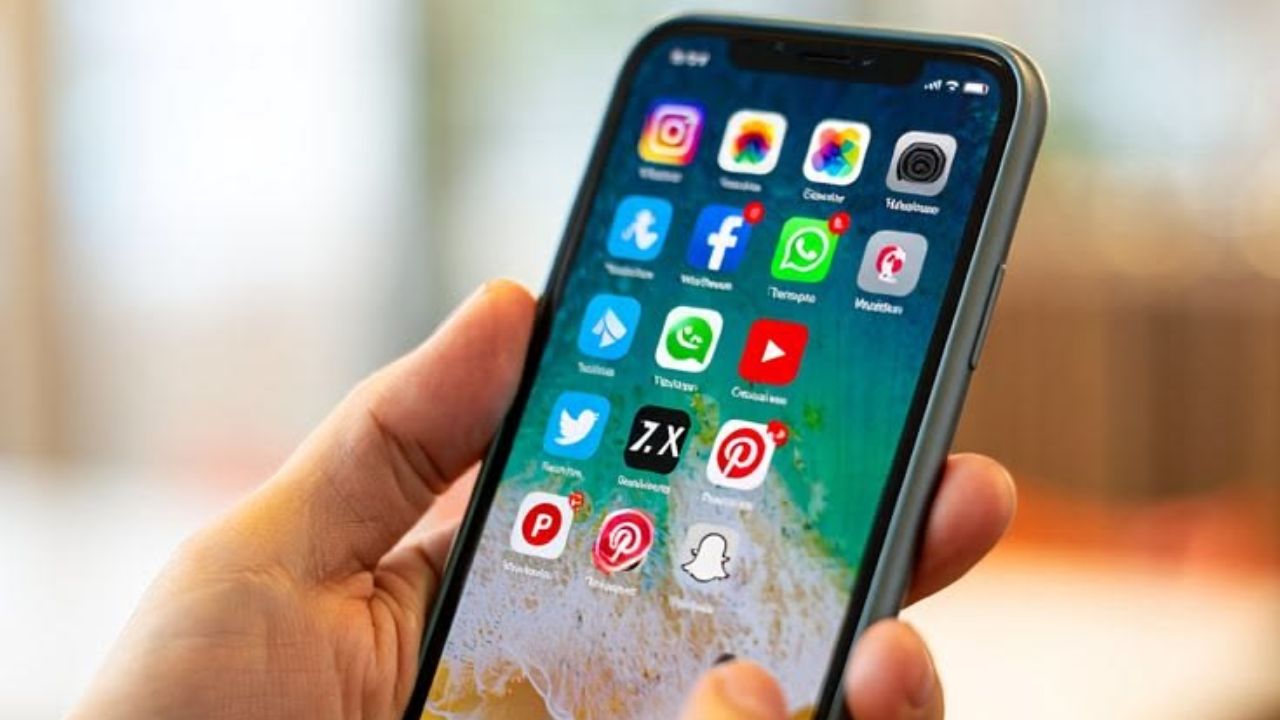
Which in your mobile phone to the app Concealment can be beneficial in many ways. With the help of this you can hide important and some private apps from others. However, although this feature is useful, it can invite several problems in some cases. If you are a parent, this feature can be a headache for you. Because often children hide some apps using this feature without the knowledge of their parents and use them without the knowledge of their parents. It also contains some apps which can be dangerous for them. If you suspect that your kids are using some hidden apps without your knowledge, then today's news can help you find out. Two methods can be used for this… one is to use the app store and the other is to use the phone's settings. Let's learn about it step by step.
Go to Google Play Store and select the option
- The first way to find the hidden apps in the phone is to go to the Google Play Store and search. Even if an app is hidden from the app drawer or home screen, it will appear on this platform, unless it is sideloaded.
- For this, open the Google Play Store in your Android smartphone.
- Here in the right corner click on your profile.
- After that click on Manage apps and devices options here.
- Then click on the Manage tab.
- Make sure you select 'Device' at the top.
Use this method for iPhone
- If you have an iPhone your method will be slightly different.
- For this, first go to the App Store and click on the profile photo on the right side of the screen.
- Here select the option Your Apps.
- Here you will see a list of all the apps downloaded in your mobile.
- But keep in mind that on the App Store, only apps with an 'Open' button are currently installed on your phone. Those that show a 'Download' button, assume that they are already uninstalled.
Go to settings and follow these steps
- Aside from the official app store, an easy way to find hidden apps on your phone is to look at the app list in Settings. This will show you all the apps currently installed on your device, even those that are deliberately hidden.
- However, these options may vary slightly depending on the smartphone company.
- If you have a Google Pixel or Motorola phone, open its settings.
- Here, go to the Apps option and select the See All option at the top.
- If you have a Samsung phone, go to the settings and select the Apps option and then click on the filter icon and click on the Install by You option. Here you will see the list of downloaded apps.
- On iOS, your hidden apps won't appear immediately on the Apps page. Instead, they are hidden in the 'Hidden Apps' menu. These apps can also be found in the 'Hidden Apps' folder under 'App Library'. However, you will need Face ID or passcode to open these apps.