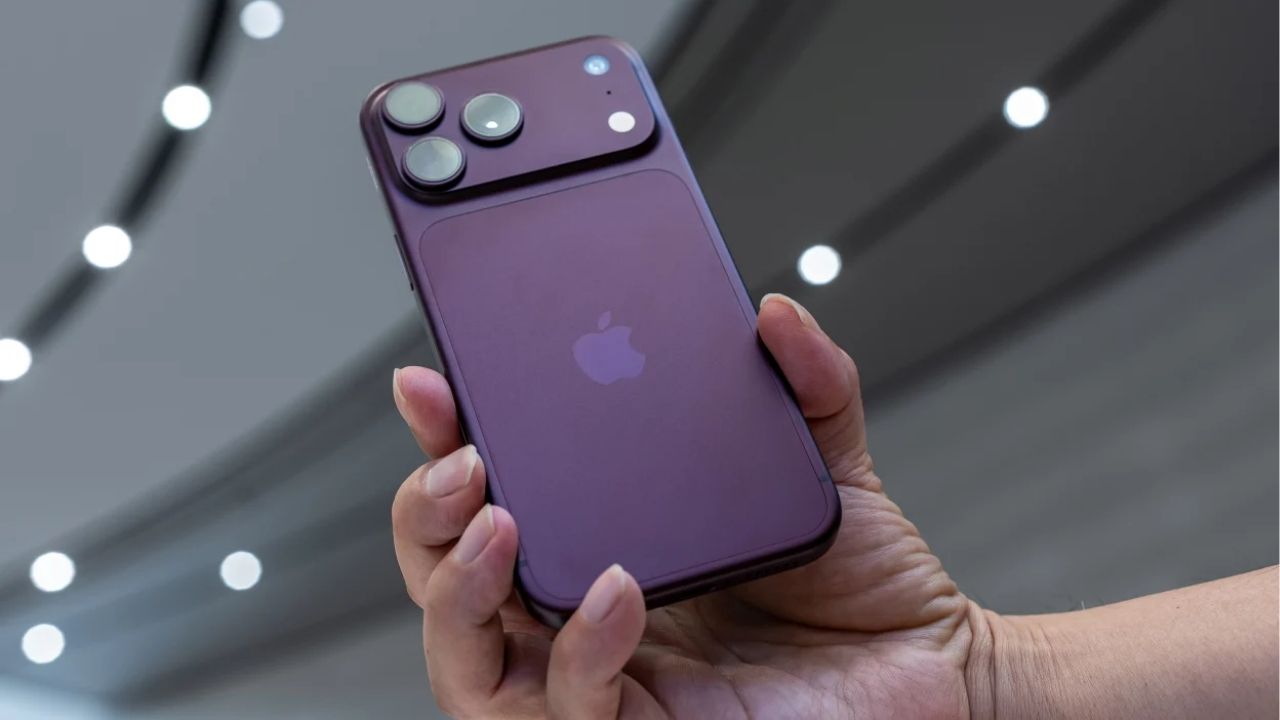
New Delhi : Whenever with your voice iPhone When it comes to controlling, Siri is the first name that comes to mind. However, the iPhone also has a feature that lets you control things on the phone screen just by speaking. This is called Voice Control. This feature is specifically designed for accessibility, but it can be very useful for the general public in many situations.
The feature of voice control is that it goes beyond just answering questions or executing common commands. It lets you perform various tasks like tapping, swiping, dragging and long-pressing on the screen using your voice. You can give commands like 'Open Control Center', 'Tap Instagram' or 'Volume Up'.
You can select different things on the screen by pointing numbers at them. After saying 'show numbers' numbers will appear in different parts of the screen. After this, the corresponding digit can be spoken and tapped. To activate this feature, go to Settings on your iPhone, go to the Accessibility section, then go to Voice Control and turn it on. The required language can be downloaded when using for the first time. When this feature is activated, a blue icon appears in the status bar.
Many facilities are available
Apple lets you create custom commands in Voice Control. This means that users can select a specific action by specifying a word or phrase of their choice. Options like custom gestures, shortcuts, text inserts and recorded commands are also available.
Options for numbers and grids on screen
The overlay feature in voice control is also very useful. It can display numbers, names or a grid on the screen. This makes it easy to reach places where it would be difficult to select the right item by speaking commands directly.
Hidden Apps : Have kids or partner hidden apps in phone? Easiest way to find hidden apps; Apply in minutes