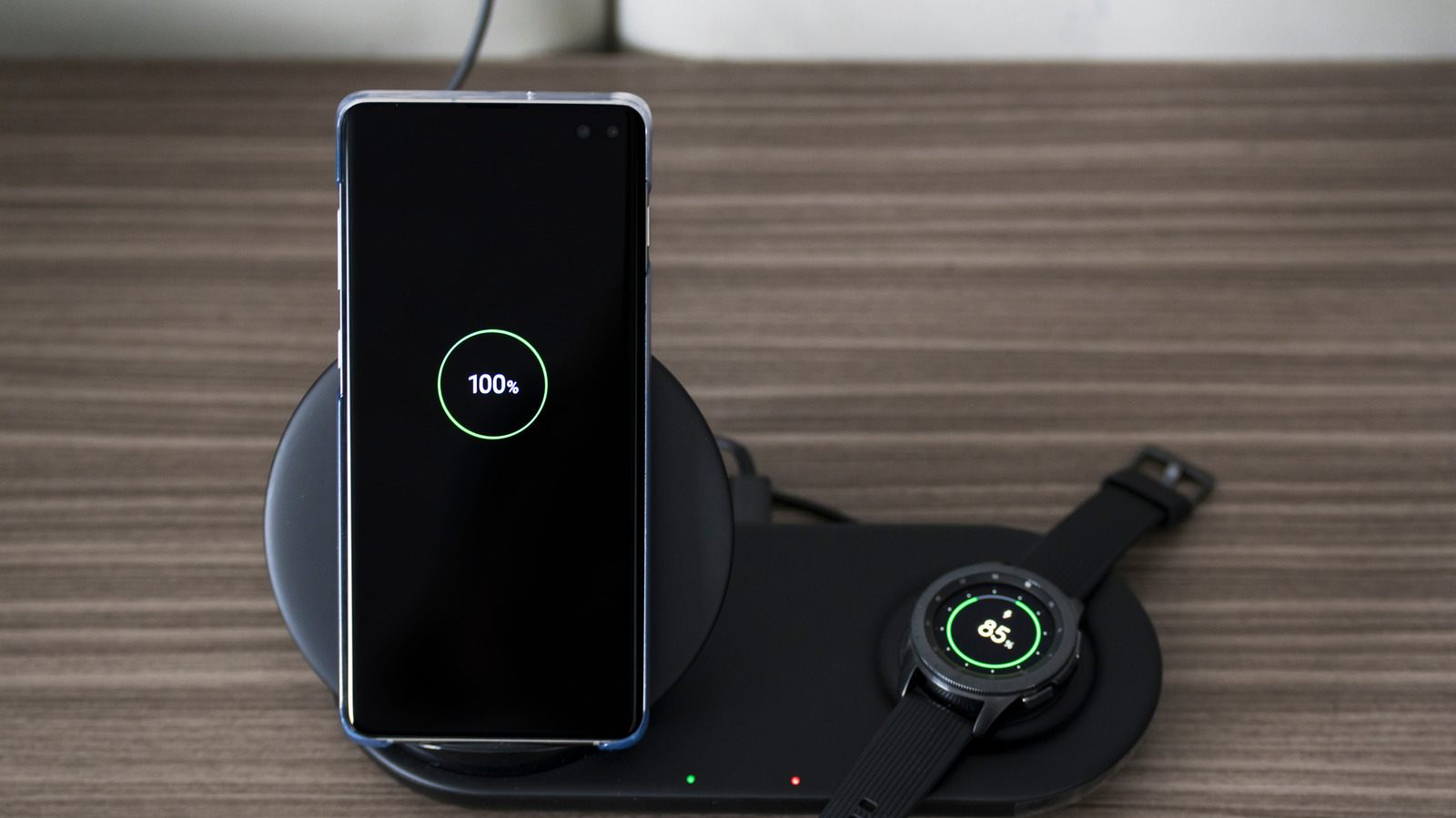
While there’s a lot to love about wearables, the mental load of keeping them charged is not of them. This is why you’ll want to optimize your charging times to work with your schedule. Depending on your Samsung Galaxy Watch model, the charging times will vary based on its battery size. For example, Samsung claims that its Galaxy Watch 6 Classic 43mm needs 75 minutes to reach full capacity, while its Galaxy Watch 6 Classic 47mm needs significantly more time, reaching full capacity at 110 minutes. That said, battery drainage is a pretty common problem for the Samsung Galaxy Watch you should be aware of, so you’re likely going to need to charge it more often than you expect.
In reality, it doesn’t really make a difference when you charge it, only how long you charge it. But if you don’t want to lose out on its features, there are plenty of ways you can work around it and even integrate it with your daily routine to build better habits. To do this, you’ll need to consider three things: overall charging time, features that matter the most to you, and your daily routine. First, you need to take note of what you consider to be critical features, such as receiving notifications, tracking workouts, or gathering data on your sleep. Next, you can identify the pockets of time during your day when these features aren’t actively being used. Then, you can strategically place your charger in these areas to reduce the friction. With all of this, you can build a sustainable smartwatch charging routine that is integrated into your day. Here are some examples.
Examples of the best times to charge your Samsung Galaxy Watch
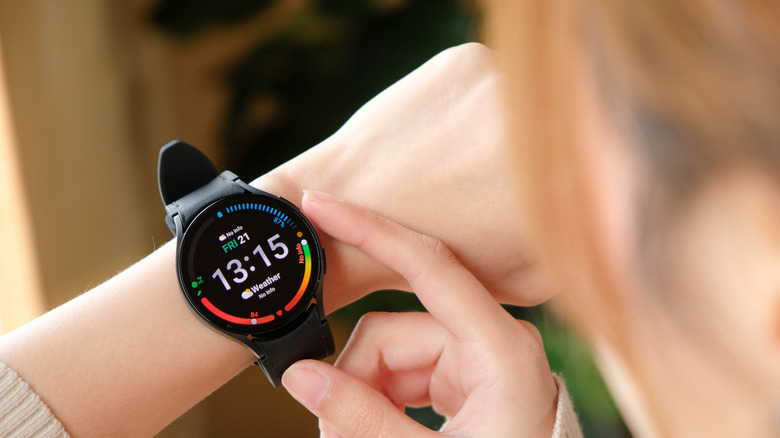
Should it be impossible for you to find the time to charge your Galaxy Watch to 100% in one go, you can opt to do short bursts throughout the day instead. If you like to take your breakfast sitting down, you can put it on the charger when you wake up and pick it up right before you head out for the day without missing that many steps. Similarly, if you’re an office employee who spends a lot of time sitting down, you can sneak in charges in between meetings. For people who care about their sleep and movement tracking, a Reddit user mentioned how they usually charge it while they shower.
Since the charging time can be precise, you can even use it as a timer for activities you hope to make a daily habit. For example, if you want to read more books, you can opt to read a few chapters until it’s fully charged. You can even meditate, since Samsung Health gets meditation content with the Calm app integration. For people with pets, you can just use this time for a daily game of fetch. But if you want to go longer without having to charge your Samsung Galaxy Watch, there are also a few things you can do to make it less painful.
Tips for improving your Samsung Galaxy Watch charging experience
Depending on the model, the Samsung Galaxy Watch’s battery life can vary. Among them, the Galaxy Watch Ultra takes the cake for the longest battery life, which can last up to 100 hours with the right power-saving settings. However, it’s important to note that, like all lithium battery-powered devices, it’s going to experience reduced capacity at some point as part of the natural degradation process. To slow this down, you’ll want to make sure to avoid exposing your smartwatch to extreme temperatures.
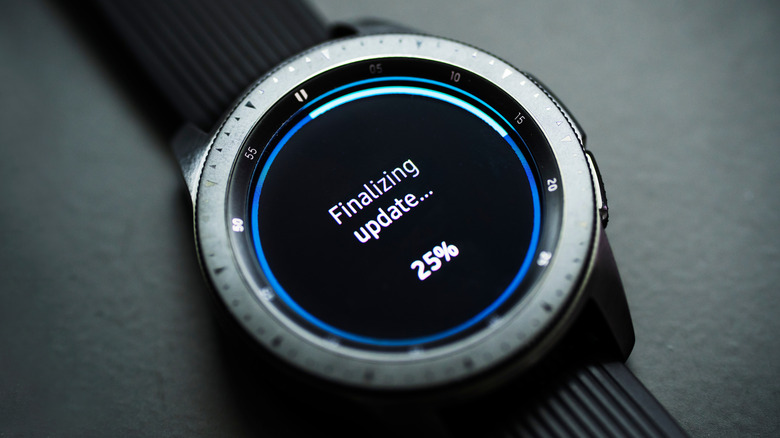
If you want to get faster charging times, Samsung recommends keeping your watch’s firmware updated, since it can sometimes include added features to optimize the battery. In addition, it says that as much as possible, you should use the dock that came with your watch out of the box. Unlike third-party chargers, which can be a hit or miss depending on the manufacturer, the original dock is designed and tested to work in a more precise manner with your Galaxy Watch.
To further improve charging speed, Samsung notes that cleaning your smartwatch’s battery terminals can make a difference, especially if you can see visible debris buildup. In some cases, these small particles can block them and impact the flow of electricity. To do this, it’s recommended to use either a soft cloth or a cotton ball. While you’re at it, you might also want to clean the ones on your charging dock too.