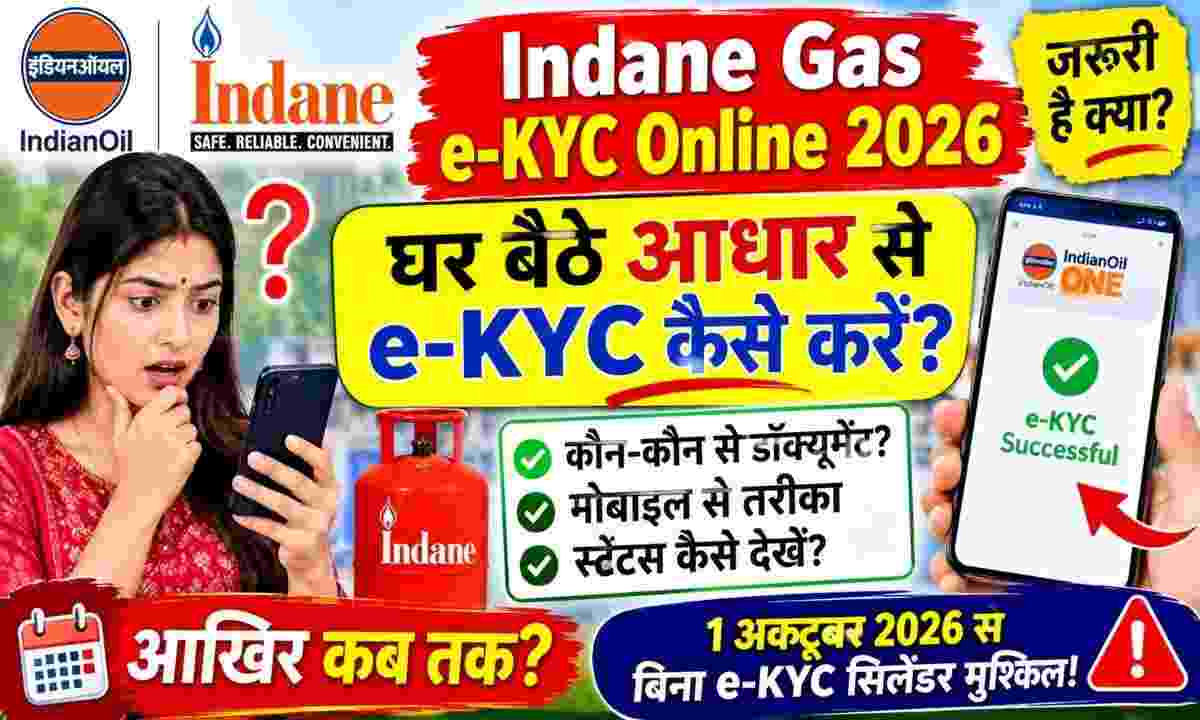
The Ministry of Petroleum and Natural Gas and Oil Marketing Companies (OMCs) have mandated Aadhaar biometric e-KYC to prevent misuse of domestic LPG cylinders, weed out fake or dual gas connections and deliver gas subsidy under Direct Benefit Transfer (DBT) directly to genuine beneficiaries. If a consumer's e-KYC remains incomplete, there is a risk of interruption in subsidy transfer or booking at non-subsidized rates. Lakhs of Indane (Indian Oil) consumers no longer need to stand in long queues for hours at gas agency offices. Consumers can complete this process sitting at home in a few minutes with the help of their smartphone's front camera and Aadhaar face recognition technology. Tools and Documents Required for Online e-KYC Before starting the process, make sure you have the following essentials ready: Two mobile apps: The official IndianOil ONE app from Google Play Store or App Store and the official Aadhaar FaceRD (Early Access) app from UIDAI must be installed. Presence of connection holder: Face scanning will be done only of the person in whose name the Indane Gas connection is registered. This verification cannot be done from the face of any other family member. Identification details: Aadhar card linked to gas connection and 16 digit consumer LPG ID (which appears on the gas passbook or cash memo slip). Active Mobile Number: The mobile number linked to the LPG connection must be active so that login and OTP verification can be seamless. Camera & Internet: Smartphone with front camera, stable internet connection and adequate illumination of the face. Step-by-Step Guide: How to do e-KYC from home with IndianOil ONE App? The step by step process to complete face authentication based e-KYC through smartphone is as follows: First of all, download and install IndianOil ONE app and Aadhaar FaceRD app on your mobile (Note: FaceRD app works as a background service, its separate icon does not open on the home screen). Open the IndianOil ONE app. If you are a first time user, click on 'New User? Complete the registration by clicking on 'Sign Up' with your registered mobile number and email; If you already have an account, login. After login, tap on the hamburger menu (three lines) on the top left side of the home screen and go to the 'My Profile' section. Select 'LPG Details' or 'Indane Details' option in the profile page. Your consumer ID and name of the delivery agency will appear on the screen. Here you will see the option of 'Re-KYC' or 'e-KYC', click on it. Terms and Conditions Consent Box will appear on the screen, tick the checkbox and tap on the 'Face Auth' button. The app will ask you for permission to access the camera, 'Allow' it. After this the base FaceRD camera interface will automatically start. Keep your face straight in the frame of the mobile screen. When the circle turns green, blink your eyes once as directed. Once the face is successfully scanned, the data will match with the UIDAI server and will be displayed on the screen. "e-KYC Completed Successfully" Or the message of reference number will come. How to check e-KYC status and what to do if problem arises? After verification, if you want to check whether your process has been approved or not: Open the IndianOil ONE app and go to 'My Profile' again. If 'Confirmed' or green tick mark is visible in front of 'KYC Status', then your e-KYC has been completed. In case face scan does not occur: If an error occurs in the FaceRD app, sit in a well-lit area, avoid shadows on the face, and remove the glasses and try again. Make sure that your biometrics are not already 'locked' in the mAadhaar app; If locked, unlock them first. Offline Option: Senior citizens who are facing frequent facial recognition failures or do not have a smartphone can go to their gas agency and get e-KYC done through a biometric fingerprint scanner, or can also get this verification done through the POS machine available with the delivery agent at the time of home delivery of the cylinder. Never share your OTP with any unknown person or fake call/link.