
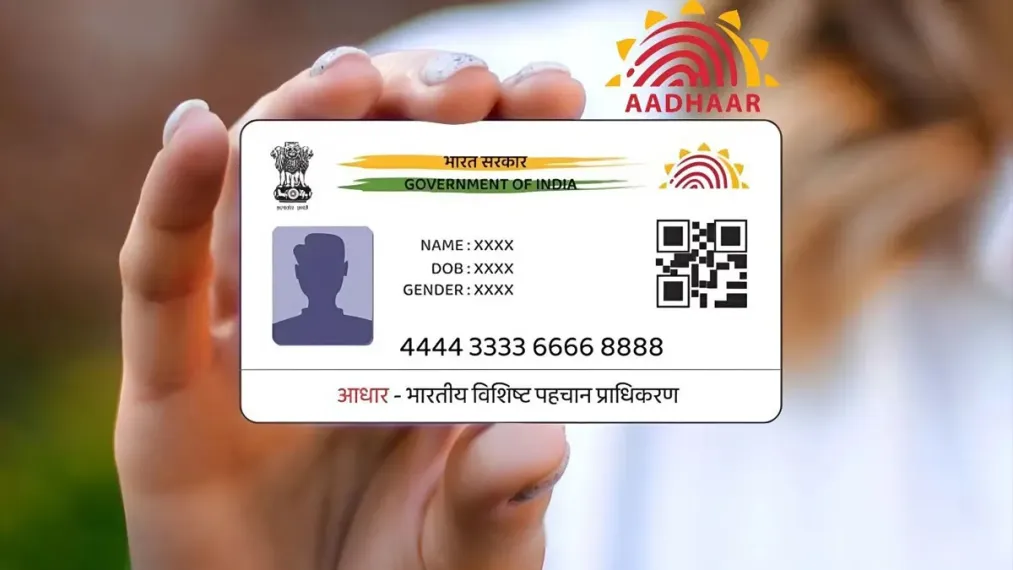
Aadhaar Card Photo: Do you feel ashamed after seeing a bad photo of Aadhaar? Your old photo will be changed in 5 easy steps

In today’s time, Aadhar card has become one of the most important documents. Be it opening a new account in the bank, getting a new SIM card for mobile or availing the benefits of any government scheme, Aadhaar card is first asked for almost every small and big work.
But there is a big problem with crores of people of the country. The photo on the Aadhaar card of many people is so old, blurred or spoiled that they feel embarrassed to even show it to anyone. If you too are fed up with your old picture and want to change it, then there is no need to panic. This work is very easy and you can get your new shining photo done in a few days. Let us tell you its complete process.
Can Aadhaar photo really be changed?
Many people have a question in their mind that once Aadhaar is created, its photo can be changed? So the answer is – Yes, absolutely! UIDAI, the Aadhaar issuing body, provides complete facility to the citizens to update the photo in their Aadhaar card. However, you have to keep one thing in mind here that this work cannot be done completely online. Due to your security and biometric identification, you will have to go to your nearest Aadhaar service center for this.
The easiest way to change photos
If you have made up your mind to say bye-bye to the old Aadhaar photo, then you just have to follow these easy steps:
- Visit the nearest Aadhar Centre: First of all you have to go to any authorized Aadhaar Seva Center or Aadhaar Enrollment Center located near your home.
- Fill the update form: After reaching the Aadhaar center, ask for ‘Aadhaar Update Form’ from the employees present there. Fill all the necessary and correct information asked in this form carefully.
- Biometric Verification: After submitting the form, your identity will be verified at the centre. For this, biometric tests like scanning of your fingerprints or iris will be done.
- New photo will be clicked: After this, the computer operator present there will sit in front of your camera and click a new photo live. This fresh photo will later be printed on your Aadhar card.
- Deposit Fees and Get Receipt: To update the photo in Aadhaar card, you will have to pay a small fee prescribed by the government. After depositing the fees, the employee will give you an Acknowledgment Slip, which is important to keep safely.
How many days does it take for an old photo to change?
After depositing the fees and completing the process, your new photo is usually updated in the main records of UIDAI within a few days. The receipt you have received from the center has an Update Request Number (URN) on it, with the help of which you can check the status of your application online sitting at home.
Can I download a new Aadhar card after this?
As soon as you know that your photo has been updated, you can easily download your new e-Aadhaar by visiting the official website of UIDAI. In this newly downloaded digital Aadhaar card, you will see a brand new and clear photo in place of your old blurry photo.

Comments are closed.