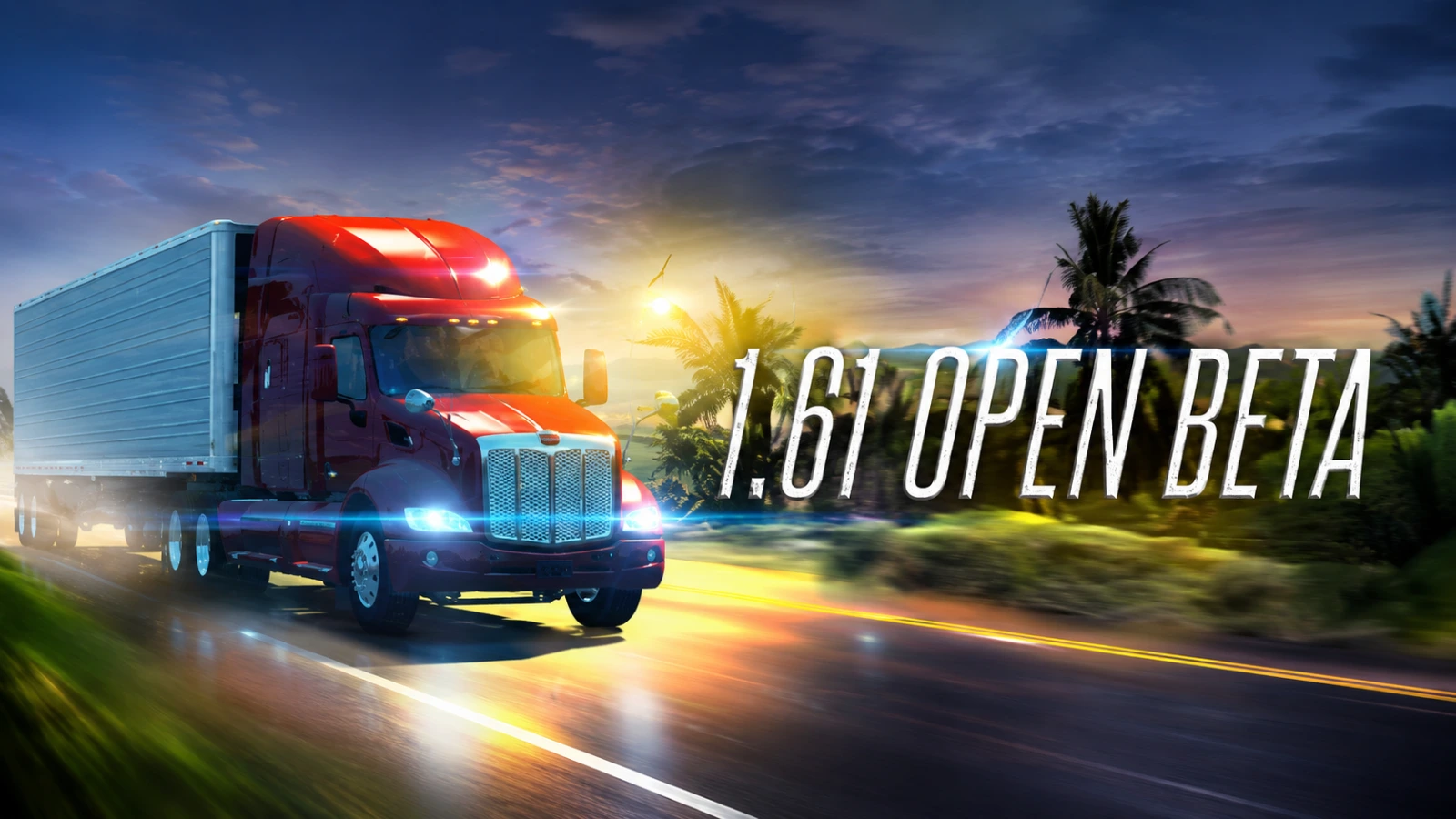
SCS Software has released the 1.61 Open Beta for American Truck Simulatorgiving players an early look at several new features and improvements coming to the popular trucking simulator. The update focuses on making map exploration less tedious, improving the visual quality of the truck interiors, expanding cargo options, and preparing the game for the upcoming Road Trip project.
The 1.61 update is currently available as an open beta, meaning players can test the new features before the stable features are released. SCS is also asking the community to report bugs and other problems through its official forums to help polish the update.
Proximity Exploration makes map discovery Easier
One of the biggest additions in 1.61 Open Beta is proximity exploration, a new quality-of-life feature designed to make the game’s huge maps more convenient. When enabled, the feature automatically reveals a small area around the player’s truck while driving. Previously, players trying to reach 100% map exploration often had to drive over every small section of the road carefully. Proximity Exploration reduces some of that hassle by uncovering nearby areas as players travel.
The feature can also reveal roads and accessible areas near places such as rest shops and gas stations, toll gates, and border crossings, where several road segments can sit close together.
However, SCS software is keeping secret roads, well, secret. Proximity exploration can reveal the first section of a hidden road when players get close, but the rest of the route still needs to be discovered by actually driving through it. This gives completionist players a little help without completely taking the exploration out of the game.
Truck interiors get a visual upgrade
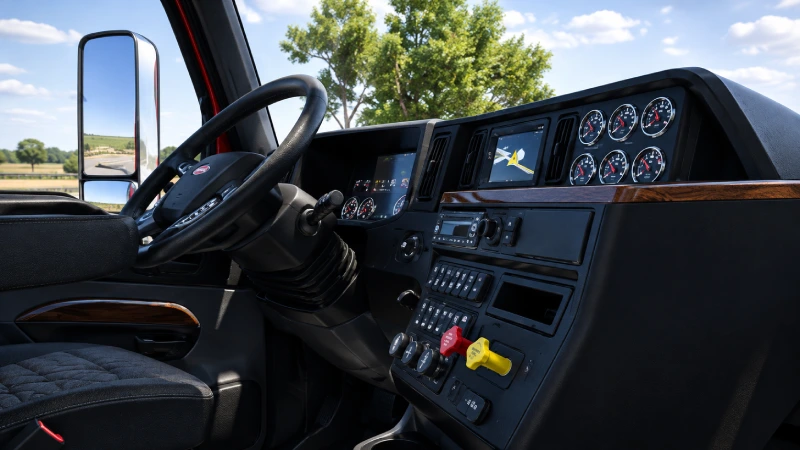
The update also introduces an improved material system, which is designed to make truck interiors look more detailed and realistic.
The system improves the way different interior materials respond to lighting; leather, fabric, plastic, and metal should look more distinct from one another, including in darker cabin environments.
SCS software has redesigned the materials and introduced multiple variants of cubemaps. These allow surfaces to reflect their surroundings more naturally and react more realistically to ambient lighting.
For the 1.61 Open Beta, the technology is being introduced to the international LT and international Lonestar. SCS software says the system was developed with truck interiors across both of its games in mind, suggesting that more trucks will receive the visual treatment through future updates.
American Truck Simulator: Prepare for Road Trip
The 1.61 update also includes behind-the-scenes changes designed to prepare the game for the upcoming Road Trip project.
Inactive Tourist Boards have been placed across California, Oregon, Washington, Idaho, Montana, Wyoming, and the upcoming South Dakota DLC. These boards won’t be usable immediately and will remain unavailable until the Road Trip project launches. SCS Software has also made smaller visual improvements to selected areas of the map as part of its preparation work.
Another notable change is the addition of new gas stations. These locations will initially serve drivers, but they are also expected to become usable by cars once the Road Trip Project is released.
New Cargo Adds More Variety: Version 1.61 also expands the game’s freight selection with several new cargo types. Players can now haul seed Containers, trailers, and trusses, giving trucking jobs a little more variety.
Existing Rails cargo has also received an overhaul. SCS Software has replaced its model and improved its texture, bringing additional visual details to freight seen during deliveries.
OpenGL players may encounter problems
There is one known issue players should keep in mind before joining the beta. SCS Software says it is aware of a rendering problem affecting OpenGL. OpenGL is primarily used by the game on Linux and macOS, while Windows players can select it as an alternative rendering option.
Players using OpenGL may encounter visual glitches and rendering problems. The development team is working on a fix and plans to provide additional information when it becomes available.
How to join 1.61 Open Beta
Players who want to test the update can access it through Steam. From the Steam client, open Library, right-click American Truck Simulator, select Properties, and then go to the Betas Tab. From the Beta participation menu, select public_beta. No password is required.
SCS software notes that players may occasionally need to restart Steam before the correct Beta branch appears. Since it is an open beta, rather than the final release, players should expect possible bugs, crashes, and instability. Those who prefer a smoother experience can simply wait for the stable version.
For players willing to help test the game, however, the 1.61 Open Beta offers an early look at several meaningful improvements, particularly the more convenient map exploration system and upgraded interiors.