
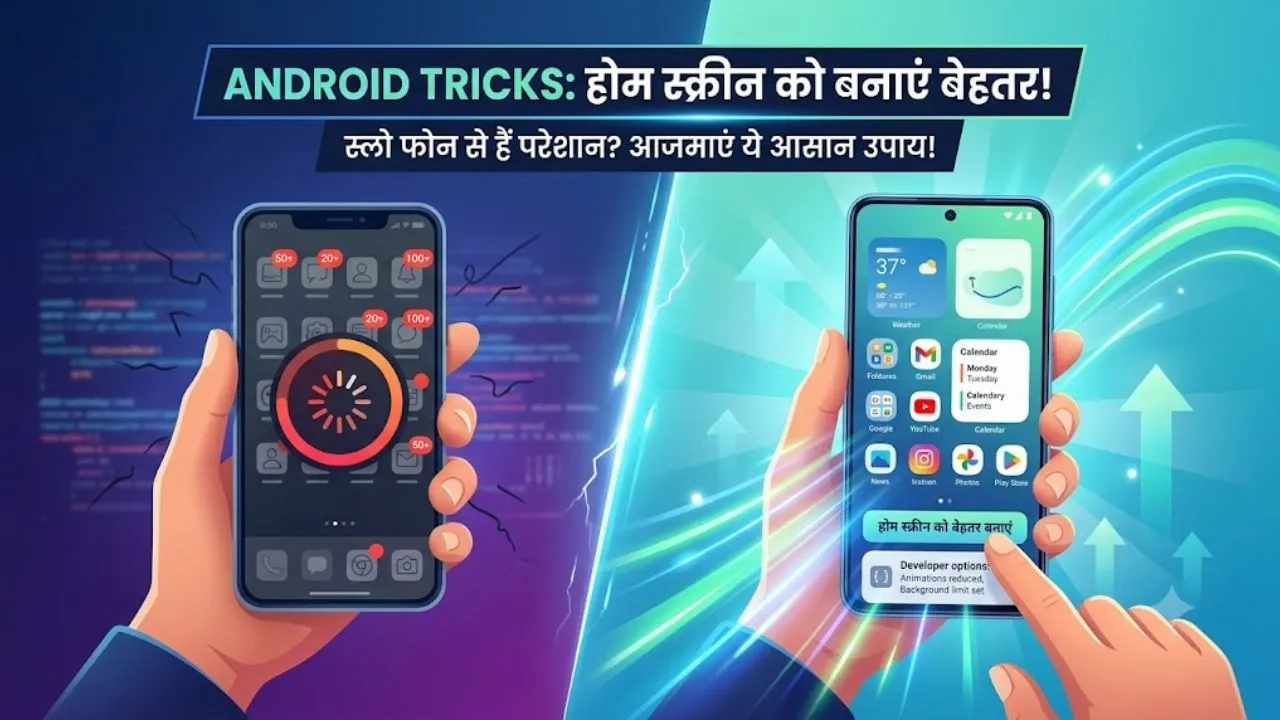
Are you troubled by the slow speed of your phone? Make your home screen better with these easy Android tricks

How to Speed Up Android Phone: In today’s digital era, smartphones have become an important part of our lives. Often when we buy a new Android phone, its home screen is full of pre-installed apps. Many of these apps are such that we rarely use them. Over time, we download more apps of our choice, due to which the home screen of the phone gradually turns into an ‘app junkyard’. It becomes. If you are also troubled by your scattered home screen, then you can make it super smart, faster and more productive through some easy and effective changes.
Here are some great ways to make your Android home screen look professional and smart:
1. Get every information without opening the app
Widgets not only make the home screen beautiful, but also make it extremely useful. Their biggest feature is that you do not need to open the app again and again for small information. You can add widgets like Google Search, Gmail, Calendar, Weather, and Notes to your screen. How to add: Press and hold any empty space on the home screen for a few seconds and select ‘Widgets’ Select option. Select the widget you want and drag it onto the screen.
If your favorite app doesn’t have a widget, you can use ‘Widgeet’ or ‘iWidgets’ Like you can also take help of third-party apps.
2. Use app shortcuts
Do you know that many Android apps provide such shortcuts (App Shortcuts), which take you directly to a particular feature?
For example, by long pressing on Chrome you can go straight to the ‘Incognito Tab’ You can open or immediately compose a ‘Compose Mail’ from Gmail. Can go to. Similarly, in Google Keep, there is an option to create audio note or list directly. For this, just go to the app drawer and long press the app, if a shortcut is available, it will appear, which you can drag to the home screen.
3. Make website an app
If you browse some selected websites every day, you do not need to open the browser and type the address again and again. Browsers like Chrome, Fire Fox and Opera give the option to add any website directly to the home screen. Once added, the website will appear like an app on your screen and open with just a single tap.
Read also Big bang of Google VidsNow making videos with Gemini Omni and Personal Avatar will become even easier.
4. Use of folders
The home screen looks very cluttered when it has too many apps. The best way to avoid this is with ‘App Folders’. You can organize your apps into different folders based on categories like Finance, Communications, Office, and Tools. To create a folder, simply drag one app on top of another and then give it a name of your choice.
By adopting these easy methods, you can not only give your phone a new and clean look, but also make your everyday tasks faster than ever. So clean your ‘Apps Junk’ Clean up and turn your smartphone into a ‘super smart’ Change to device.

Comments are closed.