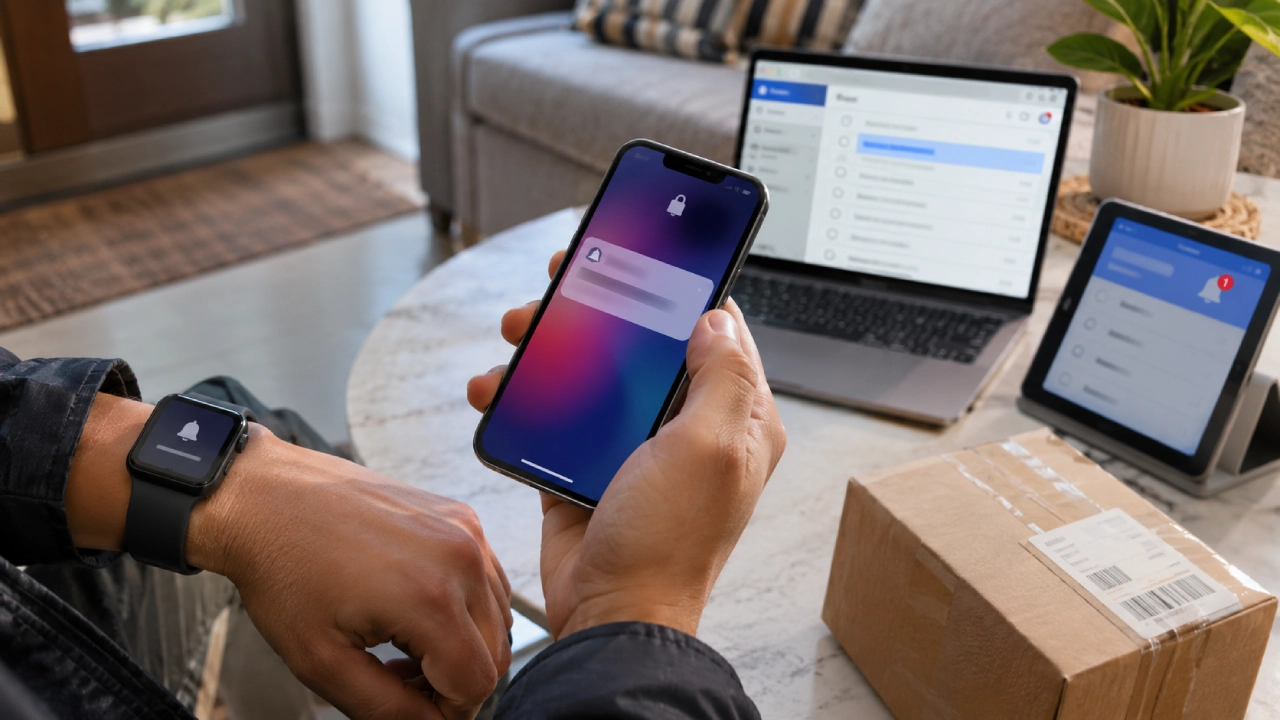
Notifications are part of almost every modern digital product. E-commerce platforms send order updates, banking apps alert customers about transactions, and collaboration tools notify users about messages or tasks.
Behind each alert, however, the backend needs to identify an event, decide whether a notification is required, select a channel, and attempt delivery.
As applications grow, this becomes a reliability and UX challenge because external services can fail and notification volumes can suddenly increase.
What Backend Notification Systems Do
A backend notification system turns application events into messages users can receive through email, SMS, push, or in-app channels.
Events might include a successful payment, account login, new message, order shipment, or upcoming appointment.
The notification process is usually separated from core application operations so users do not have to wait for an external messaging service.
For example, when an online shopper completes checkout, the order should be confirmed immediately while the email confirmation is processed separately in the background.
This approach is an example of asynchronous communication, where one service can continue working without waiting for another service to finish a non-essential task.
The backend should also ensure that a notification job is recorded reliably, so it is not lost if the application fails between confirming the main action and creating the notification.
Choosing the Right Notification Channel
Each channel serves a different purpose.
Email works well for receipts, confirmations, and information users may need later.
SMS is useful for time-sensitive alerts and verification codes.
Push notifications can bring users back to an application, while in-app notifications work when users are already using the product.
For example, a banking app might use push notifications for transaction alerts while sending monthly statements through email.
The backend should therefore select channels based on urgency, context,t and user preferences rather than sending everything everywhere.
A well-designed push notification strategy should also consider delivery permissions, timing,ng and how frequently users receive alerts.
Why Notification Queues Matter
A queue stores notification jobs until background workers can process them.
This separates notification workloads from the main application and helps absorb sudden traffic spikes.
Imagine an e-commerce platform during a major sale. Thousands of orders could generate thousands of confirmation messages within minutes.
A queue allows workers to process those jobs without forcing the checkout system to wait for every email or SMS request.
Using a message queue architecture can also help distribute notification jobs across multiple workers and isolate temporary provider failures.
However, queues do not automatically prevent lost messages or duplicate processing. Their reliability depends on configuration, acknowledgments, persistence, and worker behavior.
Retries Need Backoff and Limits
Notification providers can temporarily fail because of network problems, outages or timeouts.
Retry mechanisms allow the system to try again instead of immediately losing the notification.
However, retries should not happen continuously.
Retry backoff increases the waiting time between attempts, giving a failing service time to recover.
A system might retry after a short delay and progressively wait longer between later attempts.
Adding a small random delay, known as jitter, can also prevent large numbers of workers from retrying at exactly the same time.
A retry limit then prevents the same job from consuming resources indefinitely.
For example, an SMS notification could be retried several times during a temporary provider outage.
If all attempts fail, the job can move to a dead-letter queue for investigation instead of being retried forever.
The system should distinguish temporary failures from permanent errors, such as an invalid destination, because some problems will not be resolved by another attempt.
Dead-Letter Queues Handle Permanent Failures
Some failures are unlikely to be solved through another automatic attempt.
A dead-letter queue, or DLQ, stores jobs that have exceeded their retry limit or cannot be processed successfully.
For example, if an email address is permanently invalid, repeatedly retrying the message wastes resources.
Moving the failed job to a DLQ allows developers or support teams to investigate the problem and decide whether the message should be corrected, retried, or permanently discarded.
A DLQ does not automatically fix the failed message. Teams must investigate the underlying cause before replaying jobs.
A sudden increase in DLQ activity can also reveal a wider problem with application configuration, message formatting, or an external provider.
Understanding Queue Delivery Guarantees
A queue does not automatically guarantee that a user will receive a notification exactly once.
Common processing models include at-most-once, at-least-once, and exactly-once, although the actual guarantees depend on the queue, worker, and external delivery provider.
At-least-once processing is often useful when avoiding lost jobs is important, but it can result in the same job being processed more than once.
Developers can use unique event IDs and idempotent processing to reduce duplicate notifications.
For example, a payment confirmation should be designed so that a retry does not send multiple confusing messages.
Persistent deduplication records can help the system recognise whether a particular event has already triggered a notification.
However, even if a queue provides exactly-once processing within its own infrastructure, sending an email, SMS or push notification involves an external system.
An acknowledgment from that provider may only confirm that the message was accepted for processing, not that the recipient actually received or viewed it.
The same reliability concerns also appear in webhook systems, where events may arrive more than once and must be handled without repeating business actions.
Preventing Notification Fatigue
Technical reliability does not mean users should receive every possible notification. Applications need to consider preferences, frequency, and priority.
For example, a project-management platform could send urgent task assignments through push notifications while grouping routine comments into an activity summary.
Batching related events can reduce interruptions without hiding important information.
Priority can also help.
Security alerts and payment failures may need immediate processing, while promotional recommendations can wait or be grouped with other content.
Notification systems should also respect quiet hours, device settings, and relevant user preferences.
Security and Privacy Matter
Notifications can contain sensitive information such as account activity, order details, verification codes, or financial information.
Developers should avoid exposing more information than necessary, especially in SMS and lock-screen push notifications.
For example, a banking app might display “A new transaction requires your attention” rather than showing complete transaction details on a locked phone.
Notification credentials and provider API keys should also be securely managed, while logs should avoid unnecessarily storing sensitive message content.
Teams should consider access controls and retention policies as well, particularly when notification records contain personal or confidential information.
Sensitive messages should be transmitted through appropriately secured services, and notification content should be limited to what the recipient actually needs.
Monitoring Keeps Delivery Healthy
Notification systems need monitoring for delivery failures, processing delays, queue size, provider errors and DLQ activity.
These signals help teams identify problems before users start reporting widespread failures.
For example, a rapidly growing queue could mean workers are overloaded, while a sudden increase in dead-lettered jobs could indicate a broken configuration or provider issue.
Monitoring allows teams to investigate these patterns and scale workers or fix underlying problems when necessary.
A broader system observability approach can combine metrics, logs,s and traces to identify which part of the notification pipeline is failing.
Teams should also distinguish between messages queued, processed, accepted by a provider,er and confirmed as delivered wherever reliable delivery data is available.
This distinction helps prevent misleading reports that count every accepted message as successfully delivered.
Reliability and UX Must Work Together
A notification system can be technically reliable and still provide a poor experience.
Too many alerts, inappropriate channels, or badly timed messages can cause users to disable notifications completely.
The goal is therefore not simply to deliver more messages.
Teams should deliver the right information through the right channel at the right time, while allowing users to control non-essential notifications.
This requires cooperation between backend engineering and product design.
Developers must make sure notifications are processed reliably, while product teams decide which messages are necessary and how users should receive them.
Conclusion
A strong notification system combines backend reliability with thoughtful user experience.
Queues help absorb traffic spikes, retries and backoff handle temporary failures, and dead-letter queues isolate messages that cannot be processed successfully.
Delivery guarantees and idempotency help teams manage the possibility of duplicates. Security, privacy, preferences, and notification frequency are equally important.
When these technical and practical considerations are designed together, email, SMS, push and in-app notifications can remain reliable as an application grows without becoming a source of unnecessary interruption.
(Source)