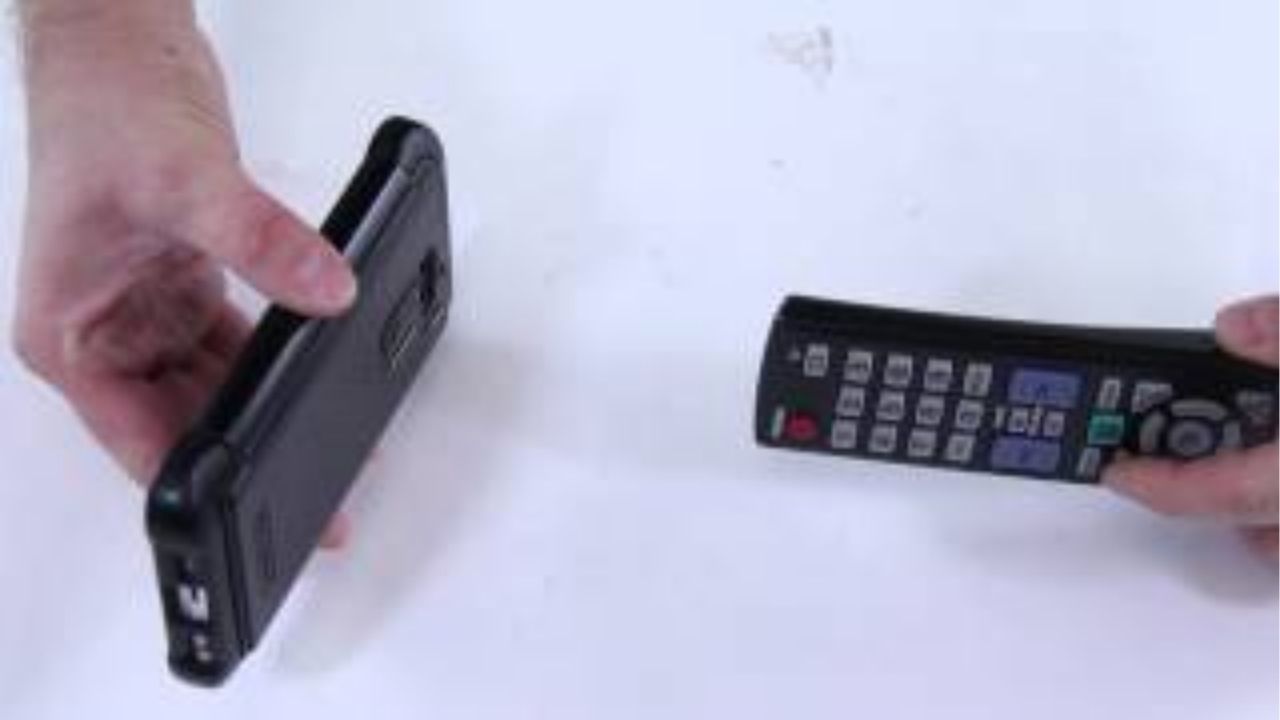
- Many TV remotes send signals via infrared light.
- You can check if the remote light is visible in the mobile camera.
- If the light does not appear, replace the battery; Some cameras do not see infrared.
When we are comfortably watching TV, the remote suddenly turns off. Suddha presses his button hard, hits his hand but it doesn't work. At that time we think that the remote is broken. In the mean time we bring a repair or a new one, but don't be in a hurry now. Before buying a new remote, the mobile in your pocket can tell you exactly what the problem is with the remote. Check TV Remote with Phone:
First understand how the remote works
The TV, AC, set top box remotes in our home run on a technology called infrared. Next to the remote is a small bulb. When you press the button, a light comes out from that bulb. That light travels to the TV and the TV understands that it wants to change the channel or turn up the volume. Although this tiny visible light is not visible to the eyes, it is visible to the camera of the mobile phone. Using this we can find the problem in the mobile.
Refrigerator Electricity Bill: Light bill determines 'this' figure in the fridge? Check setting today
How to check remote with mobile?
This trick is very simple. First turn on your mobile camera. Now hold the front part of the remote where the small glass bulb is in front of the camera.
- Then press any button on the remote and look at the mobile screen.
If you see a flashing light from that bulb on the screen, a white or purple light, then the remote is fine. - A signal is coming out of it. So the problem is not in the remote, but probably in the sensor of the TV.
- If the light is very low, dim, then the remote battery is dead.
- In that case, just insert a new battery and the remote will turn on. If the screen does not light up at all when the button is pressed, there can be two reasons. Either the battery is completely dead or the internal circuit of the remote is damaged.
Instant E-PAN Card: Want to get a new PAN card? No need to stand in line anymore! Do the job in 10 minutes on your mobile
Check one more thing
Sometimes the battery is good but the remote doesn't work. Because in remote where battery There are springs inside where it is placed. Dust settles or rusts on that spring. So the battery is there but the current is not flowing. So, before changing the battery, open the part once. Gently wipe the area with a dry cloth. Remove the dust and then reattach the battery. Many times, doing this will turn the remote back on. Next time, if the remote fails, don't go to the store immediately. First take out your mobile, turn on the camera and try this 10 second experiment.