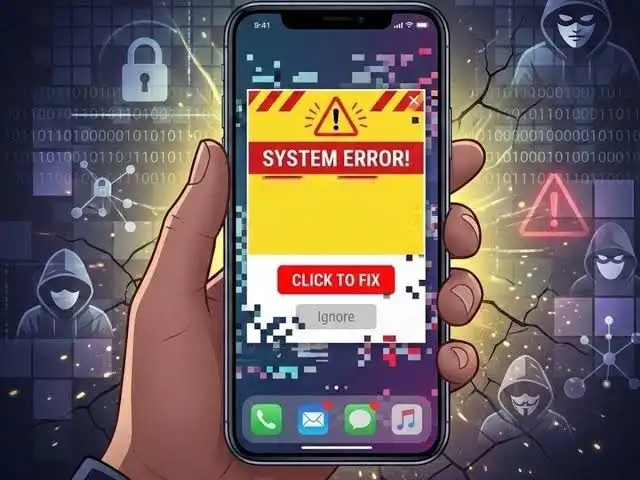
Digital payment and UPI have made the process of sending money very easy, but along with it, cases of online fraud are also constantly taking new forms. Cyber fraudsters are now using such methods in which people do not even need to provide OTP and can still try to access their banking data.
These days, people are being warned about one such new UPI scam. In this, fraudsters can target the user through any unknown link, message or notification. The phone may suddenly freeze or stop working abnormally after opening the link. It may be costly to consider this as just a general technical fault of the mobile.
What do fraudsters do after the phone is frozen?
This type of fraud often starts with a message, notification or phone call. Fraudsters may pretend to be technical support or customer service personnel and claim to have fixed the phone's problem.
After this the victim is asked to download an app. Sometimes this app can be offered in the name of verification, sometimes in the name of cashback, reward or customer support.
Giving permission to the app may be costly
After installing the app, it may ask for many permissions like SMS, Notification or Accessibility. If the user allows all these permissions without thinking, then the risk of fraudsters gaining access to the device's activities increases.
In some cases, such permissions can be used to monitor or attempt to control the phone's screen. This is why installing an app at the request of an unknown person or giving it excessive permissions can be risky.
What to do to avoid UPI Scam?
If suddenly the phone freezes or strange activity is seen in the mobile after opening an unknown link, then do not panic and take the steps suggested by the fraudsters. Instead, take immediate precautions.
• Do not share UPI PIN, bank details or other sensitive information under any circumstances.
• Turn off mobile data and Wi-Fi immediately.
• Check recently installed apps on the phone.
• Remove suspicious or unknown apps.
• Turn off non-essential app permissions immediately.
• Scan the phone with a trusted security tool.
If you suspect banking information being leaked, do this immediately
If you feel that your banking information has fallen into the hands of a fraudster, do not delay. Immediately contact the official customer care of your bank and check recent bank transactions.
If necessary, change important passwords and other security information using a secure device. If you have been a cyber fraud or suspect that you have been cheated, immediately complain to the 1930 cyber crime helpline with available evidence.
remember
Clicking on any unknown link, downloading an app without checking and giving excessive permissions can become a big risk for you. Especially when someone is asking you to install an app or ask for banking information in the name of fixing a phone problem, first independently verify his identity and claim.
Share this story