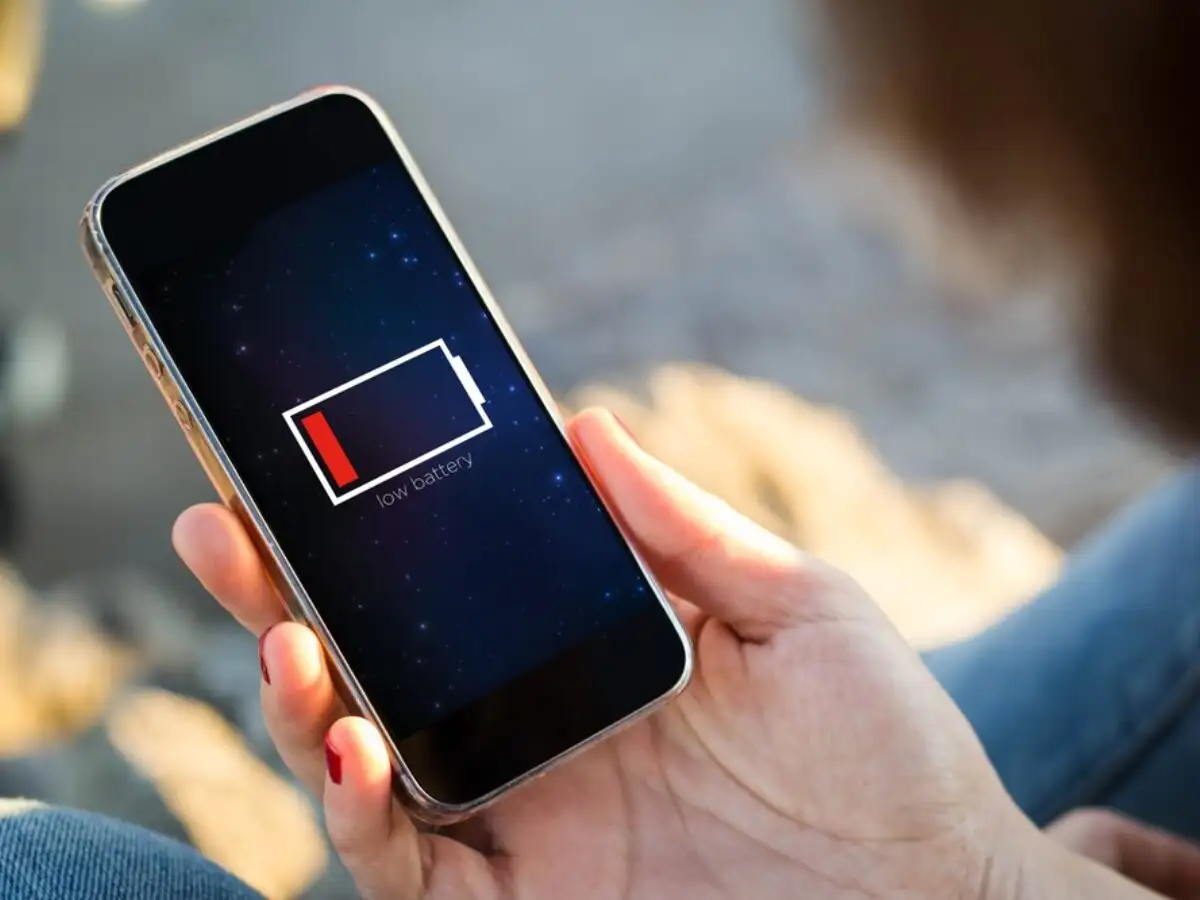
After the arrival of 5G network, there has been a big change in the speed of mobile internet. Large files download within minutes and high-quality videos can also be streamed quite easily. However, with fast internet, the concern of battery draining quickly has also increased among smartphone users.
Many people have a question in their mind whether keeping 5G on all the time in the phone consumes more battery. This cannot be answered completely in yes or no. Battery consumption of 5G depends on many things like network strength, phone's modem, usage and coverage.
Weak 5G signal consumes more battery
If the 5G signal is weak or unstable in an area, the smartphone keeps searching for a better network. During this time the phone can switch between 5G and 4G networks several times.
The modem and processor have to work harder to constantly search for networks and maintain a connection. This is why in areas with weak coverage the battery can drain rapidly even if the phone is not used.
Where 5G coverage is strong and stable, modern smartphones generally handle power management better. In such a situation, it is not necessary that the battery consumption due to 5G is very high in every situation.
How much battery can you save by turning off 5G?
If the 5G network is consistently weak in your area, switching off 5G and switching to 4G may improve battery backup. In some circumstances, this savings can be around 5 to 15 percent, although the actual difference will vary depending on the phone, network, and usage pattern.
Network-related power consumption may increase, especially with continuous video streaming, online gaming, or using a mobile hotspot. In such a situation, switching to 4G can be useful when not needed.
Smart 5G mode can be useful
If you want 5G speed and also want to save battery, then you can use the automatic or smart 5G option available in the phone. This way the phone can use 5G as needed and avoid being on a high-speed network all the time.
However, network settings options may be found under different names in different smartphones and software.
You can also increase battery backup with these settings
It is not necessary to just turn off 5G to save battery. Some other settings present in the phone can also help in improving battery life.
• Limit background data of apps you don't need.
• Use Battery Optimization for apps that consume a lot of battery.
• Limit background refresh or sync of apps when not needed.
• If reliable Wi-Fi is available at home or office, use Wi-Fi instead of mobile data.
• Switch to 4G as needed in areas with weak 5G coverage.
Therefore, it would not be correct to say that 5G always drains the battery faster. The actual effect depends on network coverage and phone usage. If the 5G signal is weak in your area and the battery is draining rapidly, then using 4G or Smart 5G mode may be a better option.
Share this story