Camera moisture in rainy season
It is common for rain to come with change in weather. At present it is raining in different parts of the country. In such a situation, many problems can arise while using a smartphone, one of which is moisture getting into the camera lens.
Getting wet in the rain or being in a highly humid environment can cause fogging on the camera lens. This results in blurry photos and affects the quality of the camera. If moisture has entered your device's camera, know what you should do first.
What to do if moisture comes into the camera?
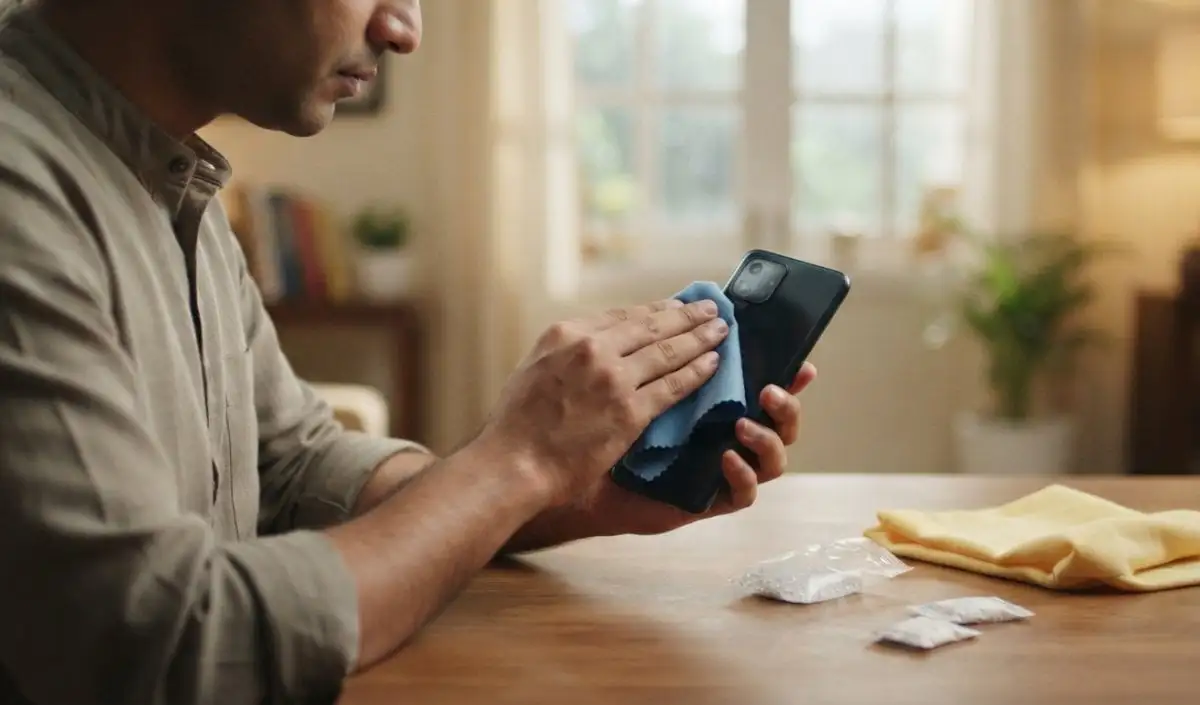
If fog is visible in your phone's camera, first of all keep it away from rain and water. If your phone is wet, turn it off immediately and do not put it on charging. First dry the exterior of the device and then clean it with a soft cloth. After this, leave the phone in a dry and ventilated place for some time so that the moisture can slowly drain out.
If moisture has gotten inside your phone's camera, simply cleaning the external lens will not solve the problem. In such a situation, give the phone some time to dry. Often people recommend keeping the phone in a rice container, but this is not the right way because small particles of rice and dust can get stuck in the port of the phone. Instead, you can use silica gel packets, which will give the best results.
don't make this mistake
If there is moisture in your camera, never try to dry the mobile with a hair dryer, heater or strong sunlight. Excessive heat may damage the display, battery, and other internal parts of the device. Be careful not to shake the phone hard and do not try to open the lens and clean it yourself.