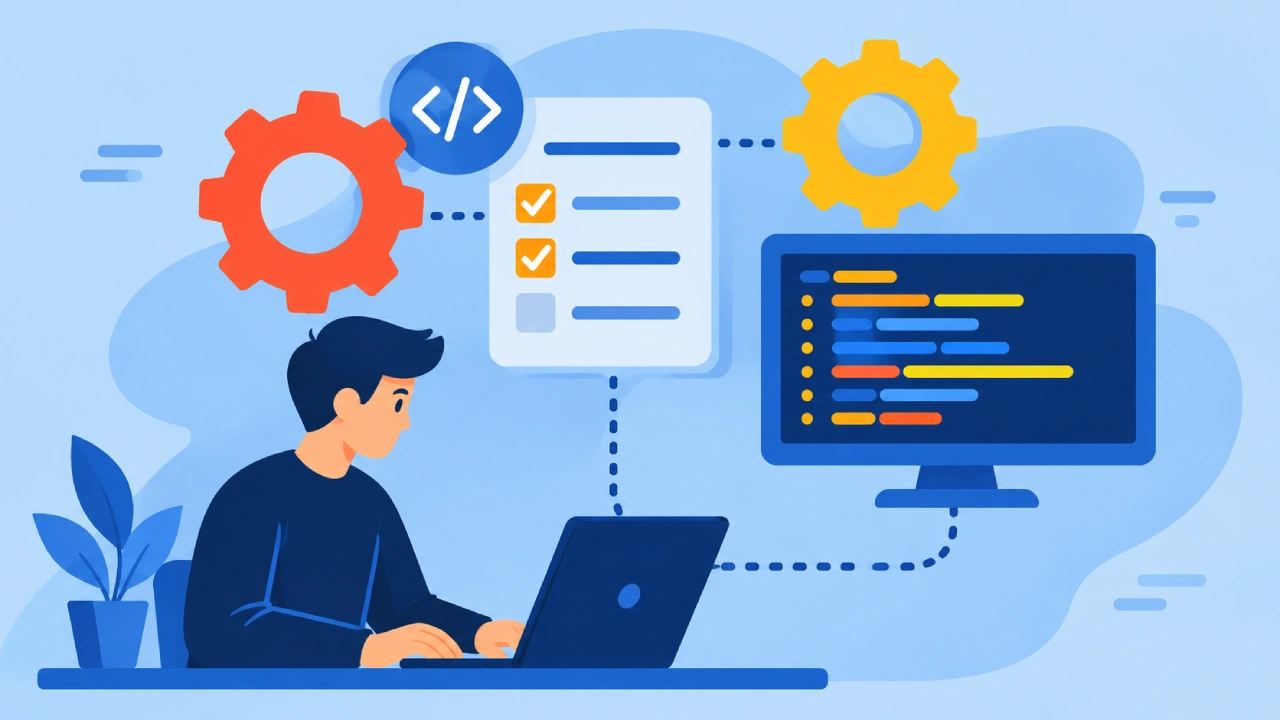
DevOps does not require a big platform team, complex setups, or lots of tools. For a small team, the main win is smoother delivery. It also cuts repeated tasks. It helps spot issues before customers notice. When a few people own the work end to end, small process slips add up.
A manual deploy can rely on one person remembering every step. One missed setting can break a release even if the build looks fine. A solid DevOps method gives repeatable steps without turning into extra admin work. The point is not to automate everything right away. It is to set up a workflow the team can follow, fix, and improve as the product grows.
Start with a basic dev workflow
A good DevOps start is version control. Everyone should use one shared repo. A simple branching approach is often enough for a small group.
Developers can make short-lived branches for a feature or a bug fix. It also spreads know-how across the team. Still, reviews should match the size of the change. Small updates are usually easier to read and test than large sets of changes. They should not be huge or slow.
Automate the routine parts with CI and CD
CI and CD are some of the best DevOps tools for small groups. With continuous integration, the system runs checks when you push commits or when you open a pull request. The job can install what the app needs, run quick code checks, run tests, and compile the app.
If something fails, the team finds out right away, before the change goes further. Continuous delivery uses that same flow, but keeps the app in a release-ready state. When builds pass, the team can ship the result to a staging setup.
Then more checks can happen. After that, the team can approve the move to production. You do not need a complex pipeline at the start. A good simple setup could be this.
- Run tests when code is pushed
- Run a build check before merging
- Deploy to staging after a merge that passes
- For production, require approval or a clear release rule
The main goal is steadiness. Doing a few key checks by automation often beats building a big pipeline that no one wants to keep up with.
Smaller releases are easier to test and easier to undo
When a release is big, it mixes lots of changes at once. If the system breaks after the rollout, you may have to trace through several features and their dependencies to find the cause. Smaller teams can lower that risk by shipping in small steps.
Each step should aim at one clear goal. It should also include a clear change log. If the deployment goes wrong, the response path should be simple and easy to follow. That includes environment variables, database access details, and service login data.
A rollback plan matters just as much. What you do depends on the kind of app. You might redeploy an older version. You might shift user traffic to a version that already works. In some cases, you may turn off a feature that causes trouble. Database work needs extra attention.
Undoing app code does not always undo a database migration. Teams should set up schema changes so older and newer app code can run side by side when that is needed. Feature flags add extra control too. They let you turn a feature off without redeploying the whole app.
Use Infrastructure as Code, but keep it simple
Infrastructure as Code lets a team describe servers and services with files that live in version control. Instead of setting everything up by hand, people can repeat the same setup in a more consistent way. For smaller teams, this can help both development and deployment match up.

The configuration also acts like a record for what is needed, like services, network rules, access rights, and resource limits. That said, not every effort needs a heavy automation stack. A small app on a hosted platform may only need a few setup files plus a clear write-up for how to deploy.
Focus on the parts of infrastructure that change often, or that keep causing trouble. When a task repeats, it is a good time to automate it. That can cover creating resources, setting up an environment, and handling routine setup steps. Keep secrets out of public code hosting. Do not let them slip into build logs either. Also, set permissions using least privilege. Give developers and any automation only what they must have to do the job.
Final Thoughts
For small teams, DevOps is not about copying the big enterprise setup. It is about steady practices you can stick with. Start with version control. Add automated tests. Roll out changes in a controlled way. Keep an eye on systems
. Also make sure backups are tested. You do not need to automate everything at once. Pick the steps that break most often or repeat the most.
Turn those into small automations first. Later, as the app grows and more workloads come in, you can add more infrastructure automation. You can also use newer deployment methods, but only when they truly help. A good DevOps setup is not the one with the longest list of tools.
The better choice is the one your team can run day after day. It should let you ship code with confidence. It should help you spot trouble fast. And it should leave room to improve the product.
(Source)