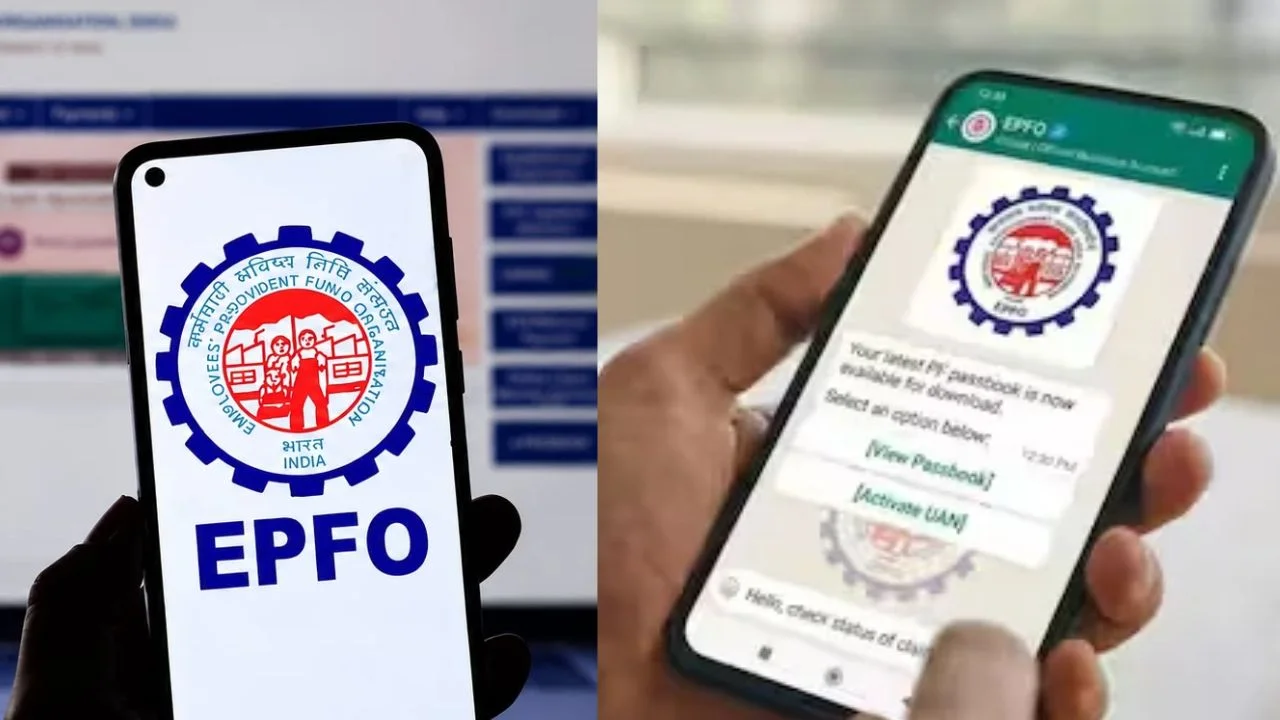
EPFO WhatsApp Channel: EPFO gives important updates to both employees and companies on its WhatsApp channel. Here information about new announcements and decisions related to EPF, EPS and EDLI is available. Apart from this, information is also given about the public hearings and assistance camps organized by the organization.
EPFO WhatsApp Channel: Employees’ Provident Fund Organization (EPFO) takes care of the PF and social security of crores of employees of the country. Now EPFO has taken the help of social media to quickly disseminate information about schemes and rules to its members. The organization has started its official WhatsApp channel, to which more than 2 lakh people have joined so far.
What information will be available on WhatsApp channel?
EPFO gives important updates to both employees and companies on its WhatsApp channel. Here information about new announcements and decisions related to EPF, EPS and EDLI is available. Apart from this, information is also given about the public hearings and assistance camps organized by the organization.
Understand the complete process from the video
Links to YouTube videos are also shared on the channel. With the help of these videos, you can easily learn about the method of withdrawing PF advance, the process of continuing PF after changing jobs and schemes like Pradhan Mantri Vikas Bharat Rojgar Yojana.
Can I withdraw PF from WhatsApp?
If you are thinking that withdrawing PF, viewing passbook or claiming pension can be done through WhatsApp, then it is not so. This channel is only for providing information. With this you cannot complete any claim or work. For all online work related to PF, you will have to use EPFO’s official website or UMANG App only. If you want, you can also get the work done by going to the nearest EPFO office.
How to join WhatsApp channel?
- It is very easy to join EPFO’s WhatsApp channel. First of all, open WhatsApp in your phone and go to Updates or Channels tab.
- After this follow this official link Click on.
- After opening the channel, tap on the Follow button given above. After this you will continue to get every new information related to EPFO.