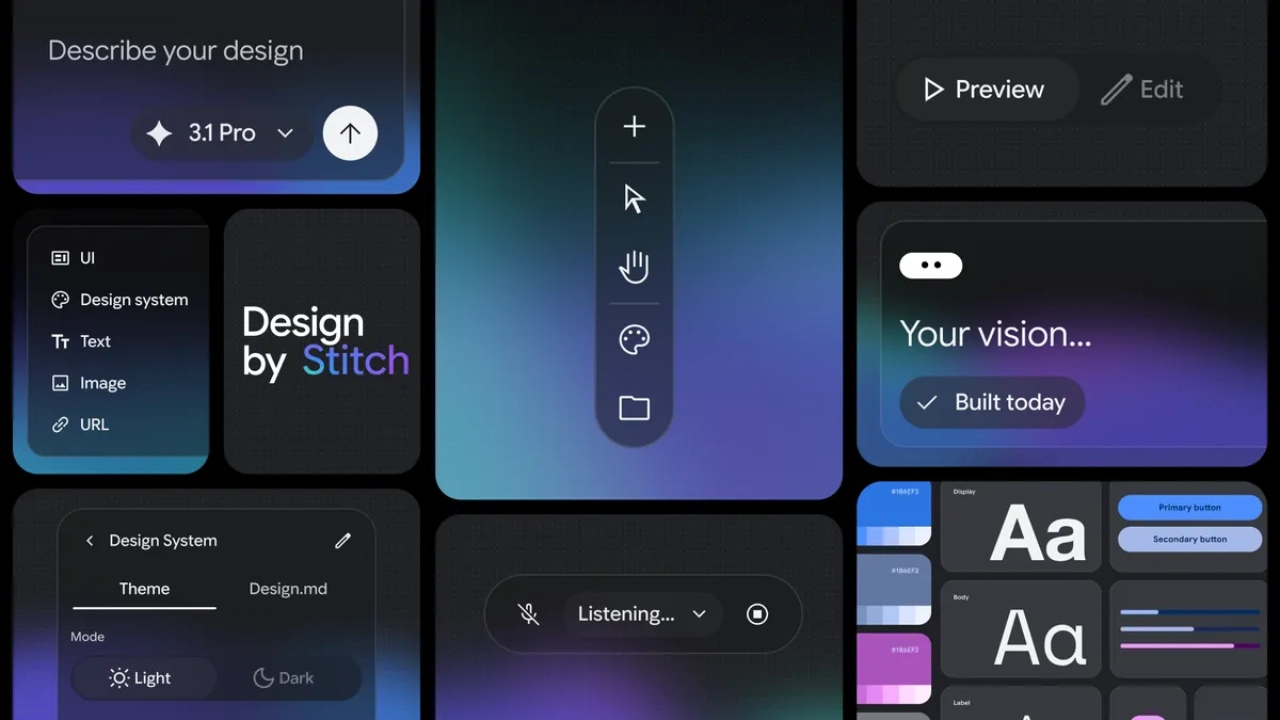
Google is showing a new way to use of Google Stitch that puts real brand assets at the center of AI-generated design.
In a September 24 post, the official Stitch account demonstrated a workflow in which users can drag a brand kit and product images into a Stitch prompt. The demonstration uses Gemini 3.8 Flash to work with that supplied visual context.
This is a workflow demonstration rather than the launch of image inputs or Stitch’s broader design-system capabilities from scratch.
Rather than treating the demonstration as a new Stitch launch, the more significant development is how the tool can use actual branding and product imagery as design context. This could help address one of the biggest challenges with AI-generated interfaces: creating designs that remain visually consistent with an existing brand instead of simply looking attractive in isolation.
Google Stitch: The Community Reaction
Meanwhile, the community reaction is flaring up. People are interested in knowing whether Stich understands complete brand guidelines, including what it must not do. Others are skeptical about the quality of AI-generated designs, with one user describing their results as “AI slop” based on personal experiences. One commenter questioned whether the tool can recognize a brand’s “don’ts,” such as rules regarding places where a logo must never appear. That highlights an important distinction between a brand’s visual style and understanding its complete set of design guidelines.
Using a Brand Kit as Design Context
The workflow commences with brand assets. Here, users can provide the visual material that defines the brand rather than telling Stitch something like “make the website premium, modern, and minimalist”. Google’s post does not specify exactly which design tokens or brand rules are extracted. Thus, we cannot be certain to claim that Stitch can automatically understand every element of a company’s complete brand guidelines.
According to Google’s demonstration, Stitch can extract design-system information and styling from supplied brand assets before generating layouts.
Product images become Part of the design Process.
Google’s demonstration also puts product photography into the workflow. The supplied images are not presented simply as files that need to be inserted into an already-created template. Google’s description says Stitch can weave the product imagery into marketing and product page layouts.
That could make the workflow particularly relevant to ecommerce teams, marketers, and designers working on campaign pages.
For example, a product team could provide the relevant product photographs together with its visual identity and ask Stitch to create a product-focused layout.
Google’s demonstration does not, however, establish that the images will always be placed correctly or consistently without manual refinement.
Importance of Gemini 3.8 Flash
Google introduced Gemini 3.8 Flash on September 2, as an upgraded model for software engineering, agentic tasks, and multi-step reasoning. Google also specifically lists Stitch as a place where developers can use Gemini 3.8 Flash to generate a user interface.
Stitch has accepted image inputs since its original 2025 release, while its 2026 updates added tools such as DESIGN.md and design-system extraction from existing URLs
Google’s Stitch post connects the model’s visual understanding ability to work from brand kits and product imagery.
That makes the model relevant to the workflow because Stitch needs to interpret more than written instructions. It needs to work with visual information supplied by users. However, Google has not published a detailed technical explanation of how Stitch extracts brand information from these assets.
Gemini 3.8 Flash had already been integrated into Stitch earlier in September as its new default model.
Stitch has supported image inputs since its 2025 launch; in 2026, Google added URL-based design-system extraction and DESIGN.md for importing and exporting reusable design rules.
A more practical direction for Stitch
Google’s latest Stitch demonstration is interesting precisely because it is more specific than another generic AI-design announcement. For designers and marketers, it can make AI-assisted interface generation more useful. Think of it like giving AI your entire wardrobe instead of telling it “I like blue”. Stitch gets to see the actual clothes before deciding what outfit to put together. AI-generated design is not necessarily the same as brand-consistent design.
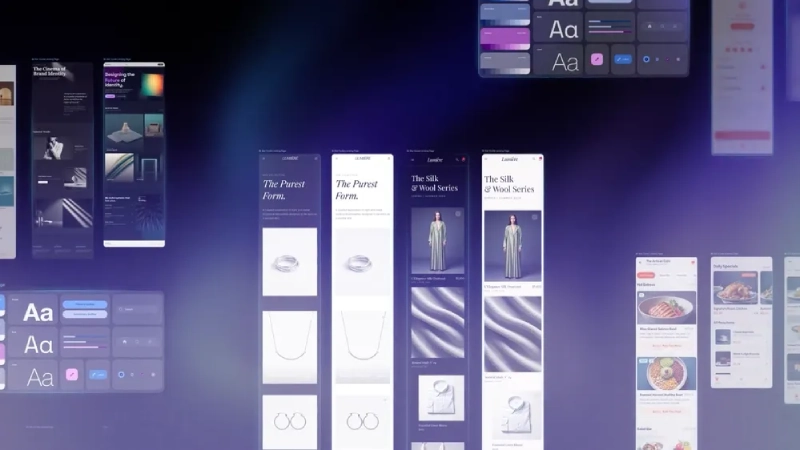
A brand kit can contain the visual equivalent of a family’s “don’t touch that” rules. The interesting question is whether Stitch can understand those boundaries, not just the colors and images.
That makes the September 24 demonstration an extension of Stitch’s existing visual-context and design-system workflow, rather than the first time the tool has accepted images or worked with reusable design rules.
Final thoughts
Google’s Stitch’s latest demonstration is about giving AI better ingredients to work with. By bringing brand kits and product images directly into the prompt, Stitch can use real visual assets as context instead of trying to understand an entire brand from a few lines of text.
But the real test lies outside the polished demo: Can Stitch preserve the tiny brand rules, avoid awkward design decisions, and reduce the amount of human cleanup?
For now, Google has just shown the recipe, not the finished restaurant. And if Stitch can actually turn messy brand assets into consistently usable designs, designers might have one less “final_final_v7” folder to worry about.
(Source)