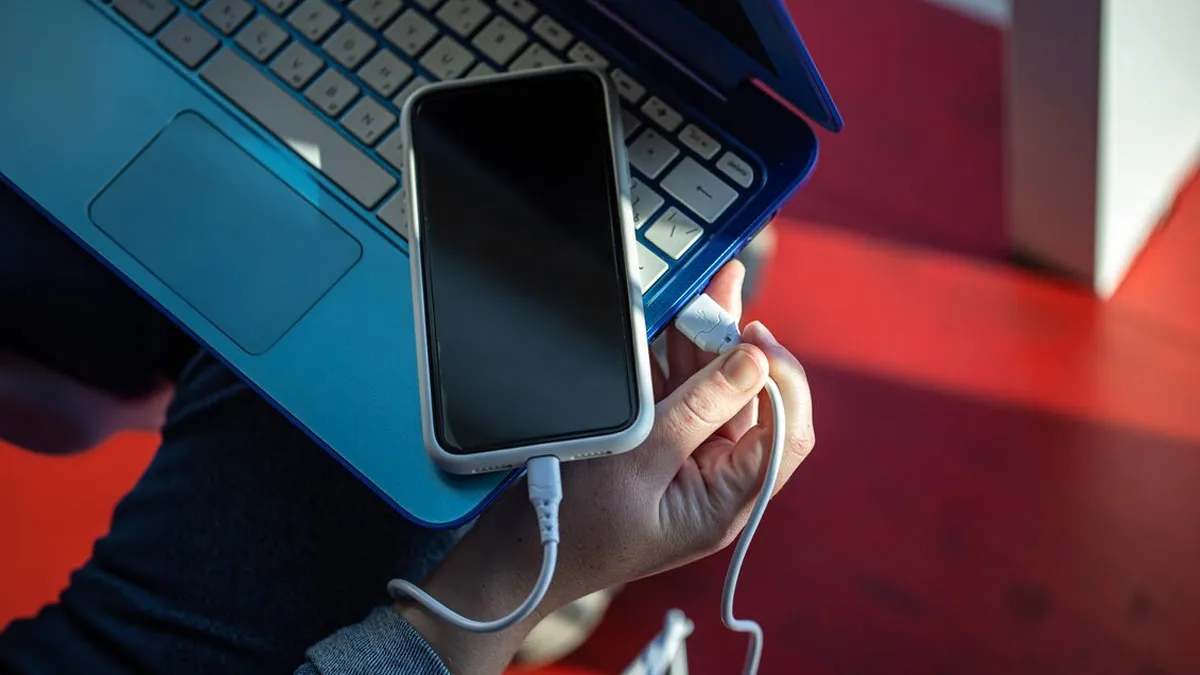
Sometimes, the mobile charger isn’t handy and the battery is running low. In such situations, most people charge their phones using a laptop’s USB port. But is this method completely safe? Could it damage the phone’s battery or increase the risk of data theft? Let’s learn some important facts about it.
Is it safe to charge your phone using a laptop?
Charging your phone from a laptop is generally considered safe if your laptop is in good condition and you’re using a good quality or original USB cable. However, charging speeds may be slower than using a wall charger because most laptops’ USB ports offer limited power. This is why charging your phone from a laptop may take longer.
Does this damage the phone’s battery?
Most smartphones today come with advanced battery management systems that protect the battery from overcharging and excessive current. Therefore, under normal circumstances, charging with a laptop won’t cause significant damage to the phone’s battery. However, if you need frequent fast charging, using the original charger is a better option.
When does the danger increase?
The biggest risk is when you charge your phone from an unknown, public, or shared computer. USB can transfer not only power but also data. If File Transfer or Data Transfer mode is accidentally activated on your phone, your personal files, photos, or other information could be accessed. Therefore, always use a trusted laptop and keep your phone in Charge Only mode.
Why does my phone charge slowly from my laptop?
There can be many reasons behind slow charging of the phone, such as using an old USB 2.0 port, bad or low quality USB cable, lack of fast charging support, continuous use of the phone while charging. However, modern laptops with USB-C Power Delivery (PD) support can also charge some smartphones at a relatively faster speed.
Take these precautions while charging your phone
- Always use original or good quality USB cable.
- Avoid charging your phone from unknown or public computers.
- If you have to use a public system, select Charge Only mode.
- If the laptop’s USB port is loose or the device is overheating, do not charge it.
- Always use the company’s original charger for faster charging.
Charging your phone from a laptop is safe under normal circumstances, but it’s best to use it only when necessary or in an emergency, rather than making it a regular habit. Furthermore, special care should be taken when charging from an unfamiliar computer, as even minor negligence can put your personal information at risk.