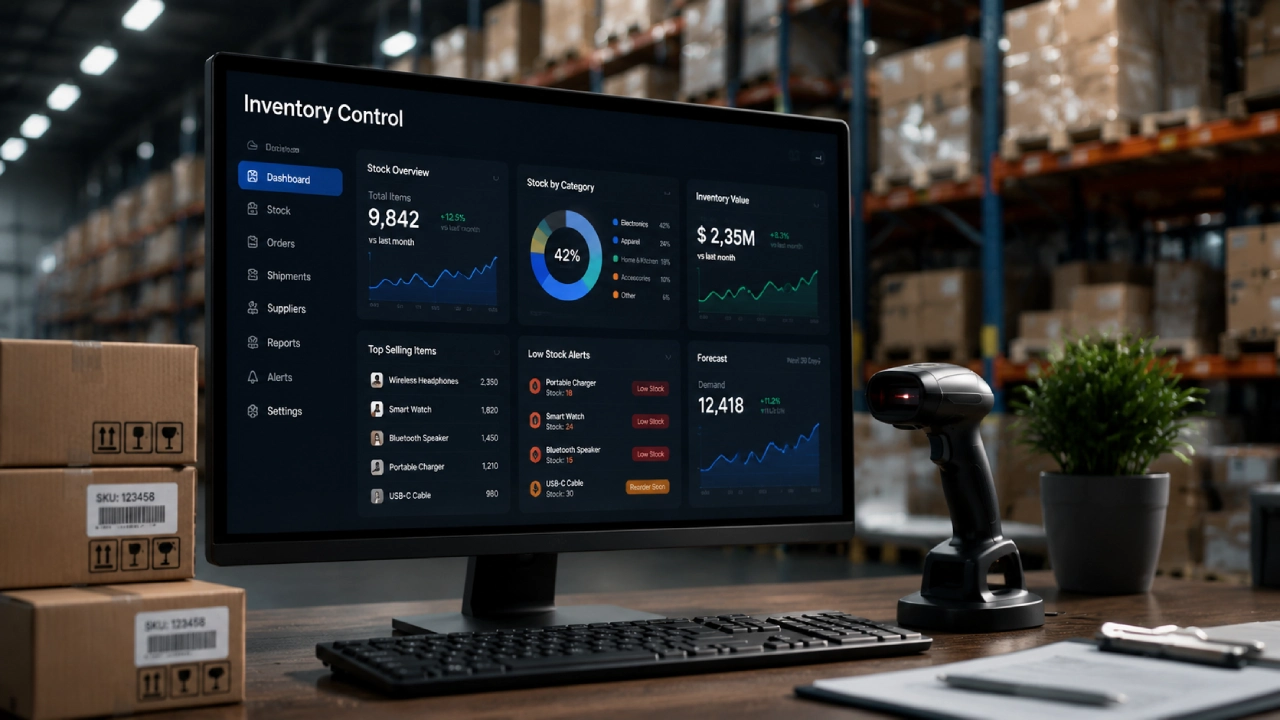
As a business grows, tracking stock gets harder. At first, a team might handle items with spreadsheets or basic notes. But once there are hundreds or even thousands of products, and more than one storage site, the process can fall apart. Common issues show up fast. Wrong counts can lead to bad decisions. Orders can sit too long before they are placed. Hence, bringing in the requirement of a proper inventory management systemalong with appropriate inventory control tools.
Items can end up in the wrong bin. Then, a stockout can surprise the team at the worst time. Inventory management systems aim to fix this by keeping product data in one place and tying it to daily tasks. Many newer tools can run routine steps automatically and show updates as they happen. This helps teams answer simple questions quickly: how much is available, where each item is located, and when new stock should be ordered.
An inventory management system
This helps a company watch its stock as it changes hands. Staff can look up what is on hand, what is due soon, and what needs a new order. The system can note each item from the moment it is purchased until it reaches the buyer. Some setups also show purchase orders next to sales and return logs. Since the information sits in one place, staff do not have to switch between too many spreadsheets or separate data stores.
Quick stock updates
One big plus is tracking items as they change hands. For example, an online shop may also have walk-in pickup or sales. If the inventory system connects to both, counts can change right after an order lands. It reduces the risk of showing an item as in stock when it is not. Updates in near real time can also help managers watch how warehouse work is going from day to day.
Inventory Control Tools: Automation is being used for daily tasks
They update counts, create reorder requests, and double-check what is on hand. Sales, returns, and moves between locations can trigger changes without extra effort from staff. That means less typing into screens. Team members then spend more time on decisions that actually need a person. Barcode and QR scanning can help too. Today, many inventory systems rely on this instead of manual typing. Workers can scan a barcode with a scanner or a phone that supports it:
- They use it when they choose items for a customer order.
- They scan during stock checks.
- They also scan when packing items for shipping.
QR codes can hold extra details as well.
They can link a real product to its digital record in the system. When entry is done by scanning, the process tends to move faster.
It also lowers the chance of wrong item data from mistyped numbers.
Warehouse work can get easier with better inventory tools.
On bigger sites, inventory screens make it easier to see what is stored. They also help show which products move more often. Those items can then be stored in spots that are easier to reach. Less time walking around usually means less extra handling inside the building.

Better updates help people make better calls
Inventory systems can take the raw stock numbers and turn them into practical views. Good reports let managers watch how fast stock turns over, how quickly sales move, the total value of stock, and which items linger. With that info, leaders can decide what to order next and how to set prices. If one item sits for a long stretch, a business may choose a markdown or a short deal. This can work out better than adding more units of that same product. If an item sells quickly and demand stays steady, it may mean more frequent restocks are needed.
Picking the Inventory System That Fits
Companies should select inventory software that matches what they really need. They should not just pick the option with the most features. Key points include how many products and sites they manage.They should also check sales channels, barcode needs, and what the software can connect to. Reporting strength matters, as do forecasting tools. The system should also grow with the company. A setup that fits a small team should still work when inventory and operations expand. Training for staff is another practical issue. So is the full cost of setup and day to day upkeep.
Final Thoughts
Inventory management systems are now a major part of many business operations.
They use automation so tasks run faster. They also give real time views of what is happening. Staff can make choices from actual numbers. Barcode scanning helps speed up basic warehouse work. It can cut time spent on manual entry. It also helps spot mistakes sooner. Alerts can warn teams when stock is running low. That means fewer surprises. Problems are less likely to reach customers. Forecasting tools can project what demand may look like. This can help plan for the next period.
It may also reduce the chance of stockouts. It can also help avoid holding too much inventory. Less excess stock can mean fewer costs. The system can be linked with sales and purchasing tools. It can connect to accounting too. It can also connect with warehouse software. With those links, day to day work stays connected. Inventory updates can match the rest of the workflow.