
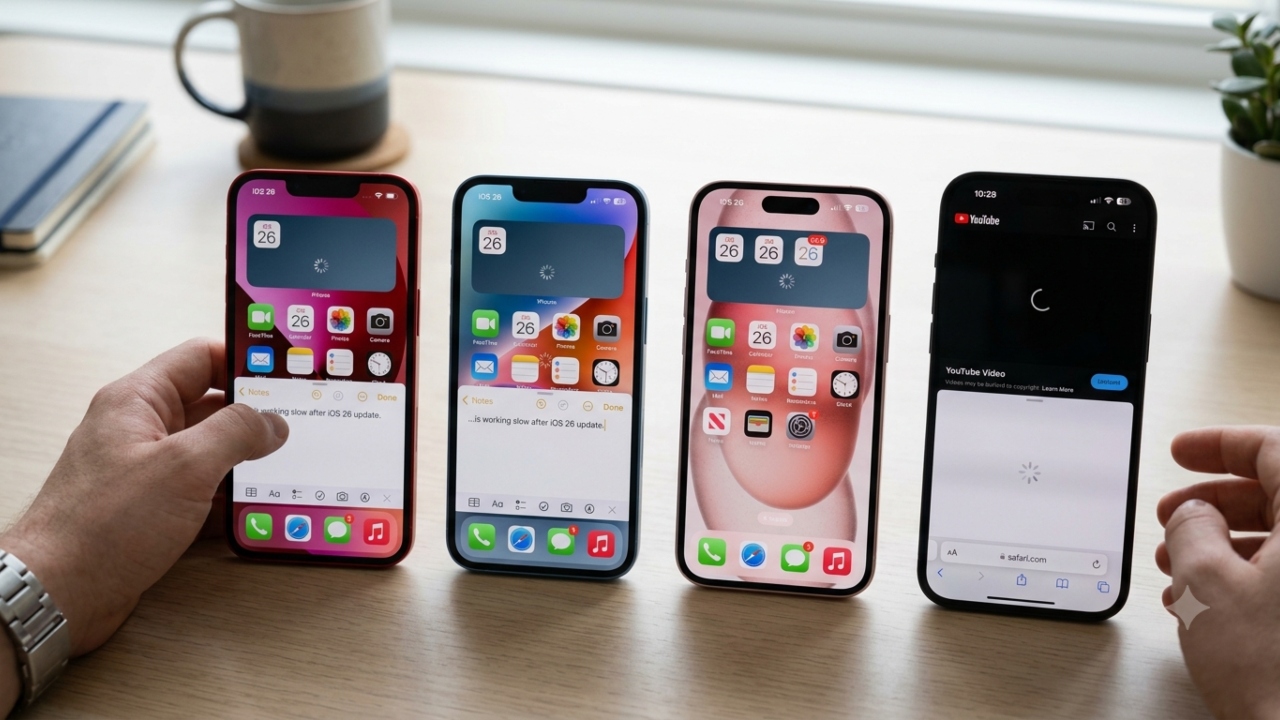
Has your iPhone become slow after iOS 26 update? Speed can increase in minutes with these 6 easy settings

iPhone Slow Performance: If you have recently updated your iPhone 13, iPhone 14, iPhone 15 or iPhone 16 to iOS 26 and now the phone is feeling slower than before then there is no need to panic. Sometimes after a major software update, the iPhone may slow down for some time due to processes running in the background and new visual features. The good thing is that by changing some simple settings and exercising some caution, you can improve its performance.
1. Reduce graphics effects
Transparent menus and visual effects in iOS 26 use more graphics processing. To reduce this, go to Settings > Accessibility > Display & Text Size and turn on Reduce Transparency. This can reduce the load on the GPU, the phone will heat up less and the interface may feel smoother than before. Apart from this, go to Settings > Wallpaper and choose Still Wallpaper instead of animated or depth effect wallpaper. Still wallpapers use fewer graphics resources which can improve system efficiency.
2. Turn off unnecessary system features
If you are not using Apple Intelligence, you can turn it off by going to Settings > Apple Intelligence & Siri. After the update, this feature processes the photo library and other data which may put additional pressure on the processor for some time. Similarly, turn off Journaling Suggestions by going to Settings > Privacy & Security > Location Services. This feature tries to identify nearby devices and locations with the help of Bluetooth in the background, which may increase background activity.
3. Reduce Animations and Give iPhone Time
If you want to make the phone more responsive, then go to Settings > Accessibility > Motion and turn on Reduce Motion. This reduces system animations and makes the interface feel lighter. Keep in mind that it takes time for the system to re-index files after a major iOS update. In such a situation, it is better to leave the iPhone charging overnight, connected to Wi-Fi and with the screen off. This process can last up to 72 hours. After indexing is completed, the performance of the phone often automatically improves.
Also read: Does 5G disappear indoors? Jio’s SmartWalls technology can change everything, know how it will do wonders
thing worth noting
If your iPhone feels a little slow for a few days after an update, it’s not always a sign of a malfunction. In many cases, performance returns to normal after the background process completes.

Comments are closed.