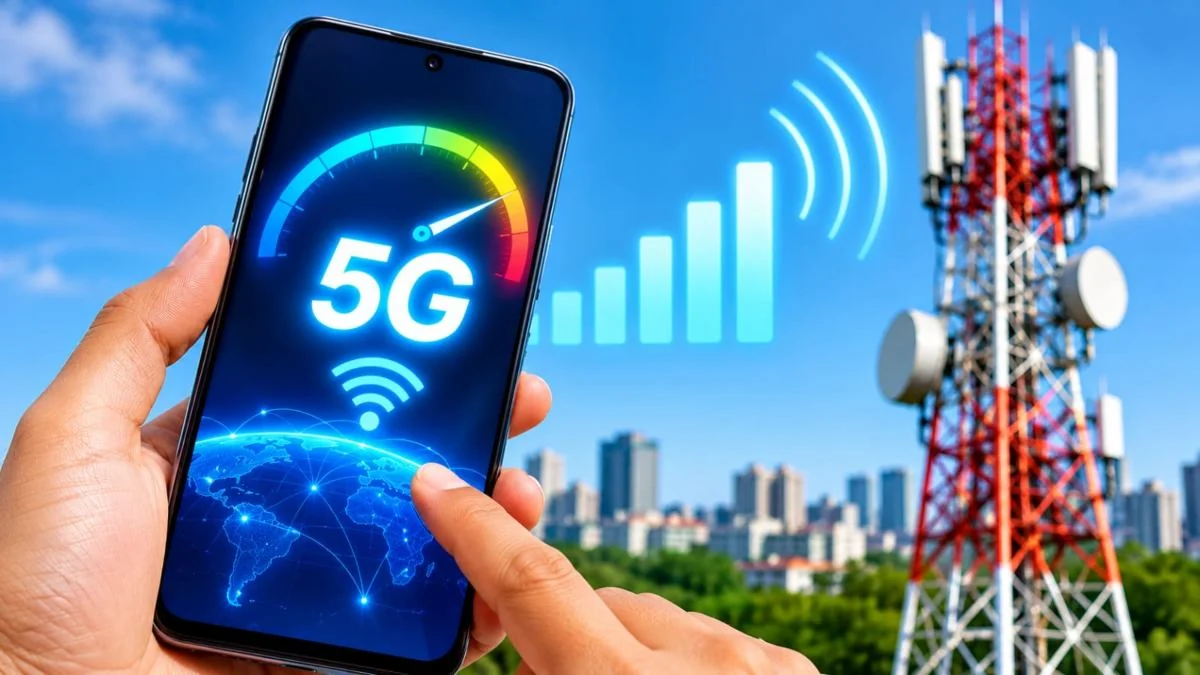
Technology Desk: Nowadays most of the smartphone users are using mobiles with 5G connectivity. Telecom companies also claim to provide fast internet speed and unlimited 5G data to the customers. Despite this, many times users do not get good internet speed even on 5G network. Especially when the internet runs slow even after purchasing a new 5G smartphone, people get worried.
If this is happening to you too, then it is not necessary that there is some fault in your smartphone. There can be many reasons behind slow internet speed, from network coverage to phone settings. Despite using 5G network of companies like Jio and Airtel, the problem of low speed can occur due to many reasons. Let us know why the internet runs slow even after having a 5G phone and how it can be fixed.
1. Weak 5G network coverage in your area
The speed of 5G internet largely depends on network coverage. If the 5G tower in your area is far away or the network signals are weak, the internet speed may be low even though 5G is visible on the phone.
Sometimes 5G signals become weak even inside the house, in basement, lift or in a building with thick walls. In such a situation, going to an open place and using the internet can improve the speed.
2. The network settings of the smartphone are not correct
Sometimes wrong network settings of the phone can also become the reason for slow internet speed. If the network mode on your smartphone is set to 4G only, the phone will not be able to use the 5G network even if it is available.
For this, go to the phone's Settings and open Mobile Network or SIM Settings. After this, select the option of 5G/4G/3G/2G (Auto) in Preferred Network Type. With this the phone will be able to choose connectivity according to the available network.
3. Having more users on the same network
Many times, many people are using mobile internet simultaneously in a particular area. In such a situation, the load on the network increases and the internet speed may reduce.
This problem can be seen especially in crowded markets, railway stations, stadiums and during public events. In such a situation, if you use the internet again after some time, the speed may improve.
- Excessive data usage of background apps in smartphone
There are many apps in your phone which keep running the internet in the background even when not in use. These may include services like social media apps, cloud backup, auto updates, and photo sync.
If multiple apps are simultaneously using data in the background, the available internet speed may be affected. In such a situation, go to the phone's settings and check the data usage and turn off the background data of unnecessary apps.
- SIM card and phone software problems
Sometimes an old SIM card, temporary network glitch or old smartphone software can also affect connectivity. If the internet is still slow even after taking all other measures, then restart the phone once.
Apart from this, check the software updates available in the smartphone. If needed, you can contact the customer care of Airtel or Jio and get information about the status of 5G service and network on your number.
What to do to increase the speed of 5G internet?
If the internet speed is low in your 5G smartphone, then first check the network settings. Keep 5G Auto mode on in the phone and use the internet without going out of the area with weak signal. Apart from this, close unnecessary apps running in the background and keep updating the phone from time to time.
Keep in mind that just having a 5G smartphone does not guarantee the same internet speed everywhere. Actual speed depends on network coverage, load on the tower, phone capacity and the services available from the telecom company.