
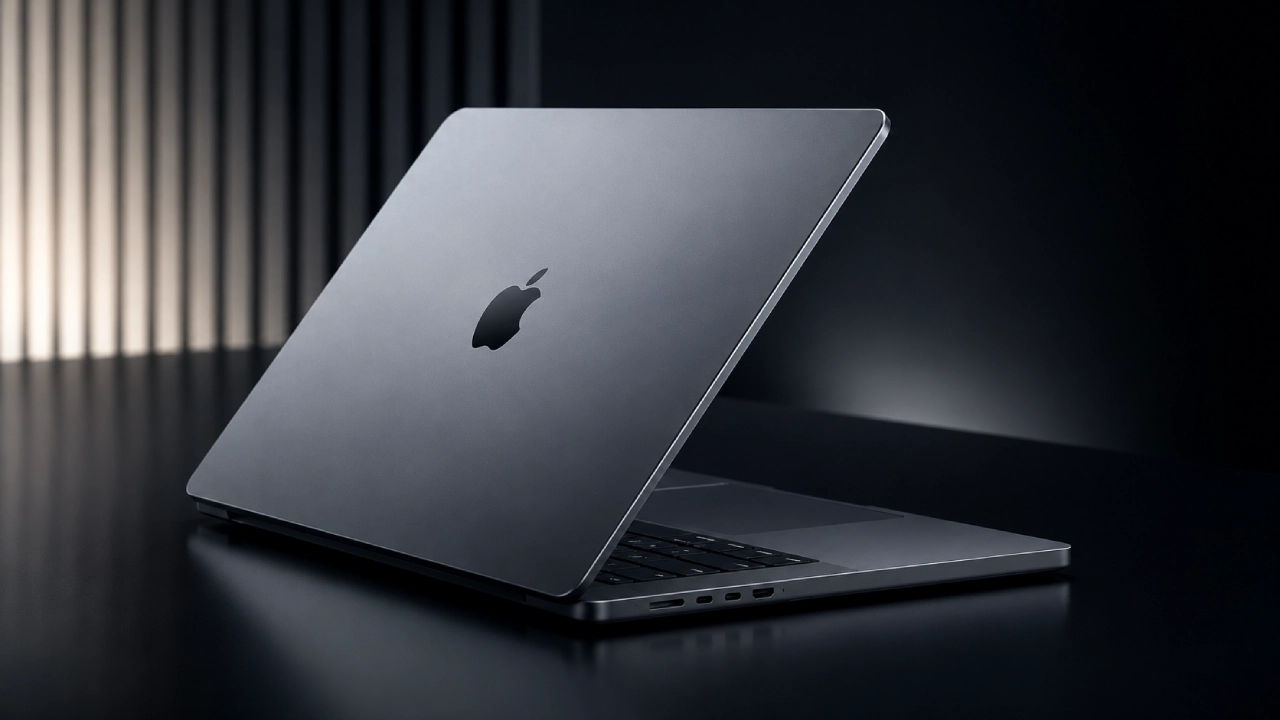

Apple is reportedly about to break one of its own longest-standing rules. For years, executives dismissed touchscreen laptops as an ergonomic dead end. Now, according to a wave of supply-chain leaks and analyst notes, the company is preparing a laptop that does exactly that — complete with an OLED display, a Dynamic Island, and a name that positions it above the MacBook Pro entirely: the MacBook Ultra.
The starting price being floated is $2,499. Before anyone lines up for that, it’s worth asking whether this is a genuine leap forward or an expensive experiment wrapped in familiar internals.
OLED Screen & Touchscreen Laptop: Game-Changer or Expensive Gimmick?
| Feature / Aspect | Details & Benefits | Potential Drawbacks & Concerns |
| Tandem OLED Display | • Shifts from mini-LED to tandem OLED (same technology as the iPad Pro) • Delivers true blacks, better contrast, higher brightness, and improved power efficiency • Pixels switch off completely rather than dimming • Ideal for photographers, video editors, and color-critical work | • Burn-in risk from static elements like menu bars and dock icons • Expensive panel replacements outside of warranty • Long-term aging concerns for display quality |
| Touchscreen Integration | • “Touch-friendly, not touch-first” approach • Designed for touch, trackpad, and keyboard to work interchangeably without converting into a tablet | • Ergonomically awkward reach for vertical 14- or 16-inch laptop displays during sustained use • May end up as an occasional convenience rather than a transformative feature |
The Dynamic Island on Mac: Cool Feature or Pointless Screen Waste?
- Taking up screen real estate.
Losing the notch in favor of a smaller hole-punch camera is a clear win for usable screen space. Expanding that cutout into an iPhone-style Dynamic Island is a different story.
On a phone, the Dynamic Island works because your thumb is inches away and the display is small enough that a pill-shaped overlay feels integrated.
Whether a similar ticker earns its space on a 14 or 16-inch laptop screen, where the menu bar already competes for attention, is far less certain.
- Software support.
A flashy interface element is only as useful as the apps that support it.
The iPhone’s Dynamic Island took time to gain meaningful third-party adoption, and a laptop top-bar feature will likely face the same lag, assuming developers prioritize it at all over more central parts of their apps.
MacBook Ultra Performance vs. Price: Are You Just Paying for Gimmicks?
| Feature / Concern | Details & Implications |
| Processor Silicon | Expected to use M5 Pro and M5 Max chips currently shipping in today’s MacBook Pro; more capable M7-class chips for heavy AI are over a year away. |
| Value Proposition | Buyers may pay a premium for a new design and display rather than a raw computing power upgrade over existing models. |
| Display & Power Draw | Touchscreens and OLED panels can draw more power than standard mini-LED setups, threatening traditional battery life standards. |
| Thermal Management | A thinner chassis (enabled by dropping the mini-LED backlight) combined with high-draw OLED panels makes heat management a critical concern. |
| Design Tension | Pro-tier pricing may be tied to consumer-origin interface trends like touchscreens and a Dynamic Island. |
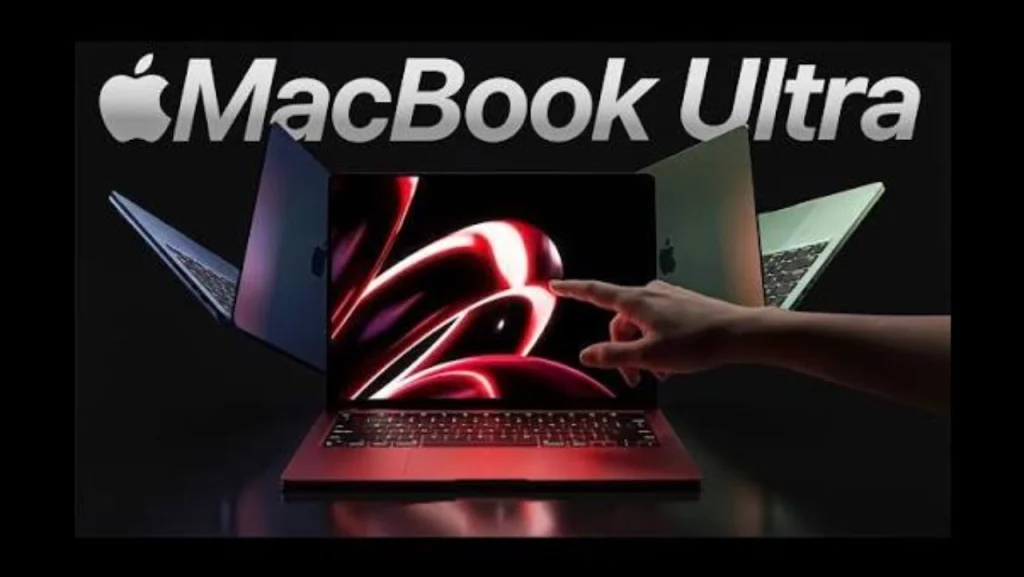
Who Should Buy the MacBook Ultra? (And Who Should Skip It)
If your work depends on the best color accuracy and contrast a laptop screen can offer, or you’re genuinely excited to fold touch input into your workflow, the MacBook Ultra may be worth the premium and the wait.
Everyone else, including most standard professionals doing writing, coding, spreadsheets, or general creative work, is unlikely to get anything from this machine that the current MacBook Pro doesn’t already deliver, since they’re expected to share the same chips.
Final Verdict: Is Apple’s Rumored First Touchscreen MacBook Pure Innovation or Total Overkill?
Strip away the OLED shine, the touchscreen novelty, and the Dynamic Island, and what may be left is a MacBook Pro with a new industrial design and no performance upgrade at launch.
That’s not nothing — but it’s also not the generational leap the price tag implies.
Unless the touch and display improvements specifically solve a problem in your workflow, the more honest move
is to buy the current MacBook Pro, save several hundred dollars, and let the first generation of MacBook Ultra buyers stress-test the hinge.

Comments are closed.