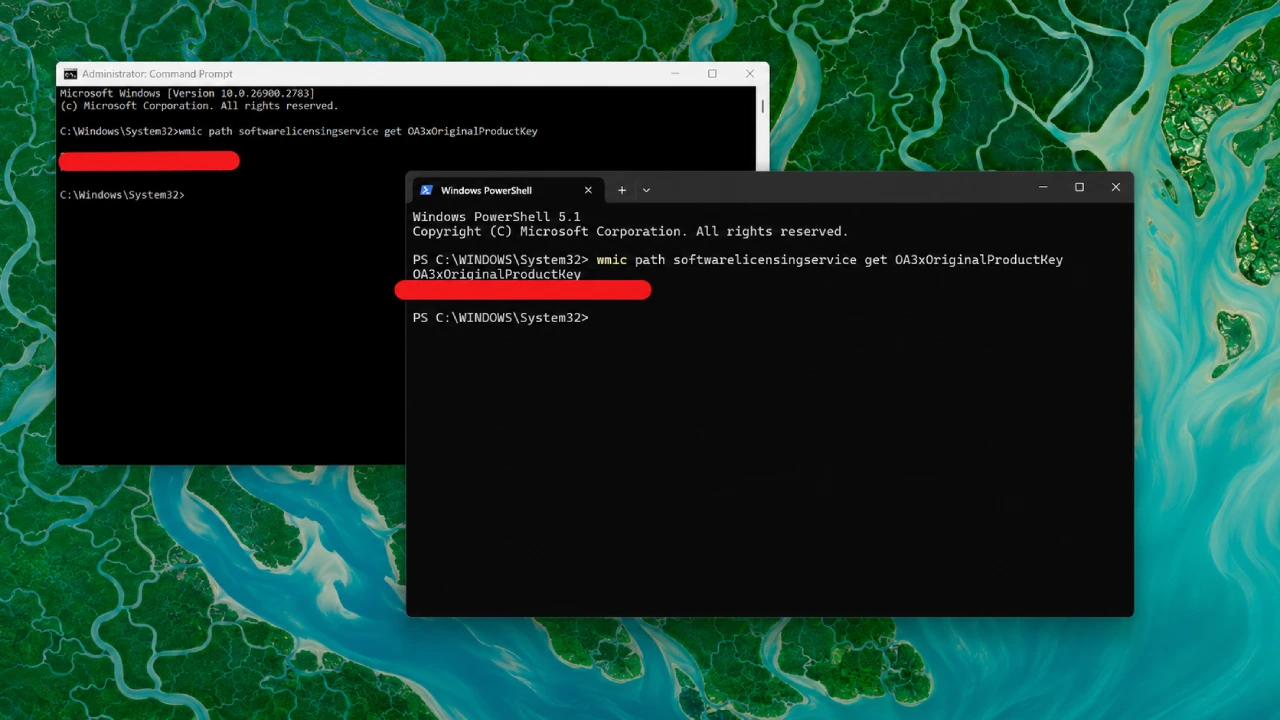
Microsoft has categorized the launch of the new update as a cumulative one, which is not a security-related update. Microsoft was forced to release an emergency update for Windows Deals with the license and activation problems, created with new updates for patch Tuesday.
As the professionals indicate, this might be a problem for business organizations that implement KMS-based licenses. The newly emerged problem can cause error number 0x80041008. According to the information available, now the problem has been dealt with through other cumulative updates by Microsoft.
The source of information is Microsoft Windows Release Health documentation. This newly released update should not be treated as a security-related patch, as its main function.
Windows activation error 0x80041008: What is the reason for the failure?
The failures began following the security updates released on November 10, 2026, known as Patch Tuesday by Microsoft, which recognized the issue in the Windows Release Health page. The error appears due to failure of some actions performed via the Software Licensing Management Tool (SLMGR), especially commands used to configure Key Management Service (KMS) and to install product keys. The commands used are:
slmgr.vbs /skms-domain
slmgr.vbs /ipk
These processes are frequently followed by the administrators of enterprises for activating Windows on devices. Thus, companies using automated licensing systems, scripts, and deployment images may experience disruptions.
Which Windows versions are affected?
Microsoft specifies that activated devices stay activated, while devices that do not require the SLMGR commands and have been already activated will not be in the line of fire.
Microsoft has published several cumulative updates for affected versions.The subsequent table gives the update identifiers provided in the emergency release.
Affected version Emergency update Windows 11 23H2 KB5136483
Windows 10 22H2
ESU/LTSC 2021 KB5136493
Windows 10 Enterprise
LTSC 2019 KB5136490
Windows Server 2019 KB5136490
Windows Server 2022 KB5136487
Windows Server 2025 KB5136489
The updates contain some improvement from the November 10 cumulative release as well as solved the issue.
How to use emergency Windows updates correctly
Users and system administrators who are affected are able to install the required update via Microsoft supported methods.
1. Check the Windows Update
For a Windows 11 PC:
Go into Settings.
Choose Windows Update.
Press Check for Updates.
Find the cumulative or alternate update that has been released.
Download it, and install.
If you are invited to, reboot your computer. Microsoft carries this update under Optional Updates for the computers with Windows 11 23H2 (Microsoft Support).
2. Install a standalone update
Organizations that handle a lot computers can refer to the Microsoft Update Catalog and find the standalone packages.
Administrators need to get the designated KB number, choose a package that fits the version of Windows and architecture of the system and apply the update via their managing update routines.
Microsoft also supports implementations through Windows Server Update Services (WSUS) for server updates.When using the update, administrators should check the requirements for the servicing stack and the OS version.
3. Make sure that activation processes are working
When the emergency update is installed, the enterprise managers need to carry out a few checks of licensing processes that have been malfunctioning before:
product key installation; KMS configuration; automated
Final Thoughts
The emergency Windows update released by Microsoft on November 13 fixed a licensing and activation glitch caused by the Patch Tuesday in November.
The issue represented by code 0x80041008 affects mainly companies that use SLMGR commands, automatic key installation, or KMS activation settings. The fact that specific patches were issued for Windows 11, Windows 10, and Windows Server shows that Microsoft is trying to fix the problem across all operating systems. In terms of casual home users, they have nothing to worry about if their Windows is already activated.
On the other hand, companies will first of all need to find out which computers are affected, install the necessary update, and check their activation procedures.