
Various types of problems are often faced during the rainy season. One of these is the problem of slow Wi-Fi. It is often seen that the internet connection becomes slow during rains, due to which there is a problem of buffering in video streaming, sound stuck in online work meetings and delay in downloading important files. In such a situation, we often start thinking about buying a new router.
But do you know that every time the internet service provider is not at fault. In fact, even some small mistakes related to the router can spoil your Wi-Fi speed. So, today in this article we give you some tips related to router, which can help you in increasing internet speed-
The correct location of the router matters
The biggest factor that determines your Wi-Fi speed is the location of the router in your home. Placing it inside a cupboard, in a TV cabinet or too low on the floor weakens the signal. Try to place the router at a slight height in the middle of the house so that the signal reaches all the rooms equally.
remove router blockages
Sometimes a lot of stuff around the router can also cause problems. Therefore, do not keep books, clothes or decorative items nearby. The router does not get hot even when there is open space. This also affects the internet speed of your home.
Choose the right Wi-Fi network band
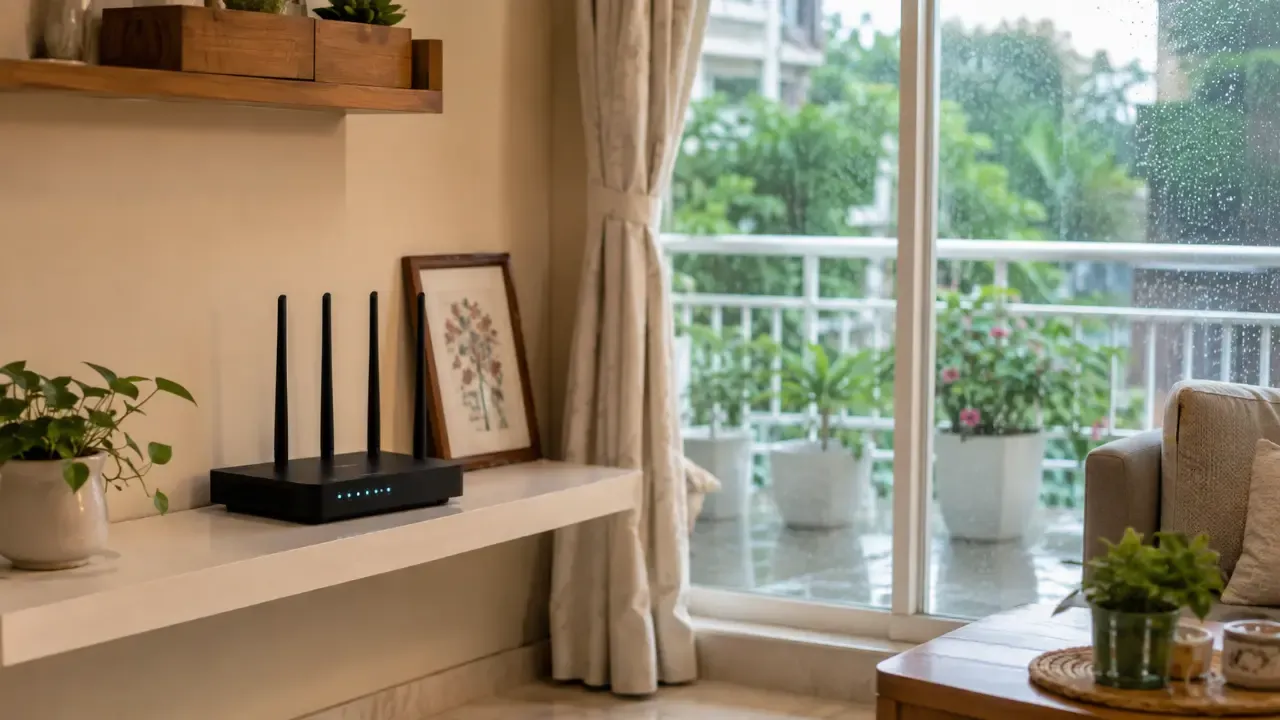
Choosing the right Wi-Fi network band may seem a little difficult, but it’s actually quite easy. If you have a dual-band router, proper use of both bands can increase speed. While the 4GHz band has a greater coverage range and sends better signals through walls, the speed remains moderate. At the same time, the speed of 5GHz Band is faster, but its range is less. Therefore, if you work sitting near the router then 5GHz Band will be better.
Protect the router from rain and moisture
The performance of the router is also affected due to humidity and power fluctuations during monsoon. Therefore, it is important to keep some things in mind. First of all, do not keep the router near a window or balcony where rain splashes or moisture can reach. Also, connect the router to a UPS or surge protector to protect it from power fluctuations.
Don’t ignore router updates either

You may also need to update your router from time to time. If there is a firmware update available for your router from the manufacturer, it may be useful to install it in a timely manner. These updates can be important not only for speed, but also for the security and stability of the device. Therefore, if you have not seen the router settings for a long time, then definitely check once that there is no important update pending.
FAQ
Can Wi-Fi router get damaged during rainy season?
Yes, excessive moisture in the air and voltage fluctuations can affect the internal circuits of the router. Keep it away from windows and moist walls.
Which is better between 2.4GHz and 5GHz Wi-Fi?
The 5GHz band is better for faster speeds, while the 2.4GHz band should be used to get better coverage at a distance from the router.
What to do if the internet shuts down every rain?
If the internet goes down even in light rain, contact your Internet Service Provider (ISP) and get your local fiber or copper cable checked.