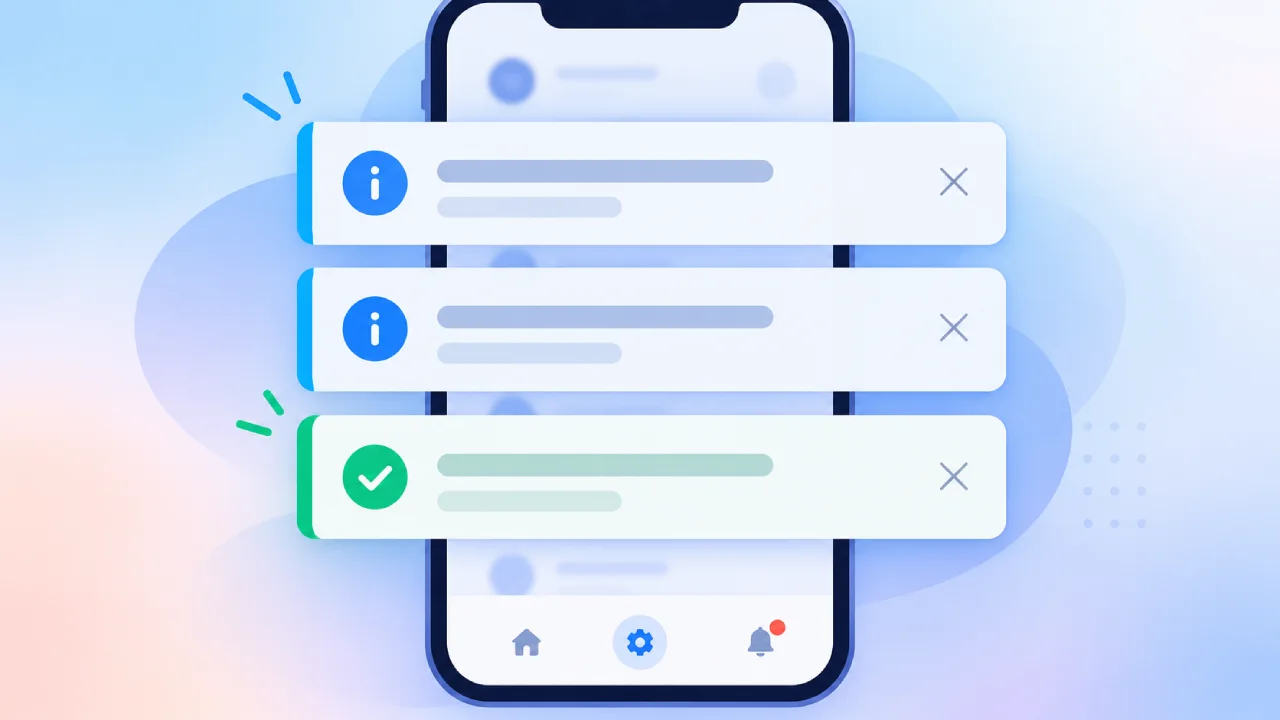
A notification that a user ignores is a vote, registered in the user’s attention economy against the product that sent it. By the time a user swipes away a notification without reading it, they have already processed enough of its content to decide it was not worth their time. Do that repeatedly, and the product has trained its own users to treat every notification as background noise, including the ones that actually matter.
Effective notification UX means deciding which events deserve a user’s attention in the first place. The best notifications are useful and predictable: useful enough that the user is glad they received them, predictable enough that they are not surprised by them.
In 2026, with notification volume at historically high levels and user tolerance at historically low levels, the product teams winning the attention competition are the ones sending notifications that are architecturally different from the ones users have learned to ignore.
Notification UX: Matching Urgency to Channel
The first architectural decision in notification design is which channel carries the message and why. Different notification channels carry different urgency signals in users’ mental models, and mismatching urgency to channel is the fastest way to train users that the channel cannot be trusted.
The eight most common in-app notification types are:
- Modals
- Slideouts
- Banners
- Tooltips
- Hotspots
- Checklists
- Microsurveys
- Embeds
Each serving a different purpose. Modals carry the highest urgency signal and command full attention; they are appropriate for critical system messages, required actions before proceeding, and breaking changes that require immediate acknowledgment.
Banners and slideouts carry medium urgency; they are appropriate for feature announcements, task completion confirmations, and contextual guidance that does not require an immediate decision. Tooltips and hotspots carry low urgency; they are appropriate for feature discovery and educational nudges that add value without demanding attention.
Push notifications carry the highest perceived urgency of any channel because they interrupt the user regardless of what they are currently doing. A notification that appears in the middle of focused work is a distraction regardless of how well-written it is; timing is about whether the user can receive it. Time zones, Do Not Disturb settings, focus sessions, and sleep windows are all clear signals about when users do not want interruptions. The channel selection principle is that push notifications should be reserved for information that loses value if delayed (a security alert, a real-time transaction, an urgent team mention), and that in-app notifications, emails, and digest summaries should carry everything else.
Email carries the lowest urgency signal of the major channels and the highest tolerance for density. A weekly digest email that summarises activity, new features, and pending actions is appropriate for content that would constitute notification fatigue as individual push notifications but that users genuinely want when aggregated into a scannable format. The same information sent as seven individual push notifications across the same week would produce opt-outs; sent as one weekly email, it produces engagement.
Timing: Behaviour-Based Over Schedule-Based
The more important question is whether the user can receive the notification at that moment. Trigger notifications around user behavior, not rigid schedules. Behaviour-based triggers (a stalled checkout, a returning user, a teammate’s comment on a shared document) work better because the message is already contextually relevant. Scheduled notifications assume the user is ready. Behaviour-based ones wait until they are.
The contrast between these two approaches is visible in their outcomes.
- A fitness application that sends a workout reminder at 7 AM to every user in a time zone is applying a statistical guess; morning is when many people exercise, therefore morning is when the reminder should arrive.
- A fitness application that sends a workout reminder thirty minutes before the specific time the individual user has historically begun their workouts, based on their behavioral patterns in the app, is sending a notification that has already demonstrated its moment of relevance.
Send-time optimization, delivering each message when the individual user is most likely to be active, based on their historical activity patterns, earns roughly 3x the open rates of time-zone-only scheduling. More than a few messages per week starts to erode trust for most use cases, regardless of how well-timed individual messages are.
Quiet hours represent the minimum timing discipline. If a message can wait until business hours, it should wait. Layered timing (an early reminder, then a near-term reminder only if the action still matters) prevents escalation beyond what the situation requires. Throttle repeats once the user confirms, completes, or cancels. Localize by time zone: schedule based on the recipient’s clock, not the sender’s. The “immediate delivery” assumption, that the fastest notification is always the best notification, is the assumption that produces the 2 AM push notification for a promotional offer that a user will find in the morning and interpret as the product disrespecting their sleep.
Personalization: Beyond the First Name
Inserting a user’s first name into a notification is table stakes in 2026. Real personalization means using behavioral data (browsing history, purchase patterns, feature usage, workflow stage) to send content that is relevant to each user’s specific context.
The personalization hierarchy that produces reliable engagement improvements operates at four levels.
- Demographic personalization segments users by role, plan tier, geography, or industry and is a useful starting point that produces marginally better relevance.
- Behavioral personalization segments users by what they have done (features used, actions completed, milestones reached) and produces notifications that reflect where each user is in their product journey.
- Predictive personalization anticipates what a user needs before they have taken any action that signals it, typically powered by ML models trained on cohort behavior patterns.
- Explicit preference personalization reflects what the user has directly stated they want; the highest-quality signal available and the one most systematically ignored in notification systems that collect preferences but do not act on them.
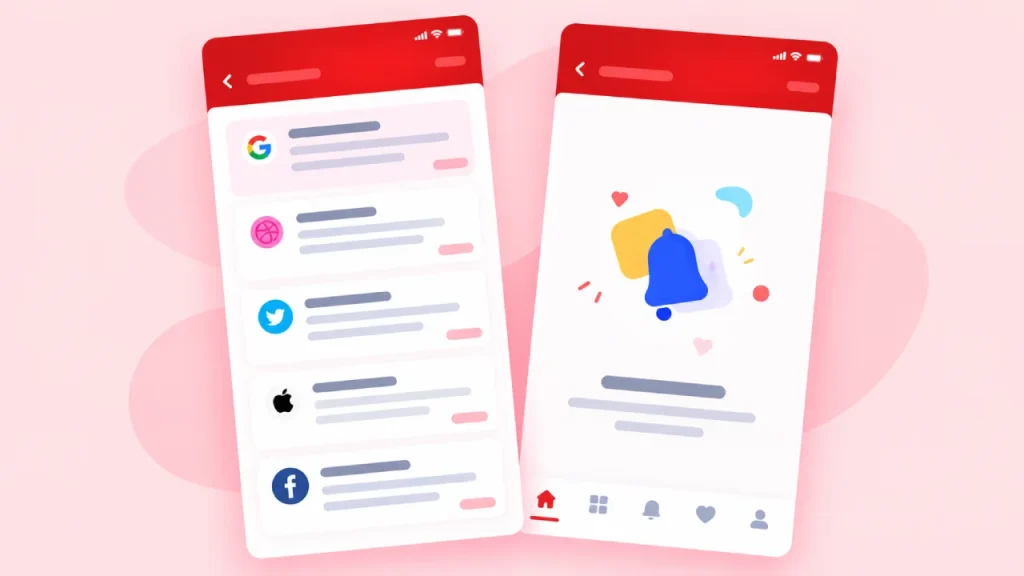
Personalization based solely on inferred behavior can backfire, since some users find behavior-based notifications helpful, while others find them intrusive. Personalize with permission and intent. The users who opted into detailed notification preferences and explicitly selected their categories are the users for whom aggressive behavioral personalization is appropriate. Users who accepted default notification settings should receive conservative, broadly relevant messages until they demonstrate preference for more.
User Control: The Design Decision That Prevents Opt-Outs
When users are forced into an all-or-nothing notification choice, they almost always choose nothing. Category-level notification controls, digest or summary options for non-urgent updates, and the ability to revisit and change preferences at any time are the design decisions that maintain long-term opt-in rates.
The preference center is the single most underinvested component of most notification systems. A product that surfaces notification preferences only during onboarding, buries them in settings that most users never navigate to, and treats the initial choice as permanent has built a notification system that produces opt-outs when users reach their tolerance threshold, because the only visible exit is global opt-out.
Preference centers with granular controls over notification type, channel, and frequency can cut unsubscribes by up to 30% without reducing send volume. The user who would have globally opted out of all notifications instead opts out of a specific category they were receiving too frequently, and continues to receive the categories they value. A notification preference center should be reachable from within a notification itself, so users can adjust preferences at the moment they feel friction.
The graduation mechanic, automatically reducing notification volume as users become more deeply engaged, is the design pattern that most directly addresses the inverse problem: high-frequency notifications that are appropriate for new users learning the product but become noise for power users who have already internalized it. Reduce notification volume automatically as users become more engaged. A new user benefits from daily usage reminders; a power user who opens the app four times per day does not need to be reminded it exists.
Notification Fatigue: The Failure Mode That Compounds
Notification fatigue is about the ratio of notifications that feel relevant to notifications that feel like noise. A user receiving twelve notifications per day, all relevant, is less fatigued than a user receiving four per day, two of which feel irrelevant or poorly timed.
The signals that notification fatigue is building in a user population are measurable before opt-out rates spike. App reviews mentioning notifications, often captured through sentiment monitoring tools, show notification-specific complaints weeks before they manifest as uninstalls. Open rate trends show the progressive desensitisation that precedes complete disengagement. Push opt-out timing analysis shows whether users are opting out immediately after a specific campaign or gradually over time; the two patterns require different interventions.
The biggest mistake is notification fatigue: bombarding users with too many messages erodes trust and teaches them to ignore everything the product surfaces. The second-order effect is the one teams systematically underestimate: a user who has learned to ignore all notifications from a product will also ignore the ones that genuinely matter to them, because the pattern of dismissal is established before the high-value message arrives.
The batching and digest model is the operational pattern that reduces notification fatigue without reducing notification value. Batch and digest low-priority notifications so users get one scannable summary instead of a stream of interruptions. The information value of ten individual low-urgency notifications and one digest summary that contains the same ten items is identical.
The attention cost is not. The digest model requires a classification layer that separates time-sensitive notifications (which must be delivered immediately) from non-time-sensitive notifications (which can be batched), and that classification is the design work that makes the digest model function correctly.
Measuring What Works: The Metrics That Matter
The notification metrics that most product teams track (open rate, click-through rate) are the metrics that most directly reflect notification engagement and most directly incentivize the wrong behavior. A team that optimizes for open rate has an incentive to send more notifications, because more notifications produce more absolute opens even when the per-notification open rate is declining. A team that optimizes for long-term opt-in rate has the correct incentive: every notification sent must be worth the attention cost it imposes, because the cumulative cost of irrelevant notifications is reflected in the opt-in rate declining over time.
Track click-through rate, opt-out rate, conversion impact, and retention metrics split by users who received notifications and those who did not. The retention split is the most important indicator of notification system health; a notification system that improves engagement without improving retention is producing activity. A notification system that improves both produces a product that users engage with more because it is helping them, not one they engage with more before they disengage entirely.
What to Watch Next
The direction of notification design in 2026 is toward ambient intelligence: AI-powered systems that observe user behavior, infer attention state and context, and deliver notifications at the exact moment they will be most useful. Behaviour-based triggers wait until the user is ready; the next evolution is systems that know whether the user is in a state of focused work, light browsing, or open attention, and route notifications accordingly. Focus mode awareness, calendar integration, and cross-device attention inference are the mechanisms enabling this.
For product teams building or auditing their notification systems today, the sequence that produces the most reliable improvement is: audit the current notification types against the four criteria for deserving attention, implement category-level preference controls before sending anything new, introduce timing based on individual user behavior, and instrument the opt-in rate and retention split before optimizing any other metric.
The notification system that serves users well enough that they keep it on is the only notification system that can compound in value, and the discipline that keeps it on is treating each notification as a debt drawn against user attention.
(Source)