
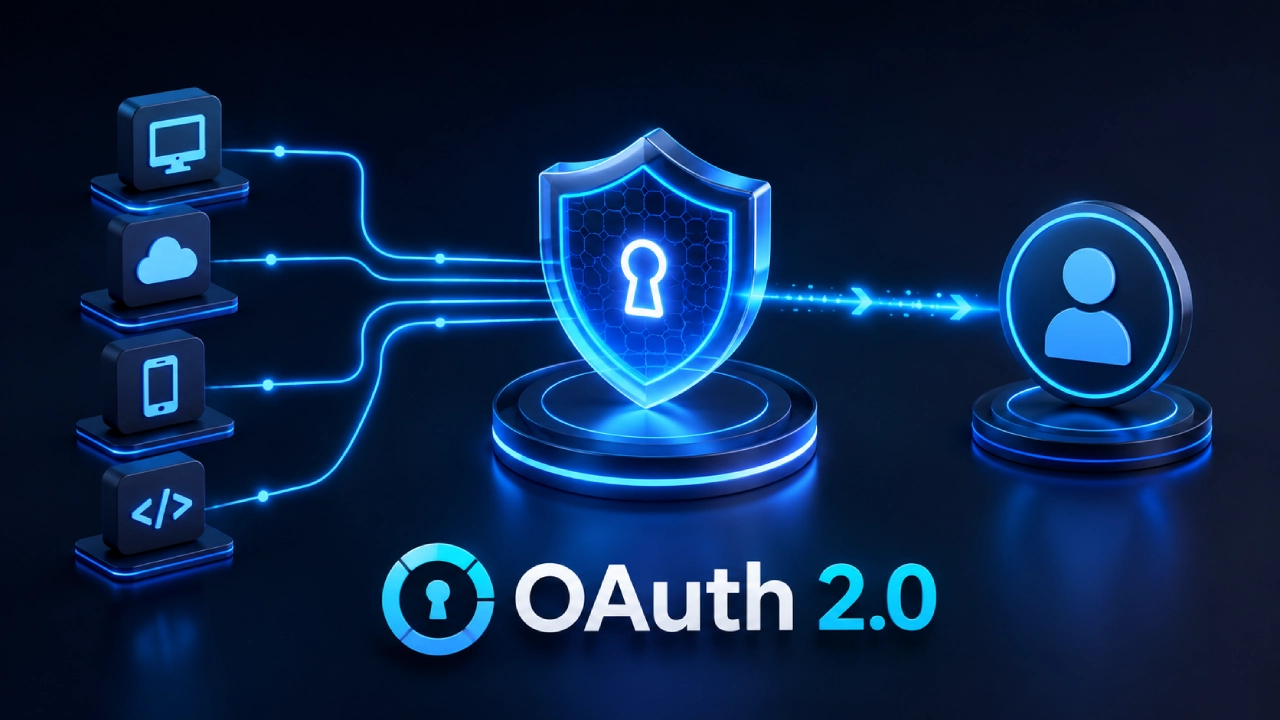

Today’s apps feel like they are always connected. Instead of inventing every little feature from scratch, teams integrate with outside platforms to deliver things like social login, cloud storage, payment handling, calendar syncing, messaging, and collaboration. So if you are logging into a service using your Google account or letting a project tool talk to your Microsoft Calendar, OAuth is usually the quiet layer doing the work in the background. OAuth has grown into one of the key authorization frameworks for backend development, mostly because it allows apps to communicate safely without the need to expose user passwords. Users don’t hand over credentials.
They grant apps limited ability to reach certain resources, and that permission is carried via secure tokens. If you are building on the backend, getting your head around OAuth means you can design systems that are more scalable, safer, and also easier for people to use. In this guide, you’ll see how OAuth workswhy it matters, what the main benefits and risks are, plus practical best practices for wiring it into modern backend environments.
What is OAuth
OAuth, short for Open Authorization , is basically an authorization framework that’s used across the industry. It lets one app reach the resources of another app for a user, but without actually needing the user’s password, or anything that sensitive like that. Like, imagine a person clicks “Continue with Google”. The app doesn’t get the Google account password at all. Instead, Google first authenticates the person, then it hands over a secure access token.
That token allows limited permissions, so the requesting app can do what it needs, but it’s not basically the key to everything. OAuth is often used for stuff such as Google Sign-In, Sign in with Apple, GitHub authentication, Facebook Login, and Microsoft account login. Also, Slack integrations, Google Drive access, Dropbox synchronization, plus payments with Stripe and PayPal integrations. Nowadays, OAuth 2.0 is the version you see the most, across web , mobile, and cloud systems.
Authentication vs Authorization
Even though people mix them up a lot, authentication and authorization are not the same.Authentication is about proving identity. It answers something like:
“Who are you?”
Typical examples are passwords, biometrics, passkeys, or multi-factor authentication.
Authorization is more about permissions. It answers:
“What are you allowed to access?”
So OAuth leans mostly toward authorization, letting users grant a limited scope or permissions to an application, while keeping credentials safely hidden.
How OAuth Works
OAuth how it works is basically a standardized way of doing authorization, kind of a smooth sequence. Step 1 is when the User requests a third party login, like they click on something such as Continue with Google , Sign in with GitHub or Continue with Microsoft. Then the app redirects the user over to the provider secure authentication page.
- Step 2, the user authenticates . The identity provider checks the credentials . This part happens right on the provider servers,so the passwords stay protected, and not handled by the app.
- Step 3 is the permission request. The provider will ask the user if they want to grant consent for the application to use certain data. Common stuff includes email address , user profile , contacts , calendar , cloud storage, photos . The user can approve, or deny the permissions, depending on what they feel like allowing.
- Step 4: authorization code. Once everything is approved , the provider sends an authorization code back to the backend application. That code is temporary and then the backend server exchanges it securely.
- Step 5: access token generation. The backend swaps the authorization code for an access token. This access token lets the application access the approved APIs without storing user passwords. Some providers also add a refresh token to the mix, so the application can ask for new access tokens later when the original access token expires.
OAuth Components
OAuth is basically made up of four main participants ,and it kinda works like a relay in the background.
Resource Owner
This is usually the person who has the protected information. Like the actual user.
Client Application
The app is asking for access. Examples are productivity apps, CRM platforms, or project management software.
Authorization Server
This service is the one authenticating the user and then issuing access tokens.
Examples include :
- Google Identity
- Microsoft Identity Platform
- GitHub OAuth
- Apple Sign In
Resource Server
The server that actually hosts the protected resources.
Examples include :
- Google Drive
- Microsoft Graph
- GitHub API
- Dropbox API
This resource server checks the access token before it allows the action to happen.

Common OAuth Integration Examples
OAuth supports a lot of services people use every day ,even when they don’t notice it.
Social Login
Users can get into applications using existing accounts, without making a brand new password.
Examples include :
- Microsoft
- GitHub
Cloud Storage
Applications can securely access files stored in :
- Google Drive
- Dropbox
- OneDrive
Calendar Synchronization
Scheduling apps connect with :
- Google Calendar
- Outlook Calendar
OAuth helps users keep control over permissions, so it’s not just “set it and forget it”.
Enterprise Applications
Business software often plugs into platforms like :
- Slack
- Salesforce
- HubSpot
- Yes
- Notion
Benefits of OAuth Integrations
Enhanced Security
With OAuth integrations, your applications never actually get the third party account password . So the chances of credential theft are cut down quite a lot, in a practical way.
Better User Experience
Third party sign in makes registration and login feel much simpler. Users do not have to wrestle with extra steps, they can start using the application in seconds, like right away.

Permission Based Access
Users get to approve what the application can access exactly. That tends to improve transparency and honestly, it also builds user trust, which is kind of the point.
Easier API Integrations
OAuth offers a standardized approach that is supported by most of the big tech companies. Because of that, developers can connect services without having to invent custom authentication systems every single time.
Scalability
OAuth can handle millions of users across distributed cloud environments , so it works well for both new startups and larger enterprise setups alike.
Conclusion
Honestly OAuth has become this key piece of modern backend development, it helps you grant secure permission-based access to outside services without ever having to expose user credentials. In practice, whether you’re dealing with third party sign-in, cloud storage connections, payment platforms, or those enterprise APIs, OAuth kind of flattens the whole authentication workflow.
At the same time it boosts security a lot, and it also tends to make the user experience feel smoother, less “frictiony” in general. But, it’s not like you can just turn it on and done. Implementing OAuth the right way takes real care around access tokens, redirect validation, permission scopes, HTTPS, and then ongoing monitoring too.

Comments are closed.