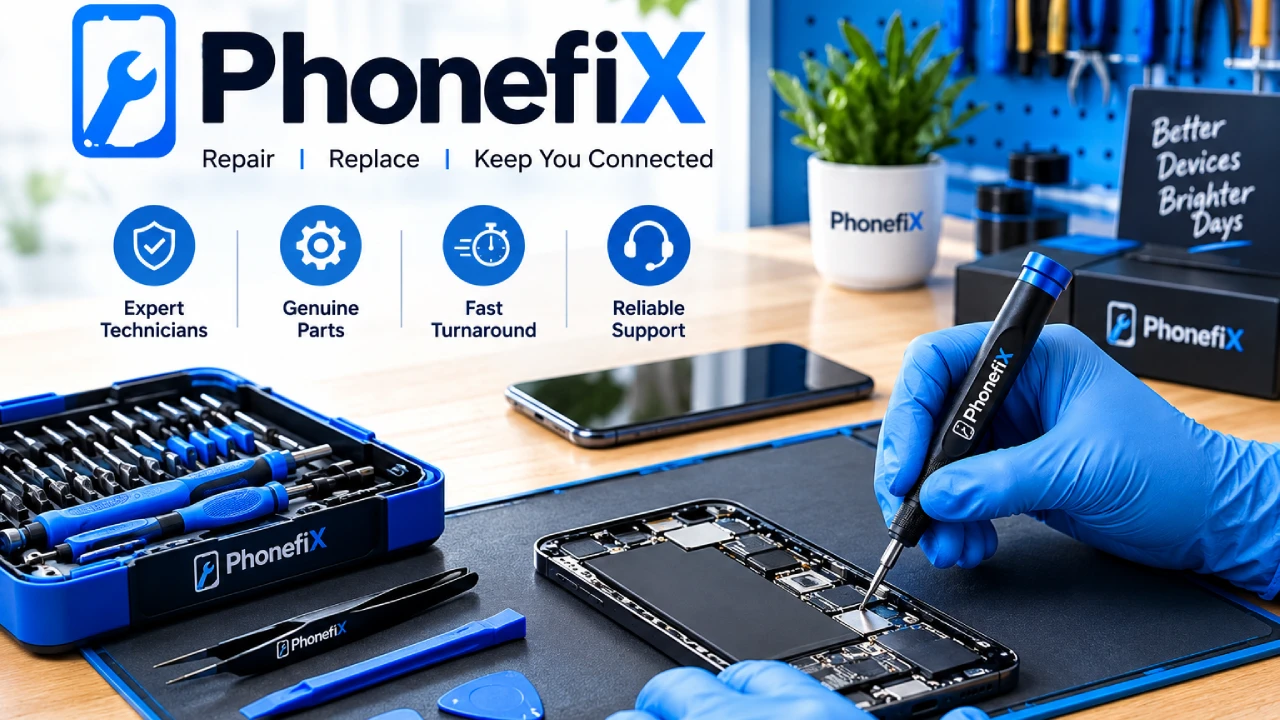
Modern smartphones are essential daily lifelines, yet they are increasingly expensive to replace and surprisingly fragile. When a screen cracks, a battery degrades, or a charging port stops making proper contact, device owners face a crucial decision: attempt a self-fix, purchase a new device, or partner with a dedicated repair specialist.
Selecting the right phone repair tool setup is essential for understanding hardware mechanics, but executing complex internal servicing without specialized laboratory equipment often leads to permanent device failure. Understanding why you need the right phone repair tool and phone opening tools helps users make informed decisions about their valuable electronics.
While basic device hygiene at home is empowering, complex hardware servicing requires professional-grade equipment, precise diagnostic tools, and technical mastery.
The Rise of DIY Culture in Mobile Device Maintenance
The movement toward maintaining electronics rather than discarding them stems from three major factors:
- Rising Hardware Costs: Flagship smartphones routinely cost over $1,000, making minor hardware issues financially stressful if a complete replacement is the only solution.
- Environmental Sustainability: Repairing existing hardware reduces electronic waste (e-waste) and extends the functional lifecycle of rare-earth metals and lithium batteries.
- Accessibility of Repair Knowledge: High-definition video teardowns and online schematics have demystified what happens inside a smartphone chassis.
Understanding how modern smartphones work helps consumers make informed choices. However, knowing what goes into a repair is very different from executing it without specialized tools and laboratory-grade environments.
Essential Categories of Modern Phone Repair Tools
To safely service a modern smartphone, technicians rely on a specialized toolkit. Understanding these phone repair tools reveals why professional intervention is often necessary for non-trivial repairs.
1. Advanced Phone Opening Tools and Thermal Equipment
Modern smartphones feature IP68 dust and water resistance achieved through heavy perimeter adhesives. Opening a device without tearing display cables or shattering glass requires controlled heating and balanced mechanical separation.
- Controlled Thermal Heat Plates: Maintain uniform temperatures (60°C to 80°C) to soften perimeter seals without damaging heat-sensitive OLED matrices.
- Precision Suction Separators: Heavy-duty suction clamps exert equal upward and downward pressure across the glass and chassis, preventing localized stress fractures.
- Non-Conductive Polymer Opening Picks: Ultra-thin plastic picks cut through softened adhesive without scratching internal coatings or short-circuiting exposed trace lines.
2. High-Precision Micro-Fastener Drivers
Smartphones contain dozens of microscopic fasteners with unique head profiles, thread pitches, and torque tolerances. Using the wrong bit size strips screw heads instantly.
- Pentalobe (P2, P5): Used primarily on exterior enclosure points.
- Tri-Point (Y000): Essential for internal bracket plates and sensor shields.
- Torx & Torx Plus (T2–T5): Standard across Android motherboard assemblies and frame mounts.
- Micro Phillips (PH000, PH00): Used for internal ground plates and structural brackets.
3. ESD-Safe Handling and Static Protection
Electrostatic Discharge (ESD) is an invisible threat. A static shock too minor for a human to feel can permanently destroy microscopic capacitors on a smartphone logic board. Professional setups utilize anti-static grounding mats, ESD-safe tweezers, and anti-static wrist straps connected to dedicated ground points.
4. Board-Level Diagnostics and Rework Tools
When a phone refuses to charge or turn on, hand tools alone cannot solve the problem. Advanced diagnostics require diagnostic and soldering machinery:
- Trinocular Stereo Microscopes: Provide high optical magnification and 3D depth perception to inspect micro-solder joints and broken trace lines.
- Regulated DC Power Supplies & Multimeters: Allow technicians to measure current draw, trace voltage drops, and isolate shorted components on the motherboard.
- Hot Air Rework & Micro-Soldering Stations: Provide pinpoint temperature control to reflow surface-mount technology (SMT) chips and replace delicate micro-switches.
What You Can Safely Maintain at Home (And What You Shouldn’t)
Knowing the difference between basic user maintenance and risky hardware disassembly saves time, money, and stress.
Safe Maintenance Tasks for Home Care
- Clearing Port Debris: Carefully removing lint and dust from charging ports using non-conductive wooden or plastic picks.
- Replacing Outer Screen Protectors: Swapping out cracked tempered glass to maintain shock absorption across the primary display panel.
- Software Calibration & Storage Hygiene: Perform factory resets, back up cloud data, and clear cached storage to resolve performance slowdowns.
High-Risk Repairs That Require Professional Service
- Battery Replacement: Puncturing a swollen or glued lithium-ion battery can trigger thermal runaway, fires, and toxic gas release.
- Display & OLED Glass Replacement: Modern screens integrate digitizers, touch layers, and biometric sensors into thin glass sandwiches that fracture under uneven pressure.
- Camera Module & Sensor Repair: Modern camera modules include delicate Optical Image Stabilization (OIS) magnets that static or physical shock can easily damage.
- Logic Board & Micro-Soldering Work: Fixing power IC issues, liquid damage, or broken flex connectors requires high-end laboratory equipment and expert precision.
When DIY Saves Money (And When It Costs More)
Complex repairs at home often look economical on paper, but hidden costs can add up fast.
- DIY Works Best When: The fix is entirely external, requires zero internal component manipulation, and poses no risk to underlying logic circuits or battery cells.
- DIY Fails When: You apply heat unevenly, mix up proprietary micro-screws, tear battery adhesives, or static shocks destroy sensitive logic boards.
A single mistake such as driving a slightly longer screw into a short-screw standoff (“Long Screw Damage”) can permanently sever motherboard circuits, turning a routine screen fix into an irreparable device failure.
Why Choose DiyFixTool.com for Your Phone Repairs
Commercial-grade diagnostic gear, optical microscopes, specialized driver sets, and thermal separation equipment require significant financial investment and technical expertise. While understanding how a phone repair tool works is valuable, performing internal hardware servicing yourself carries substantial risk.
Our trusted technical supply partners are your ideal partners for high-precision mobile device repairs and professional hardware solutions.
We bridge the gap between advanced hardware knowledge and stress-free device restoration. Instead of risking damage to your valuable device through trial-and-error experimentation, our professional repair service center utilizes the industry’s highest-grade, calibrated tools and diagnostic equipment.
1. Enterprise-Grade Laboratory Instrumentation
Our specialized service center is fully outfitted with industrial hot-air rework stations, trinocular optical microscopes, regulated DC power diagnostic units, and ESD-safe workstations. We service every smartphone entrusted to us using tools that meet strict OEM specifications.
2. Certified Master Technicians
The finest tools require expert hands. Our certified technicians bring extensive experience in micro-soldering, trace-level motherboard diagnostics, precision screen assembly, and battery recalibration across iOS and Android platforms.
3. Premium Quality Replacement Components
Tooling is only half of a successful repair; component quality determines longevity. We source rigorously tested, high-grade replacement displays, OEM-spec batteries, and internal flex assemblies from premier suppliers to ensure your phone operates flawlessly.
4. Guaranteed, Risk-Free Professional Service
Choosing us avoids stripped screw threads, torn biometric flex cables, and compromised thermal seals. We offer rapid turnaround times, transparent service pricing, and comprehensive warranty protection on all repairs.
Protect your investment, eliminate the risk of costly mistakes, and give your smartphone the expert care it deserves. Visit diyfixtool.com today to request a free quote or schedule your professional repair service!
Frequently Asked Questions
What are the most essential phone repair tools for diagnosing hardware faults?
Diagnosing hardware issues requires a digital multimeter to test voltage and continuity, a regulated DC power supply to measure power draw, and high-magnification optical microscopes to spot microscopic board corrosion or physical trace damage.
Why shouldn’t I use standard household tools to open a modern phone?
Household tools lack the precision and ESD-safe properties needed for delicate electronics. Metal screwdrivers strip proprietary micro-screws like Pentalobe or Tri-Point heads, while metal prying blades can easily puncture battery cells or sever internal ribbon cables.
What is the biggest risk of replacing a smartphone battery yourself?
Lithium-ion batteries are secured with heavy industrial adhesives. Prying against a battery with metal tools can puncture its pouch, causing a violent chemical reaction, intense heat, and toxic fire hazards.
How does Diy Fix Tool guarantee a higher-quality repair than DIY kits?
Uses professional equipment from partners like Phonefix to perform all repairs in an ESD-controlled environment with industrial-grade thermal equipment, precision microscopes, and certified replacement parts backed by full service warranties.