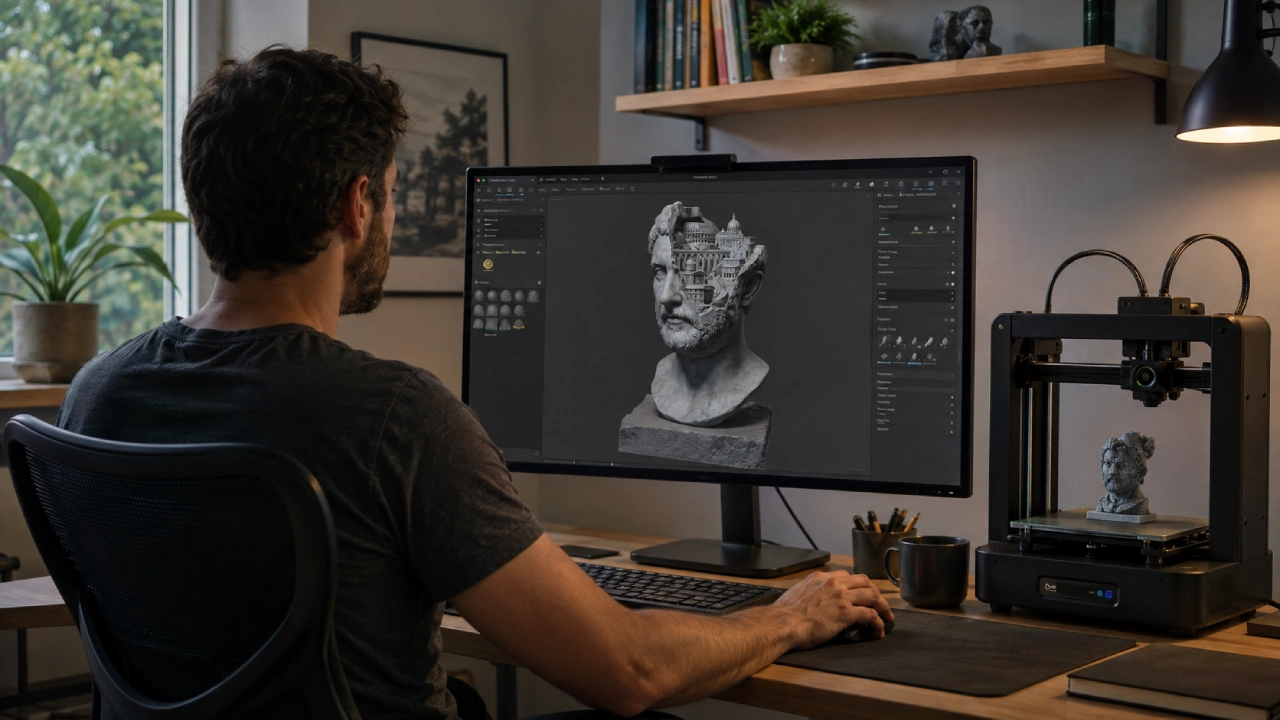
A browser-based 3D viewer lets users open, rotate, and inspect a model without installing a full modeling application. It is useful for quick reviews, client feedback, asset validation, and checking whether a downloaded or generated file is worth moving into a production workflow.
Online viewing does not replace professional 3D software. It provides a faster first inspection before a model is edited, animated, printed, or imported into a game engine.
Why Are More People Working With 3D Files?
3D content is no longer limited to animation studios and specialist design teams. Product designers use it for prototypes, architects use it to communicate spatial ideas, and online retailers use interactive models to help customers understand products.
Game developers, educators, 3D printing enthusiasts, and augmented reality creators also exchange models regularly. At the same time, generative AI is allowing people with limited modeling experience to produce initial 3D assets.
A platform such as Meshy AI can generate models from text descriptions or reference images. This makes 3D creation more accessible, but it also creates a new requirement: users need a simple way to examine what has been generated before deciding what to do with it.
Opening every file in a large desktop application can be unnecessary when the immediate question is simply whether the model looks correct.
What Is a Browser-Based 3D Viewer?
A browser-based viewer is a web application that displays a 3D file inside a modern browser. Depending on the tool and format, users may be able to rotate the object, zoom in, pan across the scene, and inspect its materials from different angles.
Unlike a rendered image, an interactive viewer does not limit the reviewer to one camera position. The user can examine the back, underside, and small details that may be hidden in a promotional render.
The viewer usually focuses on access and inspection rather than full creation. It may not include advanced functions for remodeling geometry, painting textures, or building animations.
When Is an Online Viewer Most Useful?
The strongest use case is a fast first review. A freelancer may want to confirm that a client file opens correctly before beginning work. A project manager may need to approve an asset without learning professional modeling software.
Other common situations include:
- Inspecting a model downloaded from an asset library
- Reviewing an AI-generated result
- Checking an export before sending it to another person
- Opening a file on a computer without 3D software
- Presenting a model during a remote meeting
- Comparing several asset versions
- Checking a model before importing it into another application
This accessibility can reduce unnecessary back-and-forth. A reviewer can identify an obvious problem before the file reaches a more expensive or time-consuming production stage.
Which File Formats Might You Encounter?
The correct format depends on where the model came from and where it will be used next.
OBJ is a widely recognized format for static geometry. Its material and texture information may be stored in separate files, so missing companion files can affect how the model appears.
FBX is common in animation and game-development pipelines. It can carry more complex information, including object hierarchies, materials, and animation data.
GLB and glTF are designed for efficient transmission and real-time presentation. GLB can package model information into a single binary file, which makes it convenient for web-based experiences.
STL is widely used in 3D printing. It primarily describes surface geometry and normally does not preserve the rich material appearance expected in a rendered asset.
A viewer may not support every format or every feature contained in a file. Compatibility should be checked before uploading, especially when the asset includes animation, specialized materials, or multiple linked resources.
What Should You Inspect First?
Begin with the overall silhouette. If the model has incorrect proportions or an unrecognizable shape, detailed texture inspection will not solve the larger problem.
Rotate the model slowly and check:
- Whether all expected components are present
- Whether the front, back, and sides are consistently formed
- Whether any pieces float away from the main object
- Whether thin details appear broken
- Whether the model is facing the expected direction
- Whether the visible materials match the intended design
AI-generated and image-based models deserve particular attention on surfaces that were not visible in the original reference. The back and underside may contain guessed geometry or distorted details.
How Can You Check a Model in the Browser?
Start by confirming the file type and keeping any related texture files together. If the file came from another person, retain an untouched copy before testing or converting it.
You can then open an online 3D viewer and load the model for an interactive inspection. Once it appears, examine it from several distances instead of relying on the default camera view.
A useful review sequence is:
- Fit the entire model on screen.
- Rotate it through a complete turn.
- Inspect the top and underside.
- Zoom in on joints, edges and detailed surfaces.
- Check whether textures are present and correctly aligned.
- Compare the model with its original sketch or specification.
- Record screenshots of any issue that needs correction.
If the platform provides model information, review dimensions, object count, or other available metadata. Do not assume that a visually correct asset automatically has the right real-world scale.
Which Problems Can a Viewer Reveal?
A quick browser review can expose many visible problems.
| Visible issue | Possible explanation |
| Parts of the object are missing | Incomplete export or unsupported file data |
| The model appears completely white | Missing material or texture files |
| Surface details look stretched | UV mapping or texture alignment problem |
| The object is sideways or upside down | Coordinate or export orientation mismatch |
| Separate parts appear misplaced | Broken hierarchy or transforms |
| The model loads very slowly | Large file size, heavy geometry or large textures |
| The back looks distorted | Insufficient reference information or incomplete modeling |
These observations help the reviewer describe the problem, but they do not always identify its precise technical cause. The source file may still need to be opened in a 3D editor.
What Can an Online Viewer Not Confirm?
A model can look correct and still be unsuitable for production.
A viewer may not provide enough information to evaluate topology quality, non-manifold geometry, animation deformation, or the efficiency of a rig. It may also display materials differently from the target game engine or rendering application.
For 3D printing, visual inspection cannot confirm that every wall has sufficient thickness or that the mesh is watertight. For games and AR, the model may require polygon reduction, collision setup, and performance testing.
Dedicated software is still required when you need to:
- Edit vertices and faces
- Repair damaged topology
- Create or modify UV maps
- Rig and animate a character
- Prepare a mesh for printing
- Validate engine-specific materials
- Measure an object precisely
- Optimize the asset for a target platform
The online viewer is the first checkpoint, not the complete quality-control process.
Are Online 3D Viewers Safe for Confidential Models?
Security depends on how each service processes and retains uploaded files. Before uploading client work, unreleased product designs, or protected intellectual property, review the provider’s privacy policy and data-handling terms.
Check whether the service explains:
- How long uploaded files are stored
- Whether files are shared with third parties
- Whether uploads are used to improve other services
- Whether users can delete stored content
- Whether account access is required
For highly confidential projects, an approved internal system or offline viewer may be more appropriate. Convenience should not override contractual or legal obligations.
How Do You Give Better Feedback on a 3D Model?
Feedback such as “the model looks wrong” gives the creator little direction. A browser viewer makes it easier to describe the exact location and nature of a problem.
Instead, write comments such as:
- The handle disconnects from the body when viewed from the left.
- The rear texture is stretched vertically.
- The base is not flat enough for the intended placement.
- The object appears too narrow compared with the approved sketch.
- The small decorative parts disappear when viewed from a distance.
Include the viewing angle and a screenshot whenever possible. Clear visual feedback shortens the revision process and reduces misunderstandings between technical and nontechnical team members.
Three Quick Questions
Can I edit a 3D model in an online viewer?
Most viewers are designed primarily for inspection. Some provide basic settings, but geometry repair and detailed editing usually require dedicated 3D software.
Why does my model appear without textures?
The texture may be stored in a separate file, the material reference may be broken or the viewer may not support a feature used by the source application.
Can I inspect a model on a phone or tablet?
Some browser-based viewers support mobile devices, although large files and detailed models may load slowly or be difficult to examine on a smaller screen.
A Faster First Step for 3D Review
Online 3D viewers make it easier to answer basic questions before committing a file to a larger workflow. They help users confirm that a model opens, inspect it from every side, and communicate visible problems without installing specialist software.
Their value comes from reducing friction, not replacing professional tools. Used as an early checkpoint, a browser viewer can prevent flawed assets from moving further into editing, presentation, development, or production.