- Buying a second hand or refurbished iPhone without checking the warranty status?
- Follow the simple steps to check warranty status of iPhone
- Buying a second hand or refurbished iPhone at a low price and on a budget can be beneficial
Second Hand iPhone Buying Tips: Nowadays many people prefer second hand or refurbished iPhones rather than buying expensive iPhones. Because buying a new iPhone costs extra money. But you can buy a second hand or refurbished iPhone at a lower price and within your budget. If you are also thinking of buying a second hand or refurbished iPhone then this news will be beneficial for you. Because while buying a second hand or refurbished iPhone it is very important to check whether the device is under warranty or not.
It is necessary to check the warranty in second hand or refurbished iPhone
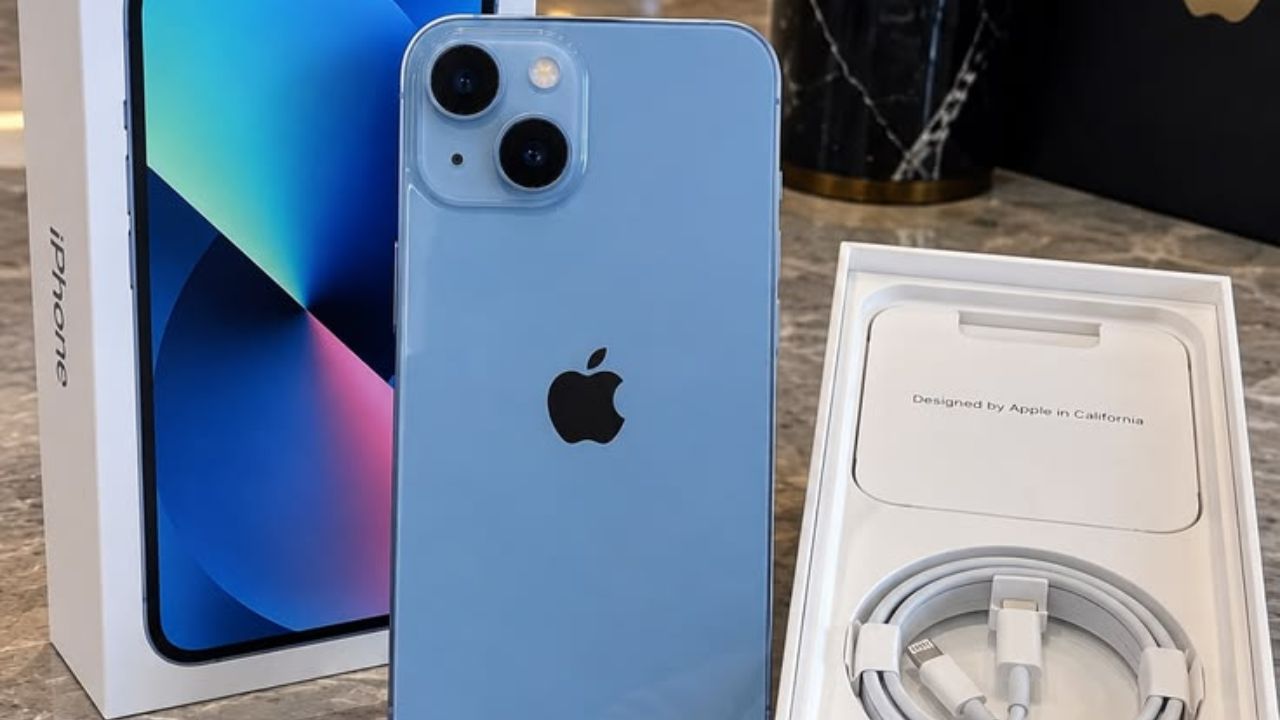
Many buy a second hand or refurbished iPhone without checking the warranty status and then end up having to spend a lot of money for hardware issues with the device. So, while buying a second hand or refurbished iPhone, it is necessary to check the warranty and Apple Care status of the device properly. So that you don’t have any regrets later. Let’s know how to check iPhone warranty. (Photo Courtesy: Pinterest)
Use this method to check warranty
Let’s learn the easiest method to check warranty status of iPhone. First, open the settings of the iPhone. After that scroll down and select General option. Here you will see Applecare and Warranty option, click on it. Now you will see all the details of the device on the screen in front of you. If you or an older user is signed in to the iPhone through an Apple account, you will see the details on the screen for when the phone’s official warranty or extended plan is valid. This is the easiest method to check the warranty of the device while buying a second hand or refurbished iPhone.
Check warranty status using serial number
It often happens that you don’t get a chance to check the warranty status by opening the settings of the iPhone. In such cases you can check the warranty status of the iPhone using the serial number. For this you need to go to Apple’s official Check Coverage website in a browser. Here you will see a box where you have to paste the unique serial number of the iPhone. You will find this unique serial number in the About section of the iPhone.
After entering the unique serial number in the box, enter the captcha code that appears on the screen and submit. After this, Apple will inform you whether the device is under warranty or not. This method is going to be beneficial for people who order goods from online marketplaces and want to check the warranty of the device before making the payment.