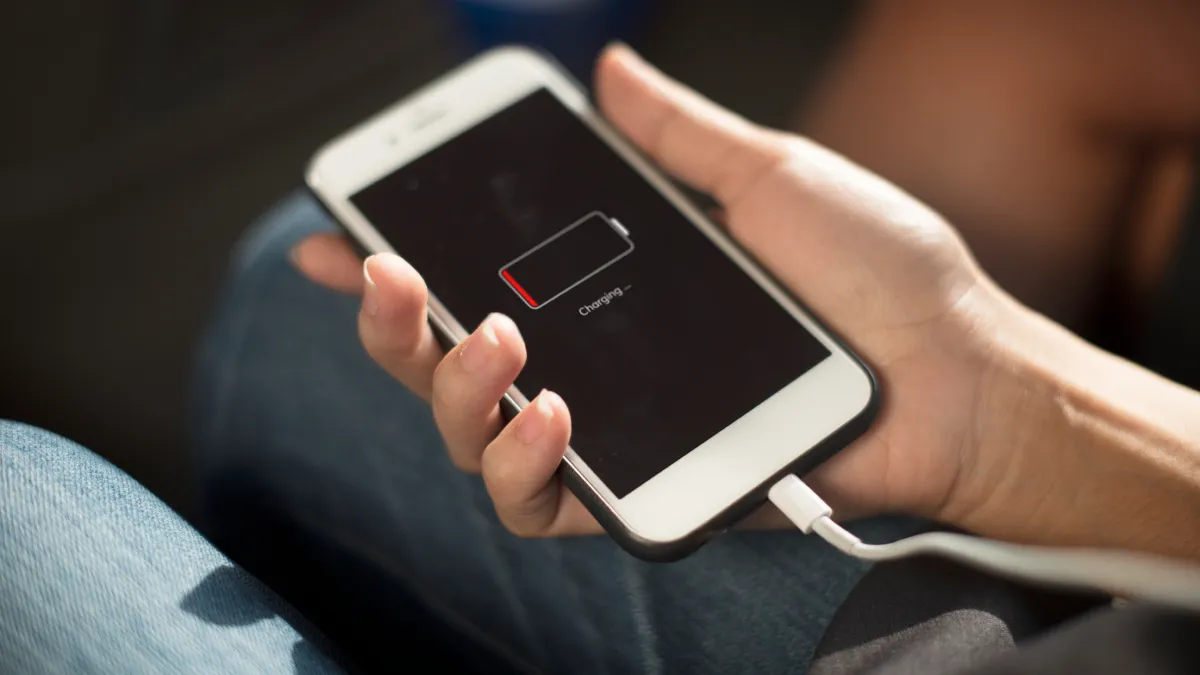
Tezzbuzz Desk- If the phone is fully charged in the morning and gets discharged within a few hours, then the reason for this is not just the capacity of the battery. Some settings of the phone and apps running in the background also consume power rapidly. Battery backup can be improved by making some simple changes.
Nowadays, smartphone has become an important part of our everyday life. Many important tasks ranging from calls, messages, social media, online payments, navigation and entertainment are done through phones. In such a situation, draining the phone's battery quickly can become a big problem. Low battery increases anxiety especially during traveling or power failure.
Many times, instead of any fault, the reason for the phone's battery draining rapidly is due to some settings which keep using power continuously. High brightness of the screen, apps running in the background, location and vibration along with services like Bluetooth can also increase battery consumption. In such a situation, power backup can be improved by changing some settings.
Keep screen brightness under control
The phone screen is one of the major battery draining parts. The auto-brightness feature keeps changing the brightness of the screen according to the surrounding light. In many circumstances the screen may become brighter than necessary, which increases power consumption. For better battery backup, screen brightness can be manually kept at low or medium level as per need. It will be more useful to grow it in a place with bright light.
Check apps running in the background
Removing an app from the screen after using it does not always mean that it has closed completely. Many apps keep using data and battery by remaining active in the background. You can see which app is using the most power by going to the battery settings of the phone. Background activity or background usage of apps that are not needed can be restricted.
Turn off location and Bluetooth when not needed
Location service is essential for navigation, cab booking and many other apps. Similarly, Bluetooth is required for wireless earbuds and other devices. But if these services continue to run even after usage is over, power consumption may increase. So getting into the habit of turning off Location, Bluetooth or Wi-Fi when you don't need them can help save battery.
Reduce vibration and haptic feedback
The phone's constant vibration during calls, messages and notifications also uses up the battery. The haptic feedback received while typing also consumes some power. If the phone's battery is draining quickly, vibration and haptic feedback can be turned off or reduced as needed. This change can be especially useful for frequent notifications.
Keep an eye on apps that use a lot of battery
Some social media apps, video apps and heavy games can drain the battery faster if used for a long time. Such apps can be identified by going to the battery settings of the phone. The background usage of apps which are used less can be restricted. As per need, using some services through mobile browser can also be an option to reduce battery consumption.
Notifications can also consume battery
Every notification, screen turning on, sound or phone vibrating uses battery. If notifications from too many apps are active in the phone, then non-essential notifications can be turned off. This will save the phone from repeatedly turning on the screen and giving alerts. As a result, the extra load on the battery during daily use can be reduced.
To overcome the problem of your phone's battery draining quickly, it is useful to first look at the battery usage section to see what is consuming the most power. After this, settings like screen brightness, background apps, location, Bluetooth, vibration and notifications can be adjusted as per need.