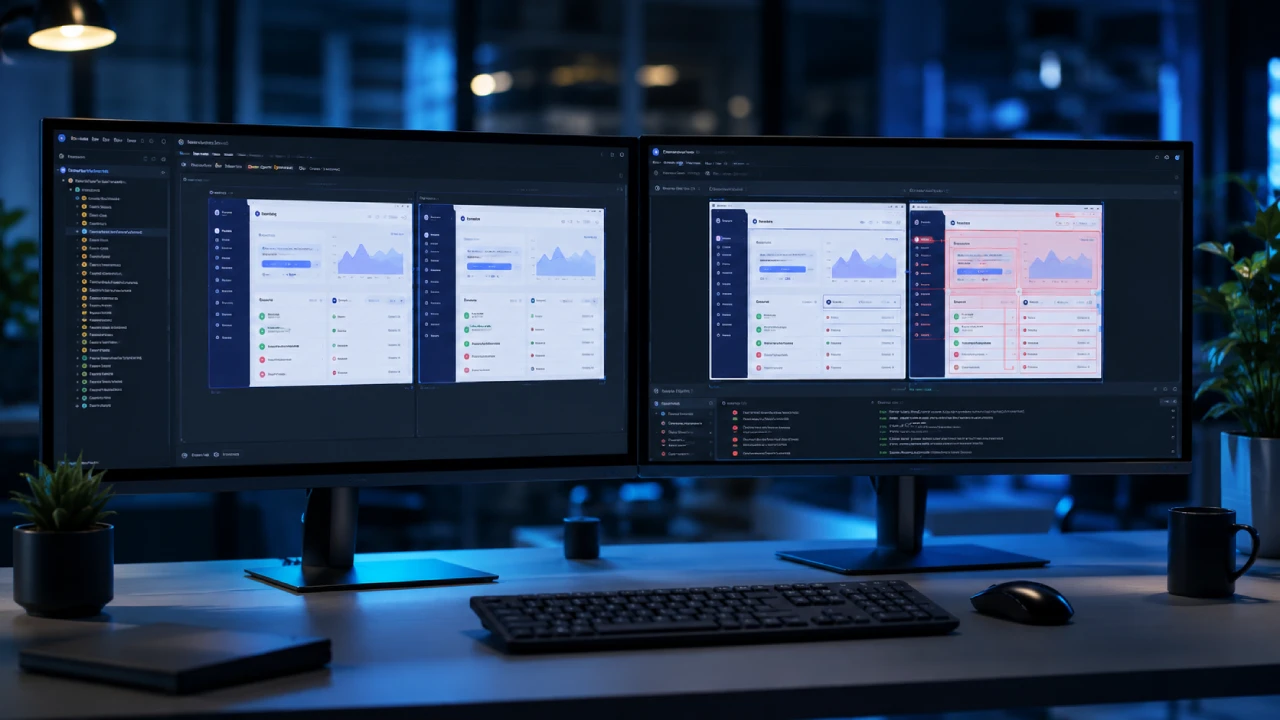
Visual testing is a battle cry for developers, QA engineers, and product managers who are tired of shipping code that passes all tests but looks broken to the user. Visual Regression Testing (VRT) is the automated process that detects unintended visual changes in your UI by comparing screenshots of your app before and after code changes.
Traditional testing checks if a button works; VRT ensures that the button is visible, clickable, and not hidden behind a floating advertisement. If you’ve ever pushed a “minor CSS fix” only to discover it ruined the checkout page on mobile, this is your playbook. Let us fix your graphics.
Under the Hood: How Visual Regression Engines Actually Catch UI Bugs
How does the machine actually “see” a UI bug?
How Visual Regression Engines Scan the Field
Visual regression tools act like a hawk-eyed referee. The process is simple: you take a “baseline” screenshot of your UI when it looks perfect. After any code change, the tool captures a new screenshot and compares the two.
- Pixel-Matching (The Hardcore Mode): Tools like Playwright’s
toHaveScreenshot()use strict pixel-by-pixel comparison via libraries like pixelmatch. If even one pixel’s RGB value is off, the test fails. - DOM-Element Assertions (The Old Way): Traditional checks only verify if an element exists in the Document Object Model. They don’t care if it’s shifted off-screen or overlapped by a banner.
The False Positive Boss Fight (Dynamic Content)
Dynamic content is the arch-nemesis of visual testing. Animations, timestamps, and dynamic ads cause false alarms, leading to test failures for changes that aren’t bugs. Modern tools use “masking regions” or “DOM-ignored zones.” You essentially tell the tool, “Ignore the clock and the banner and just check the layout.” Let us take Percy, for example, which uses AI-driven visual comparison to automatically suppress 40% of false positives like anti-aliasing and sub-pixel rendering shifts.
The Multiplatform Trap: Conquering Cross-Browser & Responsive Design Fails
Why does your perfect desktop layout always break on mobile or Safari?
The Responsive Layout Trap
A clean desktop experience often turns into a “broken, unclickable mess” on mobile because viewport dimensions are like custom gaming aspect ratios. If you don’t optimize for ultra-wide or mobile, then your UI gets cropped:
- The Threat: A button that is perfectly visible on a 27-inch monitor might be hidden behind a footer on a 6-inch phone screen.
- The Fix: Visual testing must be run across different viewport widths (e.g., 375px for iPhone, 1440px for desktop) to catch these “responsive breaks.”
Cross-Browser Rendering Wars (Chrome vs. Safari vs. Firefox)
Each browser uses a different engine, as Chrome uses Blink, Firefox uses Gecko, and Safari uses WebKit. These engines interpret CSS differently. A CSS Grid that looks perfect in Chrome may misalign in Safari. Now, you can’t just test on your local machine. You need a cloud-based matrix grid (like BrowserStack or Applitools) that renders your UI across multiple browser/OS combinations simultaneously.
Revenue Killers: Why Ignoring UI Bugs Is Costing You Paying Customers
Why should you care about a “minor” alignment issue?
Saving Human Testers from Manual Grinding
Forcing QA teams to manually eyeball thousands of screens for minor alignment shifts is cruel and inefficient. It is tedious, soul-crushing work, and humans inevitably miss these little things. Automation is the ultimate quality-of-life macro. It frees human brains to focus on complex user-experience logic rather than checking if a logo is 2 pixels off-center.
The Business Cost of a Glitched UI
This is where the rubber meets the road, as visual bugs are revenue killers.
| Metric | The Reality |
| User Retention | 88% of online consumers are less likely to return to a site after a bad experience. |
| Checkout Abandonment | A visual bug hiding the “Complete Order” button can block 20% to 35% of sales. |
| Real-World Cost | One eCommerce store lost $45,000 over six weeks because a mobile “Checkout” button was partially hidden. |
Skipping visual checks is equivalent to a studio skipping day-one patch testing to save a buck, for it costs you your reputation and your players (customers).
Build vs. Buy: The Ultimate Visual Testing Tooling and CI/CD Blueprint
Should you use open-source DIY tools or premium platforms?
Open-Source Grinding vs. Premium Paywalls
| Feature | Open-Source (Playwright) | Premium Platforms (Percy/Applitools) |
| Cost | Free (MIT License) | Free tier (e.g., 5k screenshots/month) or enterprise pricing |
| Diffing | Pixel-by-pixel (strict, prone to OS & font false fails) | AI-powered diffing (ignores anti-aliasing, focuses on meaningful changes) |
| Review | Git diffs (PNG files) | Web Dashboard with approve/reject workflows |
| Cross-Browser | Single browser per test run | Auto-rendering across Chrome, Firefox, and WebKit |
| Best For | Small teams, tight budget, <50 visual tests | Teams with designers, 100+ tests, need cross-browser coverage |
Integrating the Visual Pipeline into CI/CD
Visual tests must be a “gatekeeper” in your CI/CD pipeline. They should block broken pull requests before they taint the production environment. When a developer pushes code, GitHub Actions or Jenkins triggers the visual test suite. If it detects a visual change, it comments on the PR with a diff image, allowing reviewers to approve or reject the change before the code merges.

The Dark Side of VRT: Maintenance Traps and Hidden Infrastructure Costs
What are the overlooked expenses and traps waiting to ambush your team? Well, visual testing comes with its own set of hidden costs that catch teams off guard.
- The Infrastructure Drain: Running visual tests on every pull request eats up a lot of compute power. Each screenshot comparison requires CPU cycles for rendering, pixel comparison, and storage. Premium platforms charge per screenshot beyond their free tier, and those bills can balloon to thousands per month.
- The Maintenance Tax: Visual tests do break constantly. Every design iteration, every new animation, every dynamic ad placement triggers failures. Your team will spend 15-20% of their sprint just reviewing and updating baselines. This is the “test fatigue” that kills adoption. The smart teams budget at least one developer day per week purely for visual test maintenance.
Ship Flawless Code: Master Visual Testing Today
What should you look forward to when we implement this? You can look forward to shipping with confidence. You will release updates faster, sleep better at night, and stop waking up to support tickets about broken layouts. The specs are clear: implement VRT to save your team’s sanity and your company’s bottom line. Make pixel-perfection part of your core gameplay loop. If you love your community, stop treating styling like a secondary priority. Are you ready to stop losing revenue to hidden layout bugs and broken mobile checkouts?