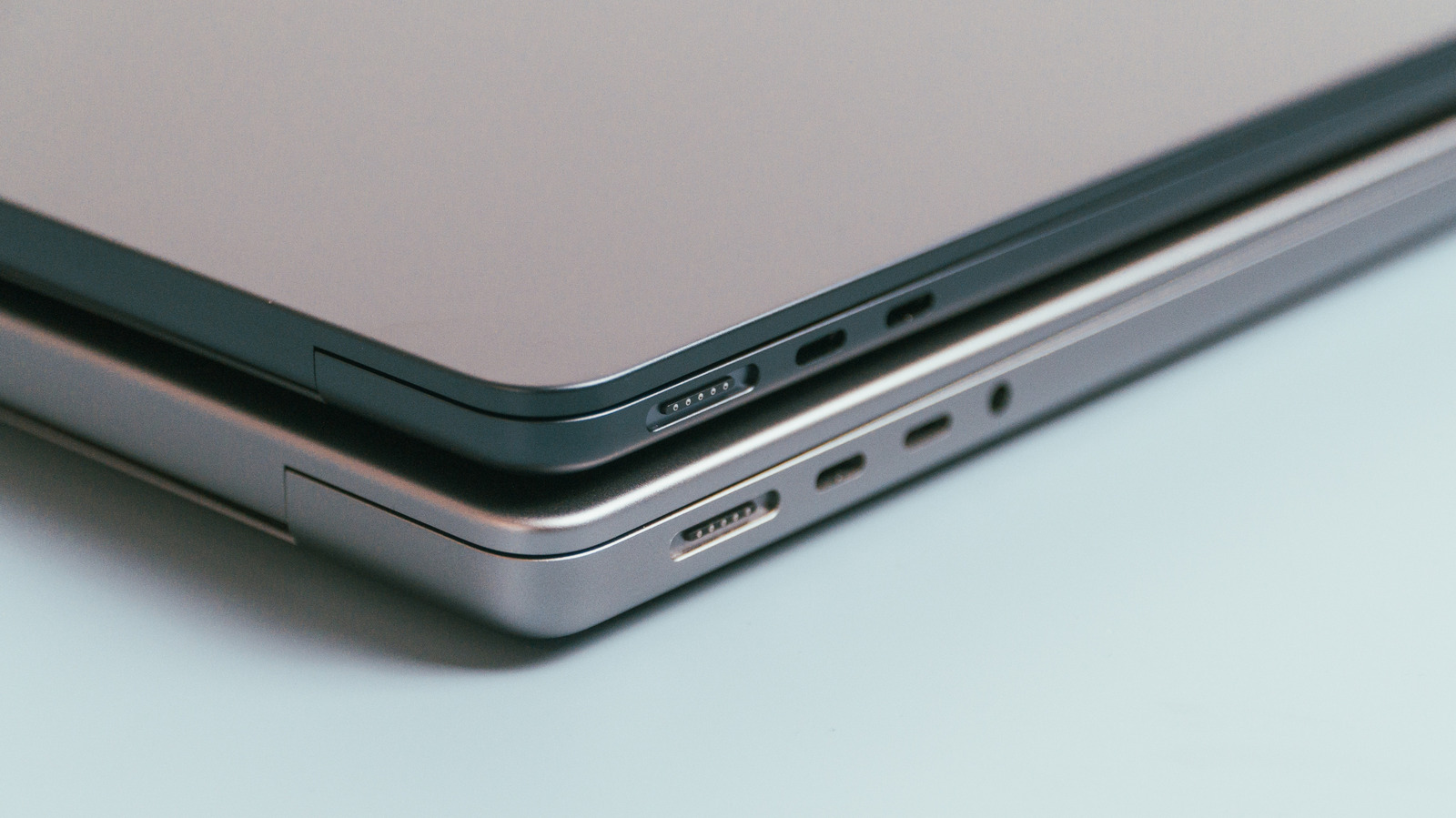
If you own a computer or even a device with a rechargeable battery, odds are it has a USB Type-C port (USB-C for short) somewhere. Even Apple no longer prioritizes Thunderbolt ports and now focuses more on USB-C. Not that you can always tell the difference since Apple doesn’t label these slots. Then again, USB-C is so universal that you don’t need a label.
Depending on your MacBook model, you will probably find symbols next to most of your laptop’s ports, with the exception of USB-C. While Apple hasn’t commented on this design choice, the general consensus is that such a label would be unnecessary since the company has adopted a unified design standard. According to official Mac documentationmodern MacBooks and even the iMac and Mac Studio desktop computers use universal slots that accept both Thunderbolt and USB-C cables. They are still labeled as Thunderbolt ports, but they work with both, so we can safely call them USB-C ports as well.
As with many designs, there are exceptions to the rule, and the same applies to Apple devices. If you see what looks like a USB-C port on a MacBook and it doesn’t have a symbol next to it, you can safely insert a USB-C cable. However, some of these ports have the Thunderbolt symbol next to them. If you see this, the slot can accept USB-C cables; it is primarily for Thunderbolt functionality and should be treated as such.
Form over function
MacBooks are some of the thinnest laptops around. They don’t have the room to fit beefy components like those you would find in a gaming laptop, but MacBooks are lightweight and easy to stash. One could argue Apple doesn’t label its USB-C ports anymore due to space restrictions, but this design philosophy can cause some confusion since, even though USB-C and Thunderbolt ports have the same shape, they don’t have the same uses.
Technically speaking, the term “USB-C” only describes a slot’s shape, not its functions. Different USB-C cables have different capabilities, some of which are limited by the specific USB-C slot. In the case of certain MacBooks and other Apple products, what looks like a USB-C slot might actually be a Thunderbolt with very specific purposes. These include computers such as the 2025 or later Mac Studio, 2024 or later 14-inch MacBook Pro with a Pro or Max Chip, and 2025 or later MacBook Air. If you plug a USB-C cable into these slots, they will be able to charge the computers. Thunderbolt cables, meanwhile, will be able to charge the devices and send data to compatible Thunderbolt gadgets and displays.
The easiest way to identify each port on your MacBook is to pull up your specific model’s specs. Open your device’s Apple menu and select “About This Mac.” Locate your MacBook or other computer’s model name, then on the Apple Support page, enter it into the search bar at the bottom. Once you find your device, click on “Tech Specs.” The information on your “USB-C” ports and their functions will be in the “Charging and Expansion” section.