
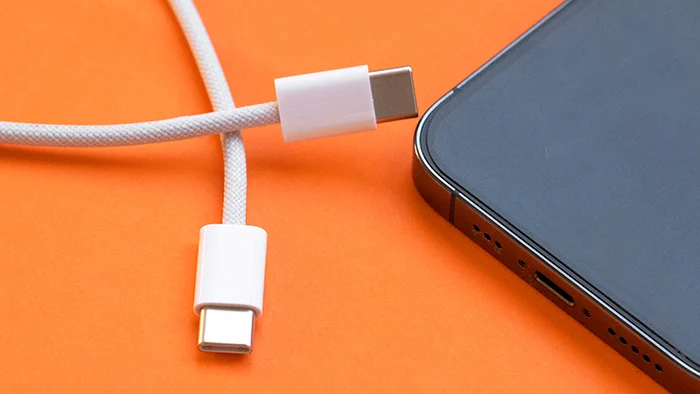

USB-C has become the universal connector we’ve all been waiting for. Whether you’re charging a smartphone, transferring files from an external SSD, powering a laptop, or connecting a gaming console, chances are you’re using a USB-C cable. The connector’s reversible design and broad compatibility have made it the standard across countless devices.
Yet many people have experienced a frustrating situation: you plug your phone into a charger capable of fast charging, but instead of seeing “Super Fast Charging” or “Turbo Charge,” the device crawls along at ordinary charging speeds. Naturally, you blame the charger—or perhaps your phone.
In reality, the culprit is often the USB-C cable itself.
While every USB-C cable may look nearly identical on the outside, what’s hidden beneath the insulation can dramatically affect charging speed, data transfer rates, and even safety. Not all USB-C cables are built the same, and understanding the differences can save you time, money, and plenty of frustration.
Here’s everything you need to know.
Credits: RUGD.
The Biggest Misconception About USB-C
The biggest misunderstanding surrounding USB-C is that the connector itself guarantees identical performance across all cables.
It doesn’t.
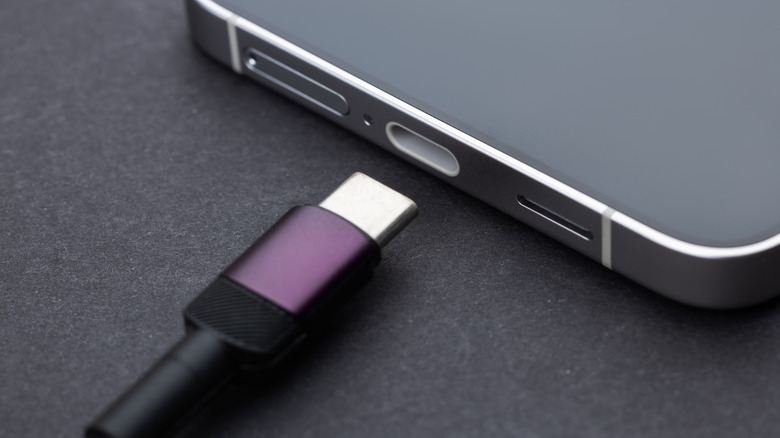
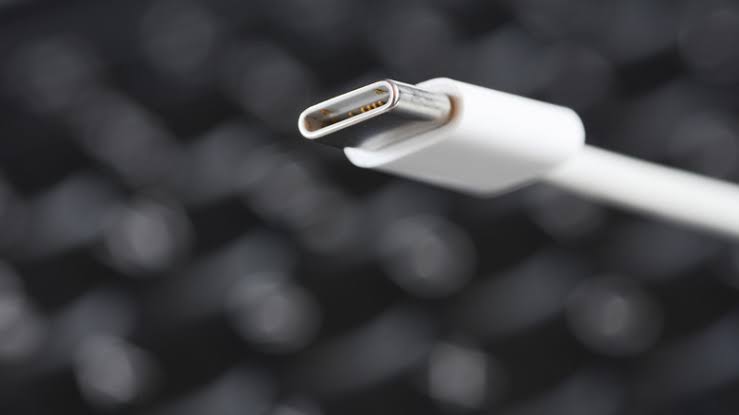
USB-C only standardizes the physical connector—the small, oval-shaped plug that fits into your device regardless of orientation. What isn’t standardized is the technology inside each cable.
Manufacturers can build USB-C cables with different wire thicknesses, internal components, supported charging standards, shielding, and data capabilities. Two cables that appear completely identical may perform very differently.
One might charge your phone from 0 to 50% in 20 minutes, while another takes nearly an hour using the exact same charger.
That’s because the connector is only one piece of the puzzle.
Understanding USB-C Isn’t the Same as Understanding USB Versions
Many people use the terms USB-C and USB interchangeably, but they actually describe two different things.
USB-C refers to the physical connector.
USB 2.0, USB 3.2, USB4, and Thunderbolt refer to the communication standards that determine how much data and power the cable can handle.
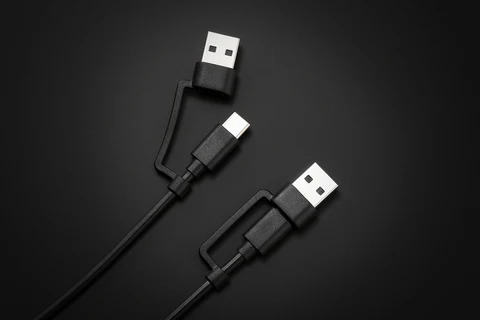
Some USB-C cables only support USB 2.0 speeds of up to 480 Mbps, while others can transfer data at 10 Gbps, 20 Gbps, or even 40 Gbps.
The charging capability also changes depending on the cable’s specifications.
This is why buying “any USB-C cable” isn’t always enough, especially if you own premium smartphones, tablets, gaming handhelds, or laptops.
Why Fast Charging Depends on More Than the Charger
Many people assume that buying a powerful charger automatically means faster charging.
That’s only partially true.
Think of electricity like water flowing through a pipe.
The charger acts as the water pump.
The cable is the pipe.
Even if you install a more powerful pump, a narrow pipe can only carry so much water.
The same principle applies to electricity.
If your charger outputs 65W but your cable only supports 15W or 18W, the charging speed will be limited by the cable—not the charger.
The device can only receive as much power as the weakest component in the charging chain allows.
That’s why fast charging requires three compatible components:
A fast-charging compatible device
Your smartphone, tablet, or laptop must support fast charging.
A compatible fast charger
The charger must supply the required wattage.
A cable that supports the same power level
If the cable cannot safely carry that amount of power, charging slows down automatically.
Miss any one of these three requirements, and fast charging won’t work.
Credits: Redragon
USB Power Delivery Makes All the Difference
One of the biggest technologies behind modern charging is USB Power Delivery, commonly known as USB PD.
Unlike older charging methods that supplied fixed voltages, USB PD allows devices and chargers to communicate with one another.
When you connect a device, the charger and the device negotiate the safest and fastest charging speed possible.
Instead of always sending maximum power, the charger intelligently adjusts voltage and current based on what the device can safely accept.
Modern USB PD standards can deliver impressive amounts of power:
Up to 18W
Suitable for many smartphones.
30W–65W
Common for premium phones, tablets, handheld gaming devices, and ultrabooks.
100W
Enough for many high-performance laptops.
Up to 240W
Supported by the latest USB PD Extended Power Range (EPR) specification, allowing USB-C to power gaming laptops, monitors, and other demanding devices.
However, these higher power levels require cables specifically designed to handle them.
The Hidden Role of Wire Thickness
One of the least discussed factors affecting charging speed is wire gauge.
Inside every USB-C cable are several copper wires responsible for carrying electricity and data.
Thicker wires have lower electrical resistance.
Lower resistance allows electricity to flow more efficiently, reducing energy loss and heat generation.
Thinner wires, on the other hand, create more resistance.
This causes:
- Reduced charging efficiency
- Greater voltage drop
- More heat generation
- Slower charging speeds
Premium USB-C cables often use thicker internal conductors specifically designed for higher current.
That’s one reason quality cables usually cost more than budget alternatives.
Cable Length Also Matters
Long charging cables are undeniably convenient.
They let you comfortably use your phone while sitting on the couch or lying in bed.
But longer cables introduce another challenge: electrical resistance.
As electricity travels through a longer wire, small amounts of voltage are lost along the way.
This means that a three-meter cable generally experiences greater power loss than a one-meter cable built to the same specifications.
Manufacturers compensate for this by using thicker conductors in high-quality long cables.
Cheap long cables often don’t.
The result is slower charging performance.
If fast charging is your priority, shorter, certified cables generally provide better efficiency.
Why Some USB-C Cables Cost More
At first glance, spending significantly more on a charging cable may seem unnecessary.
After all, they all look alike.
However, higher-quality USB-C cables often include several premium features:
Better insulation
Improves durability and reduces interference.
Stronger connectors
Prevents wear from repeated plugging and unplugging.
Braided exterior
Protects the cable from bending, twisting, and fraying.
Improved shielding
Reduces electrical noise during high-speed data transfers.
Higher-quality copper wiring
Supports higher charging speeds with lower resistance.
These improvements don’t just extend the cable’s lifespan—they also help maintain consistent charging performance.
Credits: BGR
The Importance of the E-Marker Chip
High-power USB-C cables contain a tiny electronic component called an E-Marker chip.
This chip communicates with connected devices and chargers, informing them exactly how much power the cable can safely carry.
Without this information, the charger cannot safely deliver maximum power.
The E-Marker also acts as an important safety feature.
It prevents excessive current from flowing through cables that aren’t designed to handle it, reducing the risk of overheating or damage.
Generally, USB-C cables rated for 60W or higher include an E-Marker chip.
If a manufacturer claims very high charging capabilities without mentioning one, it’s worth being cautious.
Data Speed Doesn’t Always Mean Charging Speed
Another common misconception is that faster data cables automatically provide faster charging.
That’s not necessarily true.
Some USB-C cables are engineered primarily for high-speed data transfer.
Others prioritize power delivery.
A premium Thunderbolt cable may excel at moving large files between devices, while another cable may focus on delivering higher charging power.
Although many high-end cables support both, it’s always worth checking the specifications before purchasing.
Don’t assume that a cable built for fast file transfers is automatically the best charging cable.
How to Identify a Good USB-C Cable
With countless USB-C cables available online, choosing the right one can feel overwhelming.
Fortunately, there are a few simple things to look for.
Check the wattage rating
Choose a cable that supports at least the charging speed your device requires.
Look for USB-IF certification
USB Implementers Forum (USB-IF) certification means the cable has passed testing for compliance and performance.
Read the specifications
Product listings should clearly mention supported charging wattage, USB Power Delivery compatibility, and data transfer speeds.
Buy from trusted brands
Established manufacturers generally provide more reliable quality control than unknown generic brands.
Avoid unrealistically cheap cables
If a cable advertises extremely high charging speeds at an unusually low price, it may not perform as claimed.
A slightly higher upfront cost often results in better performance, longer durability, and improved safety.
When the Cable Isn’t the Problem
Before blaming your USB-C cable, remember that charging speed depends on several other factors as well.
Your phone may intentionally reduce charging speed if:
- The battery is nearly full.
- The device becomes too hot.
- Battery protection features are enabled.
- The charger doesn’t support your phone’s proprietary fast-charging protocol.
- The charging port contains dust or debris.
Some smartphone brands also use their own charging technologies that require specific chargers and cables to achieve maximum speeds.
So even if your cable supports USB PD, your device may still charge more slowly if it relies on a proprietary standard.
Don’t Overlook Safety
Charging speed isn’t the only reason to avoid poor-quality USB-C cables.
Inferior cables can suffer from poor insulation, weak soldering, or inadequate protection against excessive current.
In the worst cases, this can lead to overheating, unstable charging, reduced battery health, or even permanent damage to connected devices.
While such failures are relatively uncommon with reputable brands, they highlight why it’s worth investing in certified, well-built cables instead of choosing solely based on price.
A good USB-C cable isn’t just an accessory—it’s an essential part of protecting the expensive devices you use every day.
Final Thoughts
USB-C has made charging and connectivity far more convenient by giving us a universal connector, but it hasn’t made every cable identical. Behind the familiar reversible plug lies a wide range of technologies that determine how much power a cable can safely deliver, how quickly it can transfer data, and how reliably it performs over time.
Fast charging isn’t determined by the charger alone. It depends on a complete ecosystem that includes the charger, the device, and—most importantly—the cable connecting them. Factors such as wire thickness, cable length, USB Power Delivery support, E-Marker chips, and build quality all influence the final charging speed.
The next time your phone charges slower than expected, don’t immediately assume something is wrong with your charger or battery. The cable may simply not be designed to handle the power your device is capable of receiving. Spending a little extra on a certified, high-quality USB-C cable can unlock faster charging, better data performance, improved durability, and greater safety—making it one of the smartest upgrades you can make for your everyday tech.

Comments are closed.