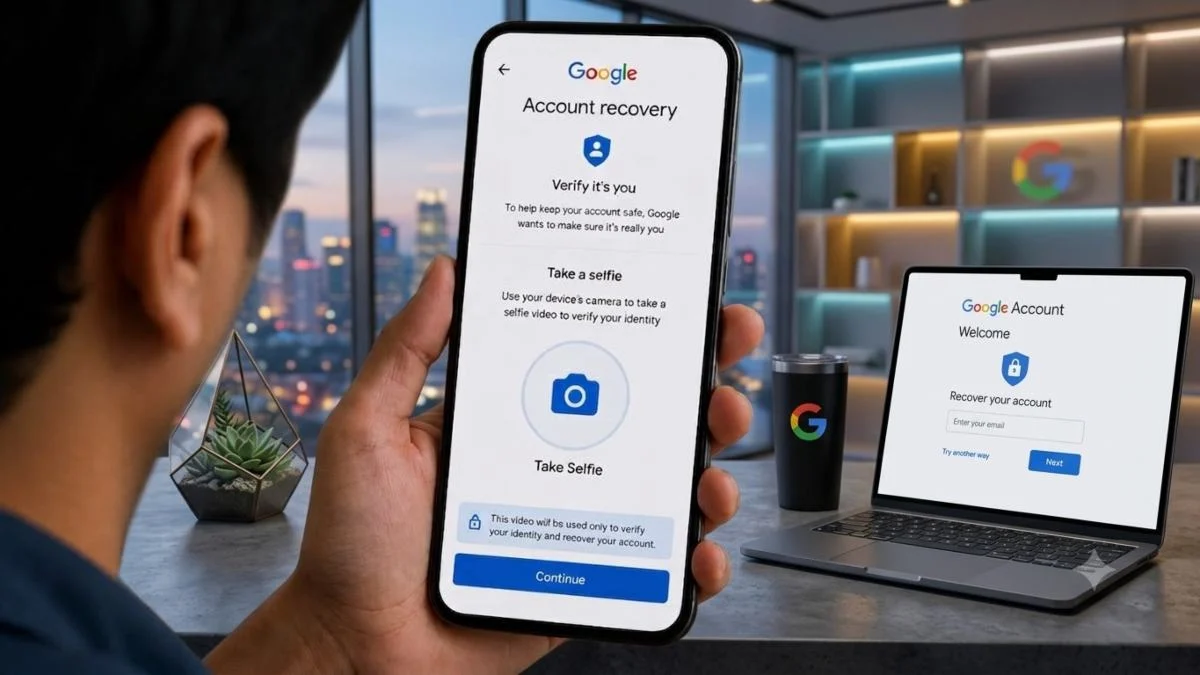
Technology Desk: In today's time, our Google Account is not limited to Gmail only. Google Drive, Google Docs, Google Photos and many other services are used from this same account. Not only this, payment details saved on Google Play Store can also be accessed through this account.
In such a situation, if someone gets the password of your Google Account, then along with your personal information, other important things can also be at risk. Therefore, it is very important to turn on 2-Step Verification (Two-Factor Authentication) for the security of the account.
Why is 2-Step Verification important?
Suppose somehow your Google Account password got into the hands of someone else. He will not be able to log into your account using just the password, if you have turned on 2-Step Verification.
Google asks for an additional verification step during login. This can be Google Prompt, Passkey, Authenticator App, Phone Number or Backup Code.
That means another security wall gets erected along with the password. This can reduce the risk of unauthorized access to the account.
How to turn on 2-Step Verification in Google Account?
It is quite easy to activate it. You can start this feature in a few steps from your smartphone or computer.
Step 1: Open Google Account
Open Google Chrome or any other browser on your phone or PC and log in to your Google Account.
Step 2: Go to Manage your Google Account
Click or tap your profile photo on the screen. After this select Manage your Google Account option.
Step 3: Open Security section
Now go to the Security & sign-in section in the Google Account dashboard.
Step 4: Select 2-Step Verification
Here in the How you sign in to Google section, you will see the option of 2-Step Verification. Click on it.
Step 5: Enter password
Google may ask for your password again to verify your identity. Please enter your password.
Step 6: Choose another security option
You can now set up a second verification method for your account. Options like Passkeys, Security Keys, Google Prompts, Authenticator, Phone Number and Backup Codes can be found in it. You can set these options as per your need and available device.
What are the benefits of turning on 2-Step Verification?
- The account gets additional security even if the password is leaked.
- It becomes difficult for an unknown person to login into the account.
- Increases security of Gmail, Drive, and other Google services.
- Helps in keeping personal information related to Google Account safe.
- An additional security layer works in case of unauthorized login to the account.
One setting will increase the security of Google Account
Your personal information, important files, and access to many other services can be linked to your Google Account. In such a situation, merely keeping a strong password is not considered sufficient. Additional security features like 2-Step Verification can help keep your account safe.
If you haven't turned it on yet, you can activate it by going to the Security & sign-in settings of your Google Account.