
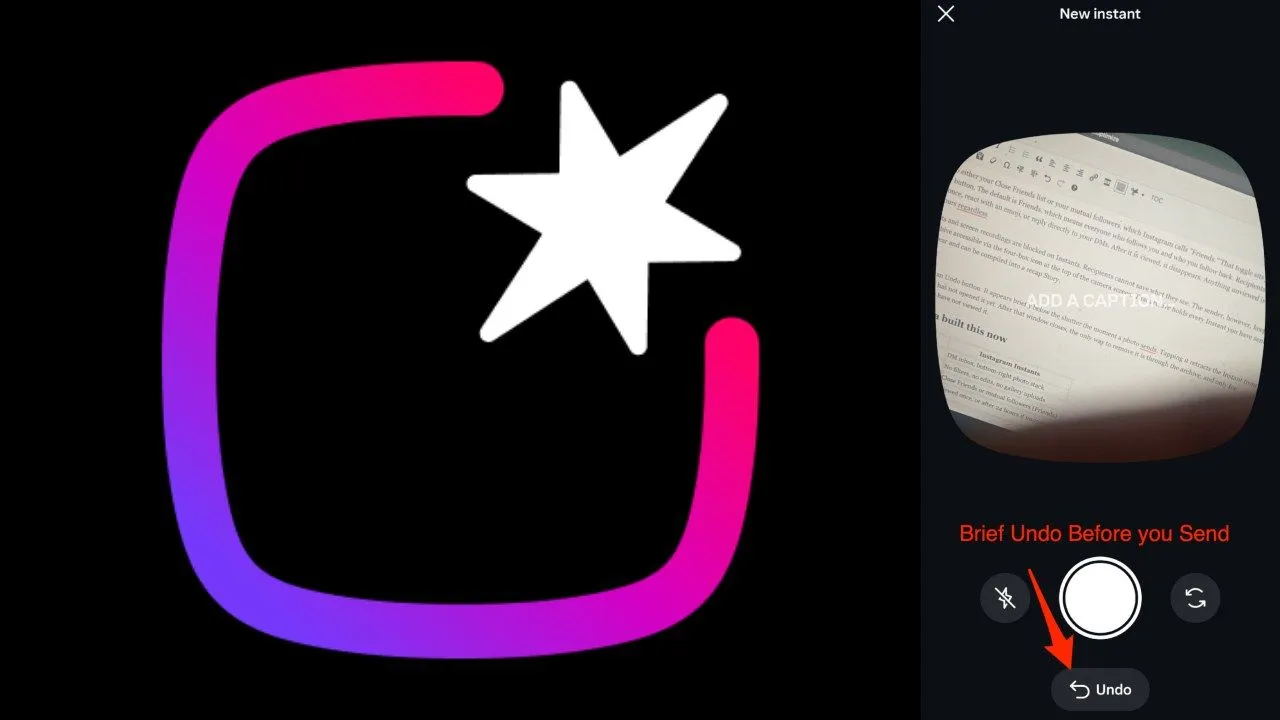

Turn Off Instagram Instants: Instagram has launched a new feature in its app which has created a stir among users. Let us tell you that the company Moments A new photo-sharing feature named and a standalone app has been rolled out. With which users can share real photos without filters, without text and without stickers only with selected people. It is being said in the reports that this feature is especially unpolished moments It has come to share and because of such features it is being described as Snapchat.
What is Instagram Instants feature?
Till now you could share photos and videos through Stories on Instagram for 24 hours. But now with the new Instants feature, any sent photo can be viewed only once. In this, if a user sees the photo once, he cannot see it again and because of this specialty of the feature, it is being said to be the best for privacy and exclusive sharing. At the same time, the company has made it available for Close Friends and mutual followers so that users can share their personal photos with limited people.
Snapchat-like experience
After the arrival of this new update on Instagram, many users say that this feature feels a lot like Snapchat. The difference is that now users do not need to open a separate app for this. But there are many users who are concerned about privacy. Due to which the company has also shared the option to turn it off and control it.
Turn off Instants feature like this
If you also do not want to use this feature, then you can turn it off in this easy way.
- First go to profile
- Click on the three-line menu on the top right
- Now select Content Preferences option
- Toggle off Hide Instants In Inbox here
After doing this, both the Instants feature and received Instants will be removed from your account.
Also read: These 4 safety gadgets can become lifesavers for those traveling alone, now there will be no tension while travelling.
Sent a photo by mistake? This trick will be useful
If you have accidentally shared an Instant to understand the new feature, then it can be taken back with the help of Undo option. Along with this, by tapping on the four-box icon given above in the camera section, you can go to the archive and instant delete can be done from there. Due to which the photo will be lost from the users who have not seen it yet.

Comments are closed.