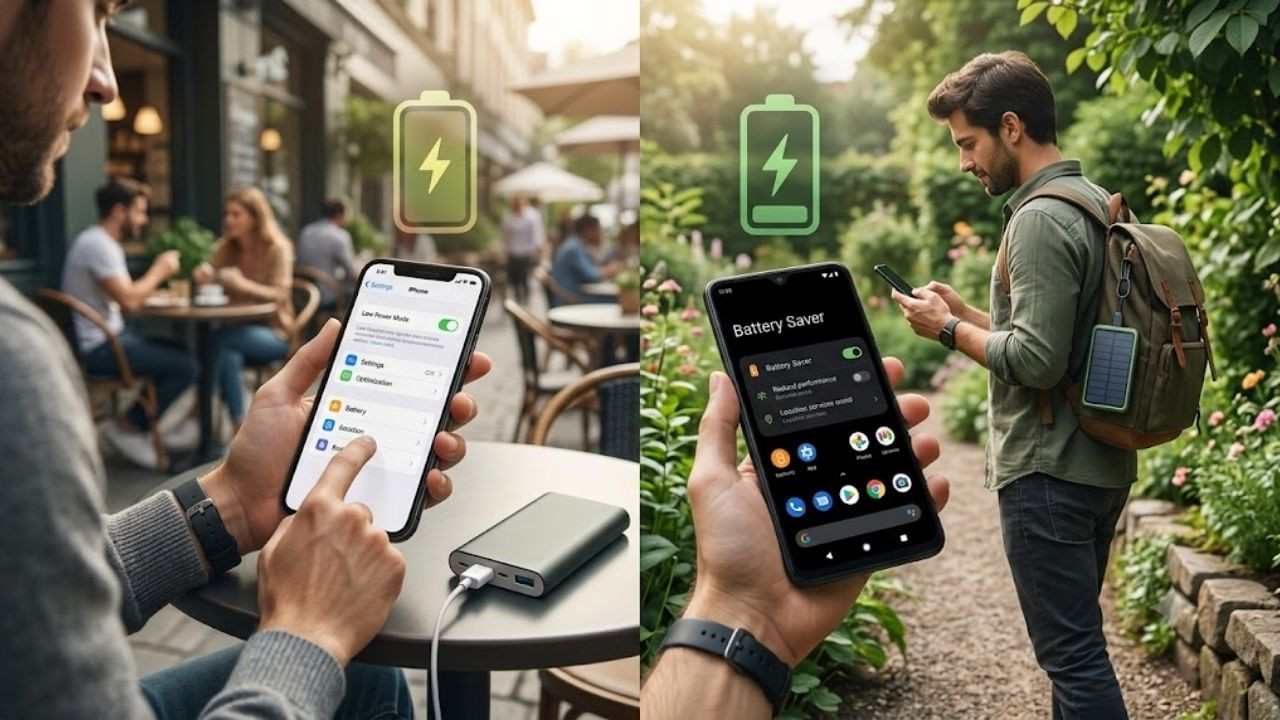
New Delhi: If your phone's battery runs out even before it lasts a whole day, one of the reasons for this could be apps running in the background. There are many apps which keep getting updated from time to time despite not being used. This can consume mobile data along with battery. However, this does not mean that it is necessary to close every app open in the phone again and again. Both iPhone and Android have settings that let you control background activity.
How to save battery and data in iPhone
If you use iPhone, first open Settings.
After this go to General and tap on Background App Refresh.
Here you will get the option to turn off background refreshing completely.
Apart from this you can limit it to Wi-Fi only.
If you want only some essential apps to update in the background, their settings can also be changed separately.
This can reduce unnecessary background activity of apps that you don't use much.
Turn on Data Saver in Android
Data Saver can be used to control background data in Android phones.
For this, open Settings and go to Network & Internet. After this tap on Data Saver and turn it on.
When Data Saver is turned on, background apps reduce mobile data usage. However, some apps may load content only when you open them.
Control data of a particular app
If you want to turn off background data for an individual app, go to Settings > Network & Internet > Mobile Network > App Data Usage. Here select the app of your choice and change its background data settings.
keep one thing in mind
Reducing background activity can save battery and mobile data, but notifications or updates from some apps may be delayed. So it is better to keep background access on for essential apps.