
A developer’s workday can involve hundreds of small interactions beyond writing and reviewing code. Setting up an environment, finding documentation, running tests, waiting for builds, or understanding an unfamiliar service can all take time. Individually, these delays may seem minor.
Across a development team and over months of work, however, they can add up to significant lost productivity. Developer experienceoften shortened to DevEx, looks at how developers interact with the tools, systems, and processes around them. The goal is not simply to provide more tools, but to make the overall development journey easier, clearer, and more predictable.
Where Development Friction Begins
Development friction often appears in places teams do not immediately consider. A new developer might spend hours trying to understand how a project is structured or configure an environment before making their first contribution. An experienced engineer might repeatedly wait for a slow build or manually perform the same deployment checks for every release. These problems may not appear as major technical failures, but they interrupt concentration and slow down progress.
For example, if running a project’s test suite requires several manual commands and configuration changes, developers may avoid running tests as frequently as they should. A simpler workflow can make the same quality check much easier to incorporate into everyday development. Identifying these small points of friction is an important first step in improving developer experience.
Better Tools Reduce Unnecessary Work
Developer tools should help engineers complete tasks rather than create additional work. Integrated development environments, version-control systems, testing frameworks, debugging tools, and internal platforms can all contribute to a smoother workflow when they are configured around actual developer needs. Automation is particularly useful for repetitive tasks. A development team might automate environment setup, dependency checks, code formatting, or routine testing instead of asking developers to perform these steps manually.
Internal developer portals can also bring commonly used resources together. Instead of searching through multiple systems to find service information, documentation, or deployment instructions, developers can have a central place to access what they need. The objective is not to automate every activity. It is to remove repetitive work that does not require much human judgment.
Documentation Is Part of the Developer Experience
Good documentation can save developers significant time, particularly when they work with unfamiliar systems. Documentation should explain how to set up an environment, run a project, use internal services and troubleshoot common problems. Clear examples are often more useful than pages filled with technical descriptions.
Imagine a developer joining a team that maintains a payment service. A short guide explaining how to run the service locally, access a test environment, and investigate common errors can help them become productive much faster than asking another engineer for every step. Documentation also needs maintenance. If instructions no longer match the actual system, developers may spend more time trying to work around the documentation than they would without it.
Faster Feedback Helps Teams Move
Developers make better decisions when they receive useful feedback quickly. Automated tests, code checks, and build systems can provide feedback while a change is still fresh in the developer’s mind. If a test takes several minutes instead of seconds, or a build fails without clearly explaining why, developers may lose time diagnosing the development process itself.
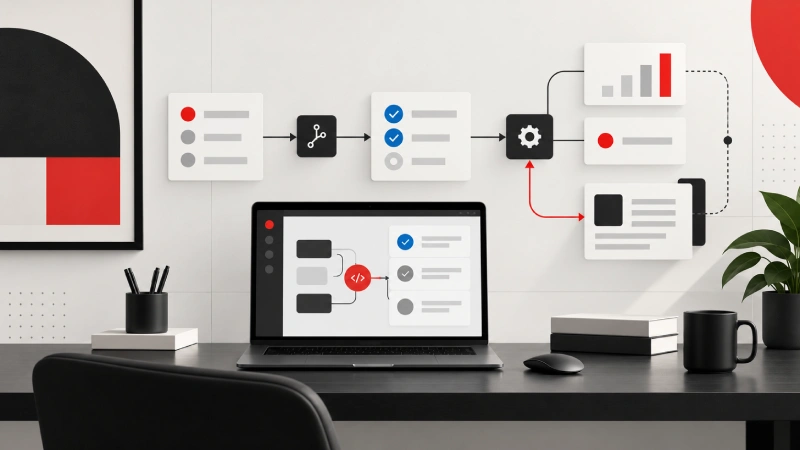
Consider a developer changing a small part of an application. If automated checks immediately identify a broken dependency, the issue can be fixed before the change moves further through the development pipeline. Faster feedback does not necessarily mean making every process as fast as technically possible. It means prioritizing feedback that helps developers make decisions and correct problems before they become more expensive to fix.
Good Workflows Connect Development to Delivery
Developer experience also extends beyond the local development environment. A team may have excellent coding tools but still struggle if code reviews, testing, and deployment involve complicated manual processes. Clear workflows can reduce these bottlenecks.
For example, a pull request can automatically trigger tests and quality checks before requesting review. Once approved, the same system may support a controlled deployment process. This creates a smoother path from writing code to delivering it. Teams also benefit from predictable workflows. Developers should understand what happens after they submit a change, which checks will run, and what is expected before the software reaches production.
Developer Experience and Team Productivity
Improving DevEx is ultimately about improving how engineering teams work. When developers spend less time fighting tools or searching for missing information, they can devote more attention to solving product problems. This can support faster delivery, but speed should not be the only measure.
A workflow that encourages developers to skip testing simply because testing is slow may increase short-term output while creating more problems later. Similarly, adding automation without considering its complexity can create another layer that developers have to understand. Teams should therefore measure meaningful outcomes such as build times, deployment frequency, onboarding effort, time spent waiting, and recurring workflow problems. Developer feedback is equally important because engineers experience these systems every day.
Balancing Standardization and Flexibility
A good developer experience does not mean forcing every engineer to work in the same way. Standard tools and workflows can make projects easier to maintain and help teams share knowledge. But overly rigid systems can become frustrating when developers have legitimate reasons to use different approaches.
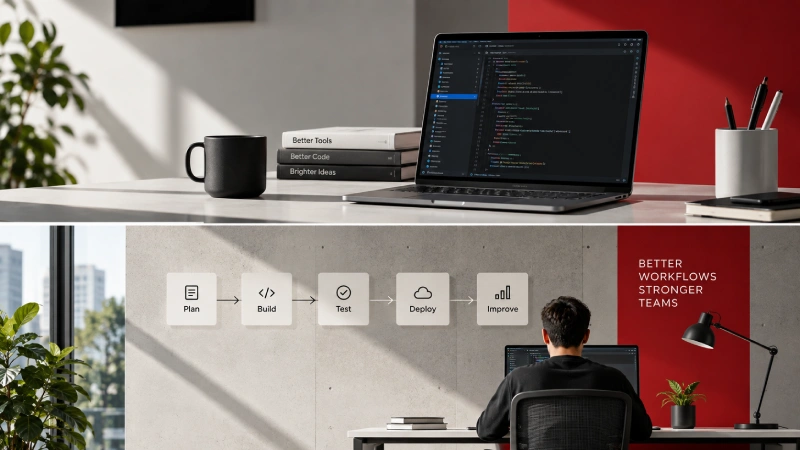
The right balance depends on the organization and the type of software being built. Common practices can be standardized where they provide clear benefits, while teams can retain flexibility where different technical requirements exist. The aim is to make the easiest path a good path, not to remove every choice from developers.
Conclusion
Developer experience is shaped by the everyday tools, workflows, and systems that surround software development. Slow builds, confusing documentation, repetitive tasks, and complicated processes can quietly reduce productivity, even when the underlying technology works correctly. Better automation, accessible documentation, faster feedback, and predictable delivery workflows can remove much of this friction. But effective DevEx is not about collecting more tools or measuring speed alone. It requires understanding where developers lose time and improving the parts of the workflow that genuinely affect their work.
When product and engineering teams treat developer experience as part of software delivery, developers can spend less time navigating unnecessary obstacles and more time building reliable products. The result is not simply faster development, but a workflow that is easier to understand, maintain, and improve over time.