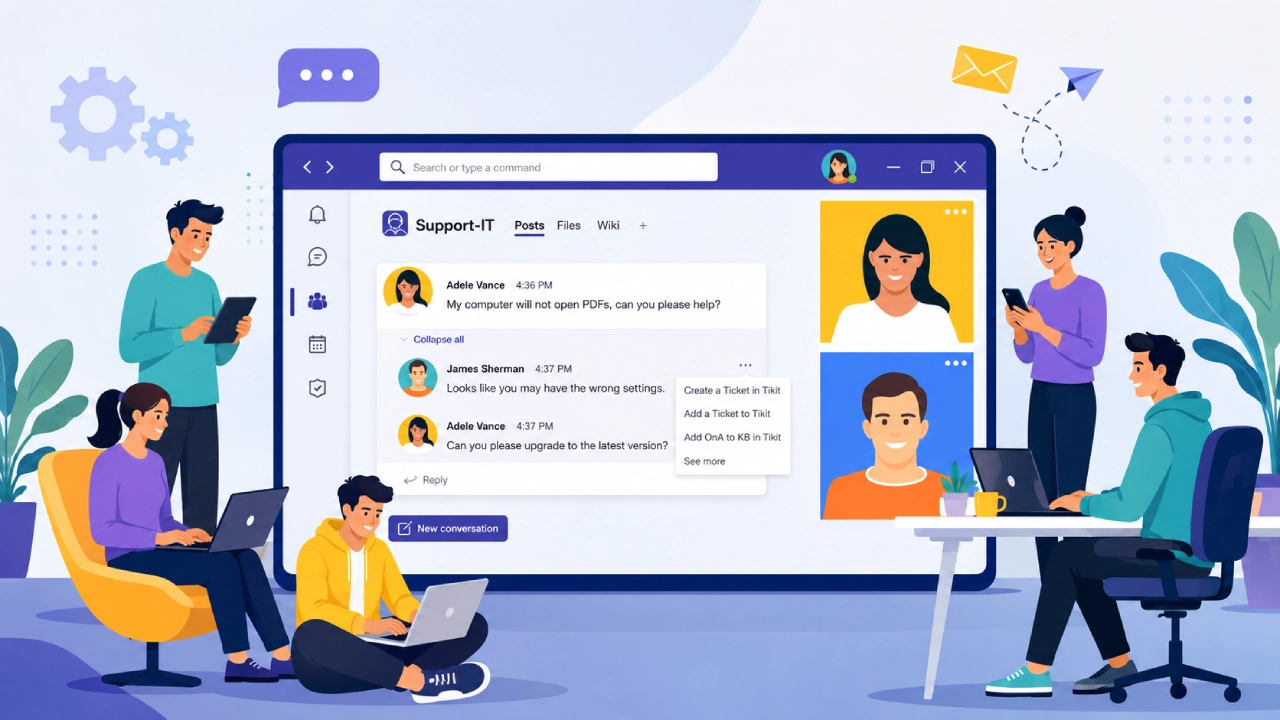
For contemporary digital teamstechnical issues usually don’t come up individually. A forgotten password may coincide with a faulty application, site downtime, software request, hardware issue, or user complaint requiring immediate action. If these requests get communicated through email, messaging apps, spreadsheets, and other informal means, support services will soon become hard to manage. That’s why the ticketing system for a helpdesk is crucial.
The helpdesk ticketing system provides digital teams with a way to manage the process of requesting, classifying, prioritizing, assigning, and solving problems. Rather than having them get lost in cluttered emails and chat channels, each request will be turned into an individual ticket with its own status, accountable person, and record of events.
What’s more, today’s helpdesk software allows connecting ticketing with SLA, knowledge base, automation, and analytics, thus transforming support into a metric-driven process.
Turning Problems Into Trackable Tickets
The fundamental principle of a ticket system is simple: once a person has a need for help, the help request becomes a ticket.
The ticket may include the description of the problem written by the user, as well as attachments, timestamps, communication records, and resolution details. It can then be assigned to the appropriate individual or department and followed through until completion. And this is precisely what digital businesses lack: visibility.
Without a ticketing system, a support request will simply be an email or message sent to an employee. And in case the employee does not receive the message because of being absent, the request may get lost. The ticket system creates a record of the request, which can be tracked by the whole support team.
Another great thing about the ticketing system is the accountability. Teams can trace whose turn it is to address the problem and how much time has passed since the ticket was created.
Categories Bring Order to Support Requests
Every help desk request is unique; hence, the process of categorizing them is an extremely critical component of a well-operated help desk.
Such tickets may be categorized into hardware issues, software issues, login issues, connectivity issues, security issues, billing and payment issues, technical and functionality issues. It is left to the organization to categorize the help desk tickets in line with their operations.
Categories are helpful as it makes it possible for the help desk team to know what type of issue they are facing.
Categorizations also make it possible for the help desk department to identify areas where it needs improvement through reports. For instance, if many tickets have to do with password resets, the company will find out and decide what action to take. It may also help them to know the cause of software issues.
The categories should not be used only as labels; they are also sources of intelligence to the organization.
Priorities Determine What Gets Attention First
A helpdesk may get dozens or even hundreds of calls within a very short time period. If all requests were considered urgent, then it would be challenging for the support team to give attention to the right thing at the right time. The priorities solve this issue.
For instance, a priority system may have four levels such as low, medium, high, and critical. An application installation can be low priority while a service outage may be critical.
Priority must be based on the importance and urgency of the issue rather than the frustration felt by the one filing the issue.
A good priority system enables the support team to focus on issues that can cause disruption to business operations.
SLAs Create Measurable Expectations
The main benefit of structured tickets is that they allow creating Service-Level Agreements, known as SLAs.
The service level agreement sets expectations regarding the quality of support. Depending on the company, it may be the time to respond, the time to fix the issue, or even different agreements, depending on the priority of the ticket.
So, for example, a critical issue may demand a response in a few minutes, while a common request will have a longer deadline.
SLA transforms the phrase “we will respond shortly” into specific obligations. The helpdesk system monitors the deadlines automatically and sends alarms when the ticket is close to reaching or passes the target of the SLA.
Then the manager is able to find out the issues and make changes regarding staffing or priorities, if needed. With time, SLA reports will help to understand if the support team faces any problems in working with certain types of issues.
The Knowledge Base Connection
Ticketing systems become even more effective when combined with knowledge bases. Knowledge bases include reusable information in the form of problem-solving documents, frequently asked questions, setup instructions, and general information on how to solve issues. Rather than repeatedly resolving the same problem, support teams can refer users to an existing document that will contain all the information they need.
This means there is a potential way to create self-service for some support-related tasks.
If many users call the IT department in order to gain access to a certain service, the support team can develop a document that will explain how to do this in detail. Those who manage to find the document won’t create a ticket, and their issue will be resolved.
Support representatives also benefit greatly from having knowledge bases. In case a ticket is submitted, support agents will be able to resolve it faster and in a more consistent manner with the help of existing information.
Automation Reduces Routine Work
Modern help desk tools are able to automate some of the processes involved in ticket handling.
Automatic ticket routing based on ticket type, department, level of urgency, or any other parameter is possible. Notifications regarding ticket creation, updates, or approaching deadlines for service-level agreements can be generated.
Automation doesn’t mean that no human help is required at all. It enables the support staff to focus their efforts on issues that require investigation and decision-making rather than performing routine administrative duties.
This becomes especially significant when the size of the digital team increases. The process that works for ten requests per day by manual approach becomes impractical when there are hundreds of requests.
Building a Better Record of Technical Problems
Tickets are not just tasks to be done. Together, the tickets form a history of the technological environment within the organization.
Over time, information becomes available that individual instances do not show.
The team can analyze what problems arise most often, which service generates the highest number of tickets, which departments file the tickets, and how long it takes to solve certain types of tickets.

This information can help make decisions on infrastructure, training, software purchases, and staff requirements.
For instance, if there is an application that constantly raises support tickets, the company can learn that additional training is needed for their employees or that replacement of the application can save more money.
Why This Matters for Digital Teams
More and more digital teams are now working in the confluence of technology and business. What begins as a technical challenge is very likely to evolve into a challenge related to productivity, customer service, or finances.
A helpdesk ticketing system offers a way to deal with such challenges.
It creates a process to follow: the request needs to be collected, categorized, prioritized, routed to the responsible person, followed up in terms of SLA, solved, and logged.
When integrated with the knowledge base, it can even work to ensure that repetitive requests will not turn into tickets. When augmented with automation and reporting, it becomes an instrument for measuring the support process.
Final Thoughts
Helpdesk ticket systems may not be the most glamorous piece of digital infrastructure, but they are among the most practical. They transform support from a collection of scattered conversations into an organized, measurable process.
The real value is not simply knowing how many tickets a team has closed. It is understanding why those tickets exist, which problems matter most, how quickly they are being resolved, and what can be done to prevent them from returning.
For digital teams, that combination of structure, accountability, knowledge and data can make the difference between constantly fighting fires and building a support operation capable of scaling with the organization.