
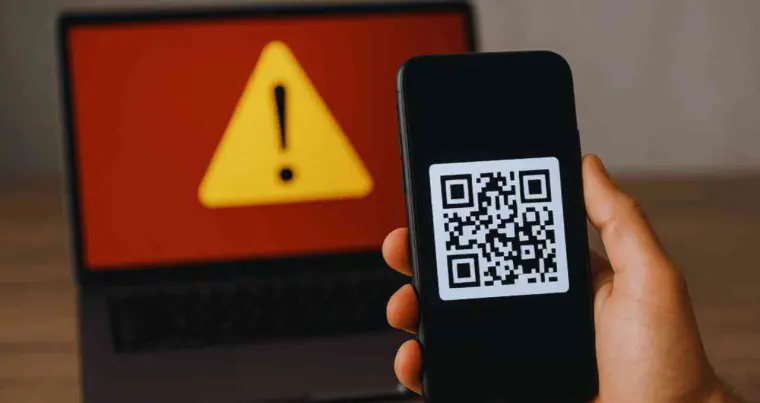

Microsoft has issued a new warning regarding QR code phishing schemes. These hackers are trying to steal users’ login information and sensitive data through fake emails and fake login pages.
According to Microsoft cyber security experts, attackers are sending users to fake login pages through professionally designed fake emails and PDF files using QR codes. Passwords, account access and other sensitive information are being obtained through these schemes.
Microsoft said cybercriminals are sending QR codes over email and sending people to fake websites, Microsoft said. These emails often appear to be official messages sent by the HR department, IT support or company administration.
These emails pressure users to take immediate action by citing issues such as account blocking, security updates or mandatory compliance. As soon as the user scans the QR code, he is redirected to a fake login page where his login information can be stolen.
According to security researchers at Microsoft, so far more than 35,000 users from 13,000 companies have been targeted through such schemes. Attackers are trying to obtain not only passwords but also session tokens and other sensitive information.
The company said that in some cases, concerns have arisen about accounts being accessed despite two-step verification being activated. According to cyber security experts, QR codes are generally considered secure, due to which many users scan them without authentication and this is the reason why these schemes are spreading rapidly.
Cyber security experts have advised users not to scan QR codes received in unknown emails or messages. Verify the identity of the sender before accessing any link or login page and be wary of emails that appear to be quick or intimidating.
Experts also recommend keeping phones and systems updated regularly and keeping two-factor authentication active on all important accounts.
If any suspicious QR code has been scanned, it is advised to immediately turn off the internet connection, change the password and review the account activities. According to experts, if necessary, factory resetting the affected device can also be a safe action.

Comments are closed.