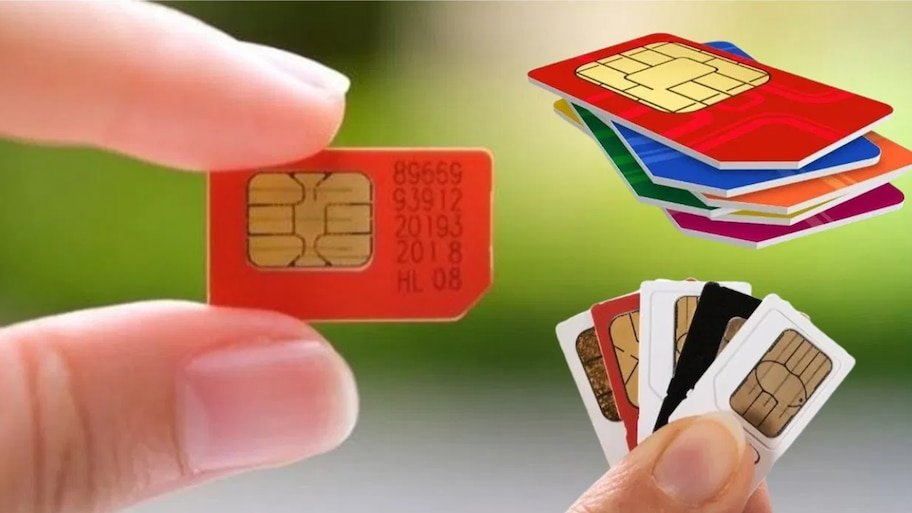
The Department of Telecommunications (DoT) of the Central Government has adopted a strict stance to curb cyber fraud, digital arrest, online fraud and SIM cards issued through fake documents in the country. A major technical change is being implemented in the rules for issuing SIM cards from August 24. Under the new rules, now no person will be able to buy unlimited or arbitrary SIM cards in his name. If a citizen already has 9 mobile connections active in his name, then the telecom companies (like Jio, Airtel, Vi, BSNL) will immediately refuse to give him a new (10th) SIM card. The government has issued strict instructions to telecom companies to link their systems with the government database. What is the maximum number of SIM cards allowed in one person's name? As per the current guidelines of the Department of Telecommunications, the maximum limit for holding a mobile connection in India is as follows: Limit for general states: In most of the states and union territories of the country, a person can have a maximum of 9 SIM cards on one ID (Aadhaar, Voter Card, etc.). Limit for sensitive areas: For security reasons in Jammu-Kashmir, Assam and North-East states, this limit has been set at a maximum of 6 SIM cards. Combined data of all operators: This limit is not for any one telecom company only, but is calculated by taking together the total connections of all the companies (Jio, Airtel, Vi, BSNL). For example, if you have 4 Jio, 3 Airtel and 2 Vodafone-Idea SIMs, your limit of 9 has been reached. Digital Intelligence Platform (DIP) and photo identification will prevent rigging. To strictly enforce the rules on the ground, the Department of Telecommunications has prepared 'Digital Intelligence Platform – DIP': Photo database live from 23rd August: The government has made the photo and identity related data of all those subscribers live on the DIP portal from 23rd August, in whose name connections are registered with the pre-determined limit (9 or 6 SIMs). Cross-verification by telecom companies: Whenever a customer visits a shop or store to buy a new SIM, the telecom provider will have to check the existing connections of the customer through the DIP system. If the limit is exceeded, the system will automatically reject the application. November 30 deadline for real-time tracking: Telecom companies have been given time till November 30 to fully real-time integrate their on-boarding systems with DIP. What happens if the 10th SIM is activated by mistake? Even if a customer is successful in activating a new SIM during the interim arrangement, the Department of Telecommunications has made a provision for strict action against him: Immediate suspension: Any additional connection activated beyond the limit prescribed under the rules of Customer Application Form (CAF) will be suspended with immediate effect within 24 hours. Physical Re-Verification: Before complete closure of the additional connection, the person concerned will be informed and given the option to surrender or deactivate his additional SIM within the prescribed limit. Crackdown on cyber fraud and fake SIM racket: The biggest reason for the government taking this strict step is the increasing cyber crimes across the country. The investigation found that cyber thugs and organized syndicates misused the Aadhaar card or ID proof of innocent people to issue dozens of fake SIMs in the same name and then used them for money laundering, phishing and digital fraud. With the new verification system, rackets issuing SIMs in someone else's name will be completely banned. How many SIMs are active in your name? How to check with 'Sanchar Saathi' If you want to know how many SIM cards are running on your identity card till now, you can use the official 'Sanchar Saathi' portal of the Government of India: Visit the Department of Telecommunications portal sancharsaathi.gov.in. Click on 'Know Your Mobile Connections' (TAFCOP) option under Citizen Centric Services on the homepage. Enter your current 10 digit mobile number and captcha code displayed on the screen. Login by entering the OTP received on the mobile. A list of all the active mobile numbers linked to your ID will appear on the screen. If you see a number you don't recognize or one you haven't purchased, select it and click 'Not My Number' or 'Not Required' to immediately file a blocking report.