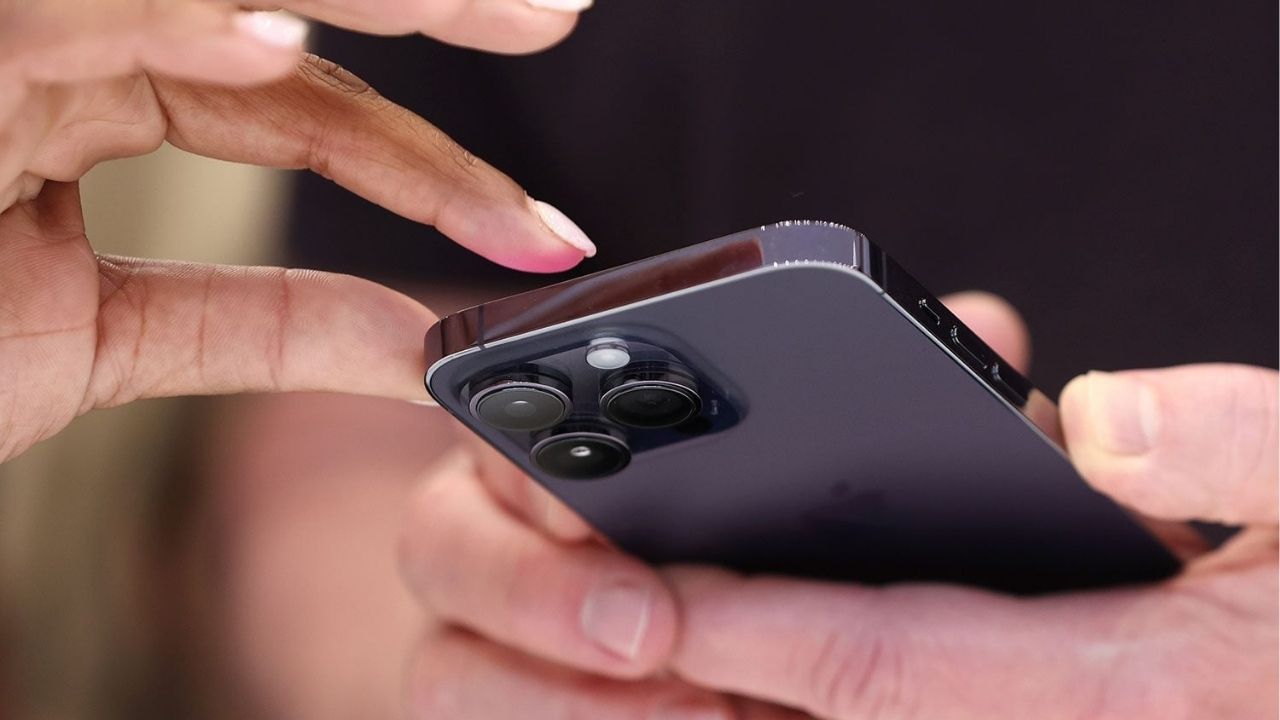
you Phone I use it all day, but how much do I see the features of the same phone. There are three buttons on the side of the phone. We think the function of that button is to make a sound more or less, to turn off a phone. But there is a secret trick used in those three buttons. It makes your work very easy, so let's see what these three buttons do…
1. Emergency SOS feature
This is the most important feature for women and elderly people during difficult times. This feature can save your life when there is any problem or crisis. For that, press the phone power button three times. So your direct location will go to nearby people as well as 112 number i.e. Police. This will surely help you. Keep this sentiment on in your phone today. Smartphone Hidden Button Tricks:
2. Camera on without unlocking
Sometimes it happens that we want to take a picture of a scene that comes in front of us, but by the time we unlock the phone, find the camera, the moment is gone. There is a shortcut for this. While the phone screen is off, press the volume down button twice. The camera will turn on directly. This trick works in both Android and iPhone. iPhone users can set their phone's Action button for the camera as well.
3. Take heavy photos with one hand
It becomes very difficult to take a selfie with one hand when you have a big mobile phone. If you touch the button on the screen, the phone shakes and the photo is damaged. There is an easier way. While the camera is on, click either of the two volume buttons. Your photo will definitely look good. A long press on the same button will start video recording.
Apple Pay India Launch: Changing the payment experience on iPhone? Talk of Apple Pay's entry in India, deal with 'Ya' bank
4. Take screenshots in seconds
If you still need to swipe with 3 fingers to take a screenshot, instead simply press and hold the Power button and Volume Down button together. A screenshot will be taken within a second. And in some phones, pressing the power button and volume up button together will start screen recording. You can check this by going to settings.
Social Media: Has panchayat come! Facebook-Instagram down, after America, now in India too, the headache of users has increased
5. What to do if the phone hangs up?
If the phone is overused or the RAM is full, the phone hangs. Screen turns off completely, nothing works. In this case, without panic, press and hold the Power button and Volume Up button together for 10 to 15 seconds. So the phone is forced to turn off and turn on again. This is called Force Restart. Your hung phone will be fixed in no time. These are small tricks but very useful. The company has provided these deliberately to save your time. You can also set all these things according to your preferences by going to your phone's settings and button shortcuts. Try it once, it will be easier to use mobile.