It is necessary to edit the video before sharing it on social media, so that you can get more views. Because it is generally seen that heavily edited videos get more views than ordinary videos. So it is very important to pay attention to every little thing while editing the video. If you too want to upload a stunningly edited video on social media, there are a few tips to keep in mind. This can make your video more attractive.
Motion graphics
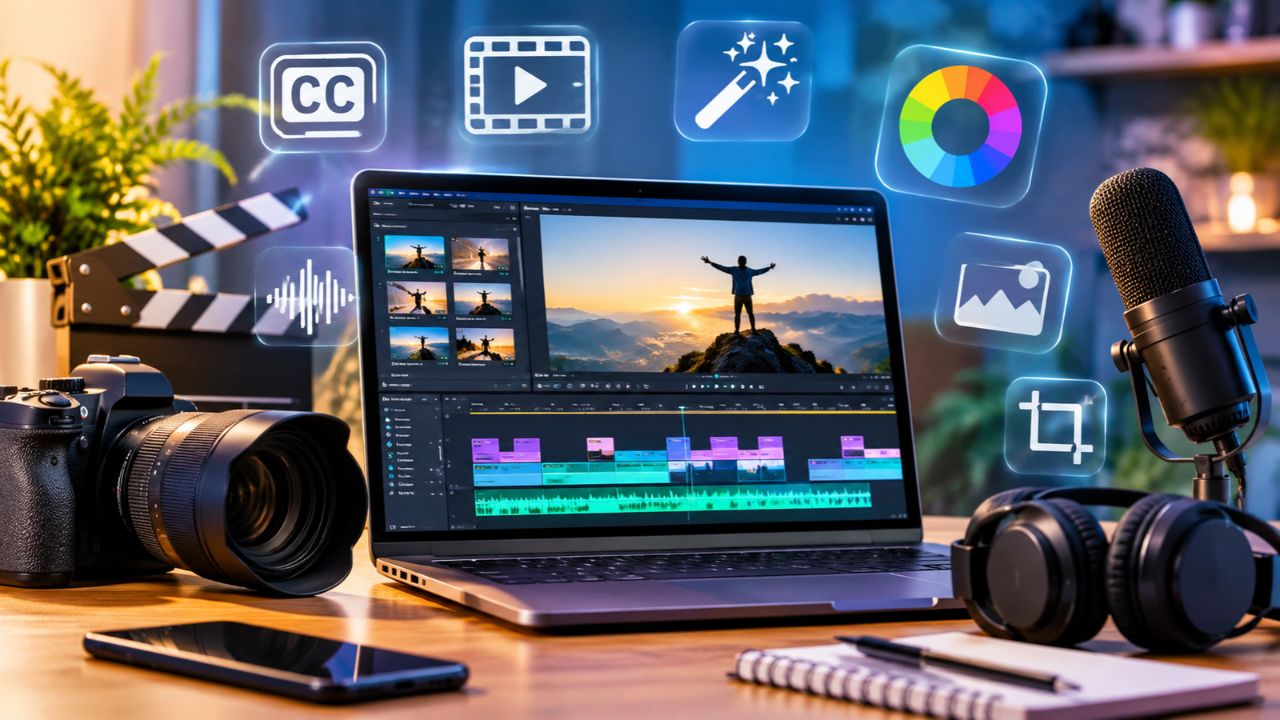
You can use motion graphics to make the video look more attractive. This includes on-screen text, logos, animations and various types of visual effects. A person’s name or important information can be added to the lower part of the screen with the help of lower third title. You can use various software for this. (Photo Courtesy – AI Created)
Reuse old footage
No need to shoot new footage for every video. Already recorded video clips can be re-recorded in B-roll format. B-roll consists of supplementary footage that supports the main video (called ‘A-roll’). This video adds variety and also saves time for editing.
Don’t neglect audio editing
Along with good photos, videos also need clear sound. Background music, conversations and sound effects need to be kept at the right volume. The voice of the conversation should be so clear that users can understand it easily. Music and sound effects should be relevant to the video.
Subtitles and Captions
Nowadays people prefer to watch videos without sound on social media. In that case, the subtitles and captions in the video help to understand the topic of the video more. This makes it easy for people with hearing problems to understand your videos. Various platforms offer automatic captioning facilities, so you don’t have to think too much while writing captions.
Editing software
Along with choosing a video editing software, it is also important to keep in mind its features. Adobe Premiere Pro offers features like multi-camera editing and footage stabilization. Final Cut Pro is also a popular choice for editing, while DaVinci Resolve offers features such as color grading and automatic subtitling. Beginners can start with free software like Apple’s iMovie.