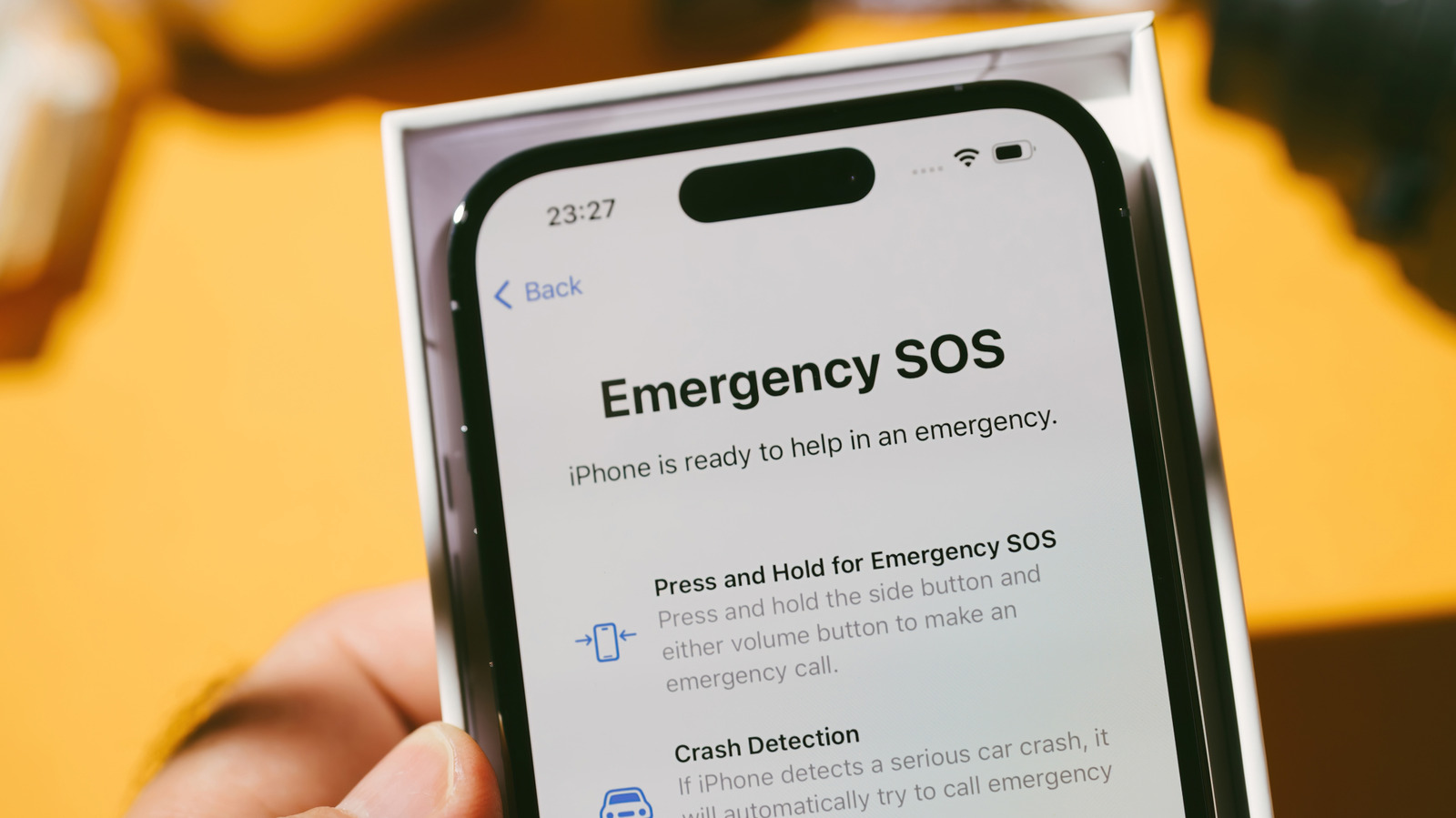
The iPhone has a lot of important status icons (like the four dots next to the Wi-Fi symbol) that either give users notifications or tell them about features that are turned on. Most of the icons are straight forward, but a few might be unfamiliar, particularly if they pop up during travel or in an area with bad cell service.
One such icon is the satellite symbol that can appear on the status bar, which means satellite connectivity features are available in your current location. These features can help iPhone users contact emergency services, send texts, get roadside assistance, or share their location if there’s no regular cellular coverage or Wi-Fi connection. If you see a separate small “SAT” icon on the screen, it means the iPhone is using satellite service provided by a cell phone carrier.
An iPhone 14 or a newer model is needed to use satellite features. However, exact features and whether they work at all depend on the user’s location. So far, the list of supported countries includes most of Europe, North America, and Japan — the full list can be found on Apple Support. Additionally, to use “Emergency SOS” in the U.S. and Canada, iOS 16.1 or later is required, while in Japan, iOS 17.6 or later is necessary.
How to use satellite features on iPhone
You can use satellite features in two ways. Either go to the Control Center, tap the Cellular icon on the right side, tap Satellite, and pick the feature you want to use, or go to Settings, pick Satellite, and select the feature. Importantly, these features won’t show up if the phone already has a working cell signal or Wi-Fi connection.
For satellite features to work, a user generally needs to be outside in an open area with nothing blocking the sky. Objects like trees, hills, canyons, or tall structures can interfere with the connection. Also, sending texts this way will take noticeably longer than normal cellular messaging.
The company suggests holding the iPhone as one normally would without needing to reach up or raise the arm, and avoiding slipping it into a pocket, backpack, or bag while trying to connect. Notably, the iPhone can stay connected to the satellite even after the screen locks.