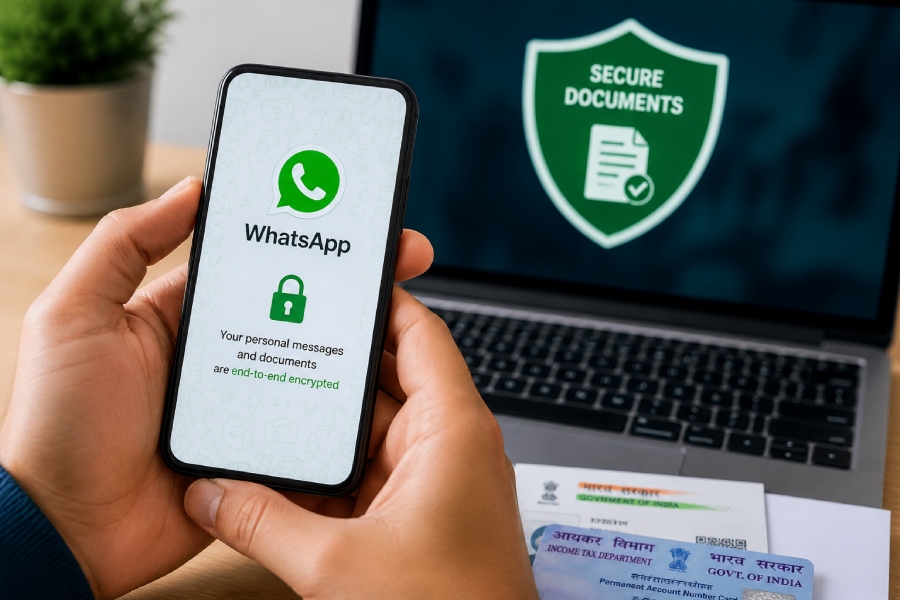
WhatsApp Privacy Tips: Today WhatsApp is not used only for talking to friends and relatives. Be it office work or sending an important document to someone immediately, people share documents on WhatsApp itself. Aadhaar card, PAN card, mark sheet, bank related documents and office files are also often sent through this medium.
However, a little carelessness while sharing important documents on WhatsApp can create problems for your personal information. Therefore it is better to adopt some important safety measures.
Be sure to set screen lock on WhatsApp
If you have chats containing sensitive documents in WhatsApp, it is wise to lock the app. Along with phone security, also use WhatsApp screen lock. Fingerprint, Face Unlock or other available lock options can be used depending on your device.
Due to this, if the phone falls into the hands of someone else, it becomes difficult to directly access WhatsApp chats and important files present in it.
Do not ignore Two-Step Verification (WhatsApp Privacy Tips)
Two-Step Verification is an important feature to strengthen the security of WhatsApp account. It can be activated from the Account section by going to Settings of WhatsApp.
After setting this, an additional PIN is required in case of re-registering the account. This provides an extra layer of security if someone tries to set up a WhatsApp account with your number.
Avoid sending important documents to everyone
Before sending Aadhaar, PAN or bank related document to someone, think once whether it is really needed or not. Sharing sensitive documents only on demand is not the right approach.
Especially avoid sending documents to unknown people and such WhatsApp groups where many members are present. If necessary, also ask for what purpose the document is needed and through which medium it will be safe to share it.
Update WhatsApp and phone on time
Do not run your smartphone and WhatsApp on older versions for a long time. Along with features, security related improvements can also be provided in new updates of the app and phone’s operating system.
So it is better to keep the phone and WhatsApp updated when the official update is available. Also avoid downloading the app from any unknown website or suspicious link.
Be sure to check the security of WhatsApp Backup
If you take backup of WhatsApp chat, it is important to pay attention to its security also. Especially if important documents are present in your chat, then definitely check the backup setting once.
The option of End-to-End Encrypted Backup is available in WhatsApp. Activating this can provide additional security to the backup. While choosing settings related to backup, it is also important to keep information like password or encryption key safe.
Be careful even after downloading the document on your phone
After receiving a file on WhatsApp, it can be saved in the phone’s storage as soon as it is downloaded. In such a situation, it is not enough to just keep WhatsApp secure, but it is also important to pay attention to the complete security of the phone.
Keep a strong screen lock in the phone and do not give unnecessary permissions to documents or files to any unknown app. If any sensitive file is no longer of use to you, it is better to delete it from the phone’s storage along with WhatsApp chats.