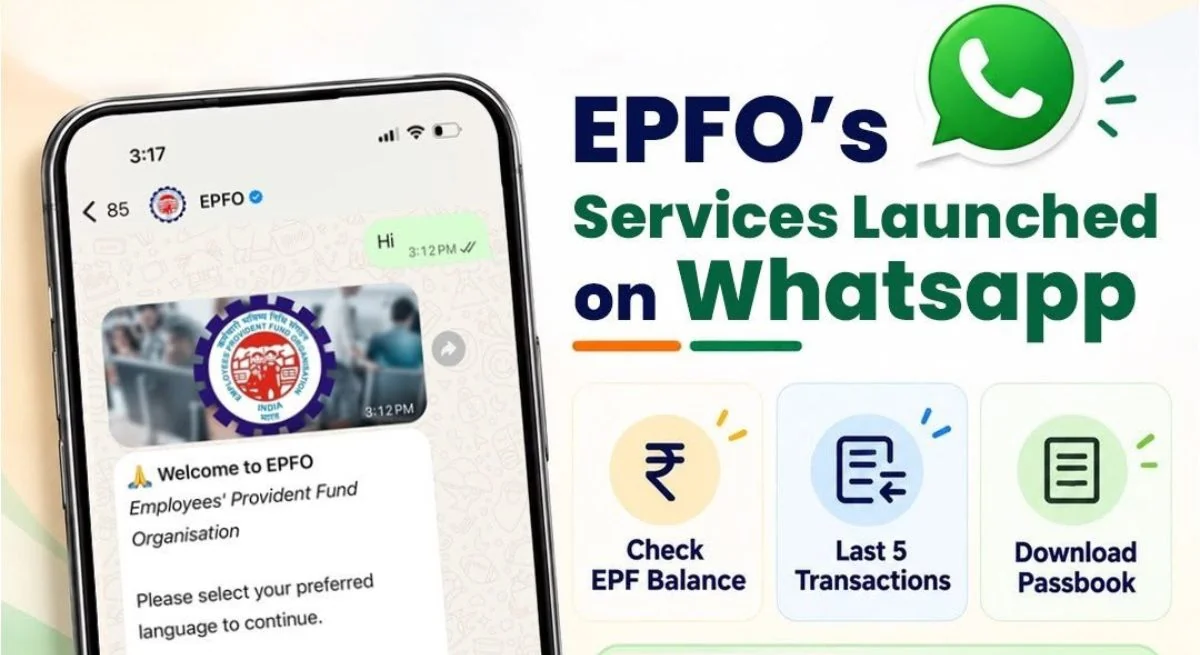
EPFO On WhatsApp: Employee Provident Fund Organization i.e. EPFO has now come on WhatsApp also. Yes… Modi government has launched the new WhatsApp service feature of EPFO. It was launched by Union Labor and Employment Minister Mansukh Mandaviya on the 74th foundation day of EPFO. By using this, not only the details of the balance deposited in the PF account can be known, but also the information about the transactions will be available instantly. You just have to write ‘Hi’ and ‘A To Z’ information related to the PAP account will appear. Besides, automatic settlement of inactive accounts will also be done immediately.
Through EPFO New WhatsApp Service, now EPF members will be able to instantly get details related to their PF account passbook including their PF balance. This includes checking PF balance, getting information about last 5 transactions and viewing passbook information. Apart from this, personal guidance and help to meet the requirements related to Pradhan Mantri Vikas Bharat Rojgar Yojana (PMVBRY) will also be made available on WhatsApp.
Employees Provident Fund Organization shared details regarding this service through a post on social media platform Twitter (now X). EPFO said that EPFO WhatsApp has been launched for members. Through this, not only the PF balance can be checked, but the details of the last five transactions can also be obtained. Not only this, the user can also download the passbook of his PF account by just sending a WhatsApp message. In this social media post, a QR code has also been shared by EPF, which can be scanned and directly connected to WhatsApp and information can be obtained. Apart from this, the Employees’ Provident Fund Organization has also shared a WhatsApp number, which is ‘8796441800’, through which details and updates can be obtained by connecting to the WhatsApp facility of EPFO.
How to connect to WhatsApp number?
- Save the number 8796441800 made by EPFO.
- Open WhatsApp and open chat on this number.
- Now you have to write ‘Hi’ and send it on this number.
- Now the verification process has to be completed.
- The number from which you use the chatbot should be linked to UAN.
- After verification, choose the service as per your need.
- You can choose PF balance, transaction or passbook download option.
Connect with EPFO QR Code
- Scan the WhatsApp QR code shared by EPFO.
- You will be directly connected to EPFO WhatsApp channel.
- Now type ‘Hi’ on the chatbot like the number and send it.
- Now select your language as per your convenience.
- After this, four options will appear in front of you.
- PF balance, last 5 transactions, passbook download, change language will be visible.
- Select the service as per your choice.
- After this you will get details related to it.