
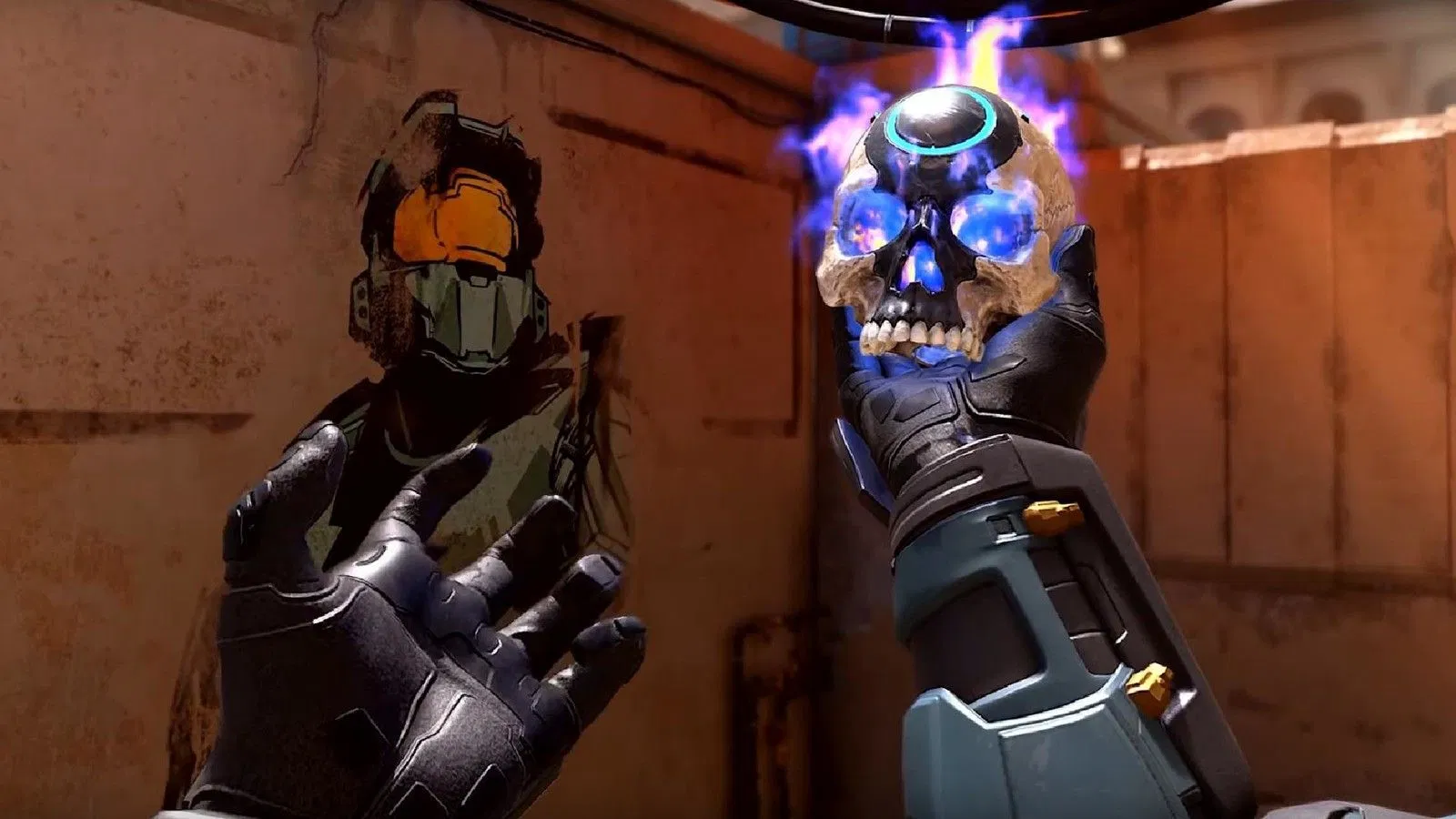

Do you wish to activate skulls in Halo Campaign Evolved? Follow the guide to trigger the activation of the skull in Halo and learn what it does in the game. So, let’s get started and activate some skulls.
What happens when one activates skulls in Halo?
Activating skulls is a game-changer in Halo, and it practically makes things totally different. In Halo, it fundamentally changes how the game behaves by adding gameplay modifiers, challenges, or different effects. It was originally introduced to give players a way to customize their campaign experience, and each skull is thus known to alter a specific rule.
Some primary skulls increase the difficulty by boosting enemy health, making artificial intelligence far more dense, and also removing parts of your heads-up display. That is not it! You could also be halving your available ammunition. Other skulls are there, but for fun or visual pleasure, like making defeated Grunts explode into confetti with cheering sounds. This simply makes the experience ten times better, but it is artificial again. You must go for higher leaderboards while picking so that there’s a high probability of things turning up for the better.
Steps to activate skulls in Halo Campaign Evolved
In the case of a skull hunt, here is what we need to do.
- Launch the game and head to the main menu on your screen.
- After this, simply select the campaign option from the list to open up the mission menu.
- Now choose the specific mission you want to play or pick a save file to continue your progress.
- As the next step in the entire thing, you must look for the skulls menu tab inside the lobby screen before starting the next level.
- There, just select the skulls option to open up the list of available campaign modifiers. You can now toggle on any primary skulls if you want to increase enemy difficulty or turn off elements like your heads-up display, which is just for visuals.
- Another thing is to toggle on secondary skulls if you prefer playful effects like explosive confetti, like a celebration that just hits right.
- When it’s done, just confirm your selections and head back to the main campaign lobby screen.
- While you are starting the mission, just remember that if you are playing the older standalone Anniversary version rather than the Master Chief Collection, you must physically find and pick up hidden skulls inside the levels first using remastered graphics mode before they appear as toggle options in your campaign menu.

Comments are closed.