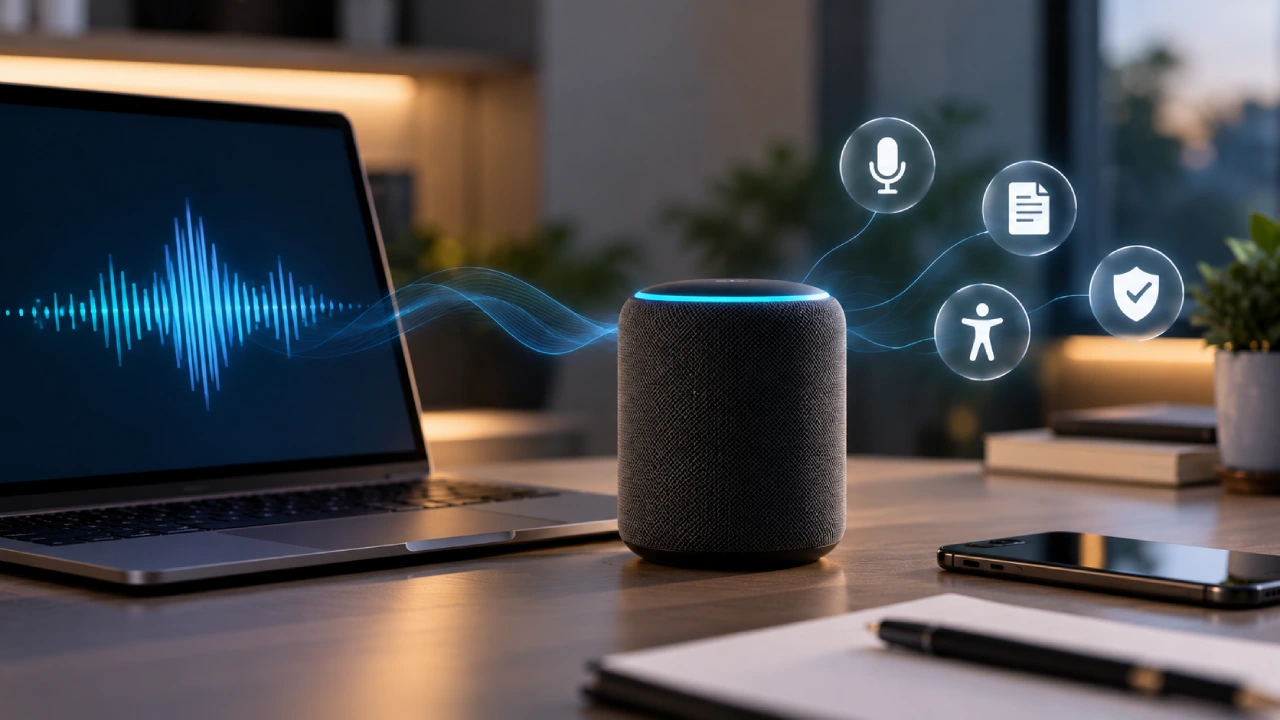
Voice has become an increasingly practical way to interact with digital products. Instead of typing a search query or navigating several menus, users can speak directly to an application and receive a response or trigger an action. Modern Voice AI combines speech recognition with AI systems that can understand spoken input and turn it into useful information or actions. This can range from simple voice commands to automatically transcribing meetings or helping users navigate an application.
The technology can make software faster and more accessible, but voice interaction also changes how products need to be designed. Users need to know when the system is listening, what it can understand and what happens to the information they provide.
How Speech Recognition Enables Voice Interaction
Speech recognition converts spoken language into text or another form of information that software can process. Modern systems can handle different accents, speaking styles and conversational phrasing more effectively than earlier voice interfaces. A user might say, “Find my last order,” instead of manually opening an account page and searching through previous purchases. A productivity application could interpret “Remind me to call the client at 4 pm” and turn it into a task.
The quality of the experience depends heavily on recognition accuracy. Background noise, unclear speech, unusual terminology and different accents can still cause errors. Good voice-enabled products therefore need to handle mistakes gracefully. If a system misunderstands a request, users should have an easy way to correct it rather than having to start the entire interaction again.
Voice Commands Can Simplify Everyday Tasks
Voice commands are particularly useful when users need to perform simple actions quickly or without touching the screen. A navigation application can accept a spoken destination while someone is driving. A smart workplace application could allow employees to start a meeting timer or update a task without interrupting another activity. The advantage is not that every action should become voice-controlled. Voice is most useful when it provides a simpler alternative to an existing interaction.
Designers also need to consider how much control a voice command should have. Asking an application to play music is relatively low risk. Asking it to permanently delete files is very different. For important or irreversible actions, confirmation can prevent accidental commands from causing serious problems.
AI Transcription Turns Speech Into Useful Data
Transcription is one of the most practical applications of Voice AI. Meeting applications can convert conversations into written records, journalists can use transcription to process interviews and businesses can create searchable records of discussions. Students may also use transcription tools to turn spoken lectures into notes. AI can go beyond simply converting speech into text. Depending on the product, it may identify speakers, summarize conversations or extract important points.
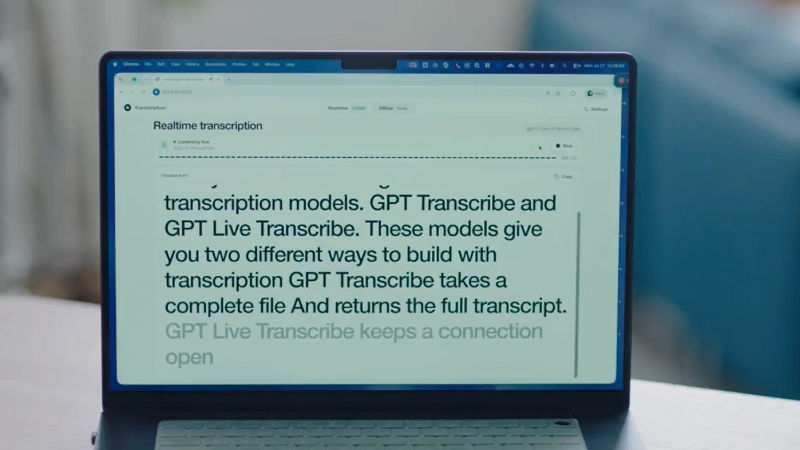
However, transcription should not automatically be treated as perfectly accurate. Names, technical terms, overlapping speakers and background noise can lead to mistakes. This makes editing and verification important, particularly when transcripts are being used for professional, legal or other high-impact purposes.
Voice AI Can Improve Accessibility
Voice interaction can provide an alternative for people who find traditional interfaces difficult to use. Users with certain motor limitations may benefit from being able to dictate text or control features through speech. Voice can also reduce the amount of physical interaction required for some tasks. Accessibility benefits can extend beyond users with disabilities. Someone carrying groceries, cooking or working with their hands may also find voice controls convenient.
However, voice should generally complement rather than replace other interaction methods. Not every user can or wants to speak in every situation, and environments such as public transport or shared offices may make voice interaction uncomfortable or impractical. Providing multiple ways to complete important tasks gives users greater flexibility.
Designing Better Voice Experiences
Voice interfaces require different design decisions from visual interfaces. A screen can display several options simultaneously, while a voice assistant cannot present a long list of choices without making the interaction difficult to follow. Voice experiences therefore need concise responses and clear prompts. The system should also communicate what it can do. If users do not know which commands are supported, they may struggle to discover useful features.
For example, a finance application could explain that users can ask for recent transactions, account balances or spending summaries. Clear prompts can reduce the guesswork involved in learning the interface. Voice and visual interfaces can also work together. A user might give a spoken command and then receive visual confirmation on the screen, combining the convenience of speech with the clarity of a graphical interface.
Privacy Is a Major Consideration
Voice data can contain highly personal or sensitive information. Conversations may reveal names, locations, financial details or other information that users do not expect to share beyond the immediate task. Products therefore need clear policies around how voice recordings and transcriptions are collected, processed and stored. Users should understand whether audio is retained, why it is needed and what controls are available.
Microphone access also requires careful handling. An application should not create uncertainty about when it is listening or processing audio. Privacy becomes particularly important when Voice AI is integrated into the workplace, healthcare, education or other environments where conversations may contain sensitive information.

Accuracy and Trust Remain Challenges
Users quickly lose confidence in voice systems that repeatedly misunderstand them. An inaccurate transcription may be a minor inconvenience when creating a shopping list, but the consequences can be greater when software is used for business instructions or important records.
Trust therefore depends on more than recognition accuracy. Users need predictable behaviour, clear feedback and the ability to review or correct AI-generated results. Teams should also test Voice AI with different accents, speaking patterns, devices and environmental conditions. A system that performs well in a quiet development environment may behave differently in a crowded room or on a poor-quality microphone.
Conclusion
Voice AI is giving software products another way to understand and respond to users. Speech recognition can power voice commands, transcription can turn conversations into useful records and voice interfaces can make certain tasks more accessible and convenient. But adding voice to a product does not automatically make the experience better. Accuracy, privacy, background noise, discoverability and the consequences of incorrect actions all need to be considered.
The strongest voice-enabled products use speech where it genuinely reduces friction while keeping other interaction methods available. As Voice AI becomes more capable, the focus will increasingly shift from simply making software understand speech to designing voice experiences that are accurate, transparent, useful and trustworthy