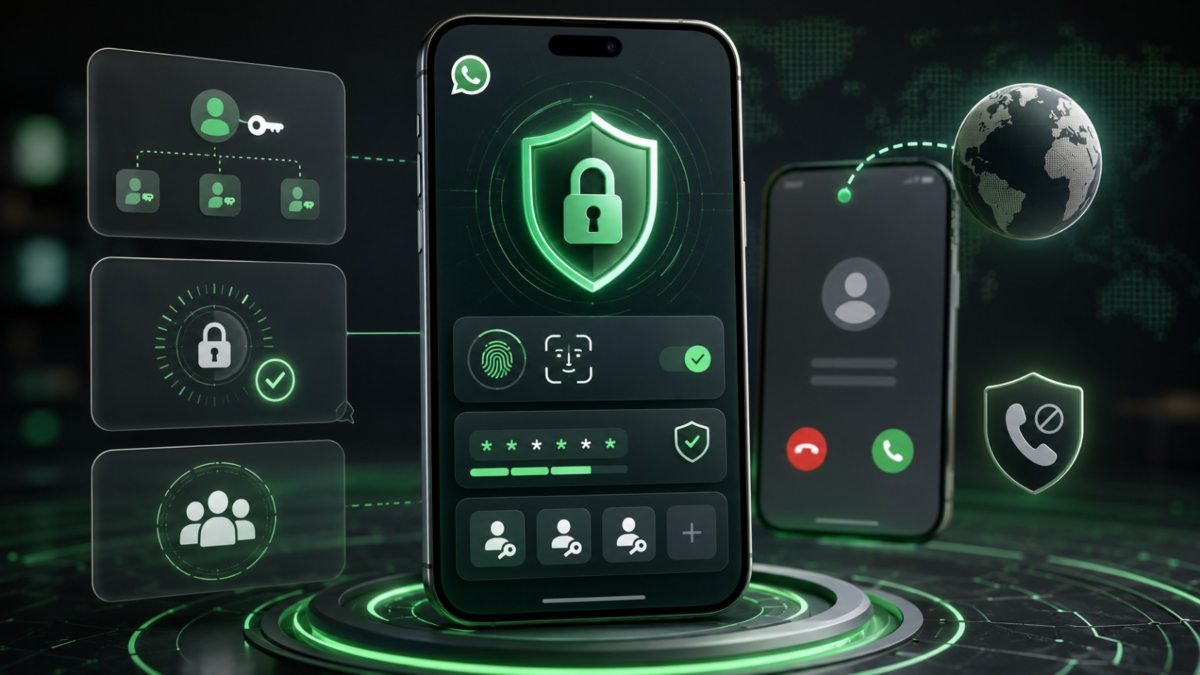
Technology Desk: WhatsApp has released many new security features to strengthen the security of users. After the new update, users will get more control than before regarding account security and sign-in. WhatsApp has made changes in Passkey and Two-Step Verification. At the same time, Android users will also be able to get more information about calls coming from unknown numbers.
You can add more than one passkey
WhatsApp has made the Passkey feature more convenient than ever. Now users can add more than one Passkey for their WhatsApp account. This feature is especially useful for people who use both Android and iPhone devices.

With the help of Passkey, the verification code received through SMS is not required to login again to WhatsApp. The user can access the account using the phone's Fingerprint, Face ID or Screen Lock. According to WhatsApp, more than 1 billion people worldwide have created Passkey for WhatsApp.
How to set Passkey in WhatsApp?
To create a passkey, open WhatsApp and go to Settings > Account > Passkeys. After this, Passkey can be created with the help of the option given in the phone.
Password instead of PIN in Two-Step Verification
WhatsApp has also updated Two-Step Verification. Earlier, users had to set a 6-digit PIN for additional security of the account. Now instead of this, the option of creating complete password is also being given. Users can use words, numbers and special characters in the password. This can help in increasing the security of the account.
You will get more information on Unknown Calls
For Android users, WhatsApp has also changed the information related to Unknown Calls. If a call comes from a number that isn't saved on the user's phone, WhatsApp may show some additional information about that call.
The user can get information whether the calling number is from another country or not. Apart from this, it can also be known whether the user is included in any common WhatsApp group with the person calling or not. This information will help the user to get a better idea about the unknown number before receiving the call.